Best Netflix Alternatives in 2026: 8 Licensed Services Compared

How we put this together: we compare official feature and pricing pages, app store listings, privacy policies and public user reviews. Prices change, so check the provider's site before you pay.
Key takeaways
- Every service in this list is licensed, so you avoid the malware and legal risk that come with unlicensed streaming sites.
- Free netflix alternatives exist, but they usually show ads and offer a smaller, rotating catalogue than paid services.
- The cheapest paid option is not always the best value, because catalogues, live sports, and ad rules differ a lot between services.
- Rotating one or two subscriptions through the year often costs less than keeping every service at once.
- Check the current price on the official site before you sign up, because tiers and bundle offers change often.
Quick comparison
| Name | Who it suits | Starting price | Free option | |
|---|---|---|---|---|
 Hulu | Current-season television | See website | No | Visit |
 Disney+ | Family viewing and big franchises | See website | No | Visit |
 Max | Prestige drama and films | See website | No | Visit |
 Apple TV+ | Original series with no ads | See website | Free trial | Visit |
 Prime Video | Viewers who already use Prime | See website | Free trial | Visit |
 Peacock | NBC shows and live sports | See website | No | Visit |
 Paramount+ | CBS shows and live sports | See website | Free trial | Visit |
 Tubi | Free films and television | Free | Yes | Visit |
The best netflix alternatives
These eight services cover a wide range of tastes, from family films to live sports, and each one is a licensed alternative to Netflix. We compared official pricing pages, catalogue descriptions, device support, and ad policies to build this list.
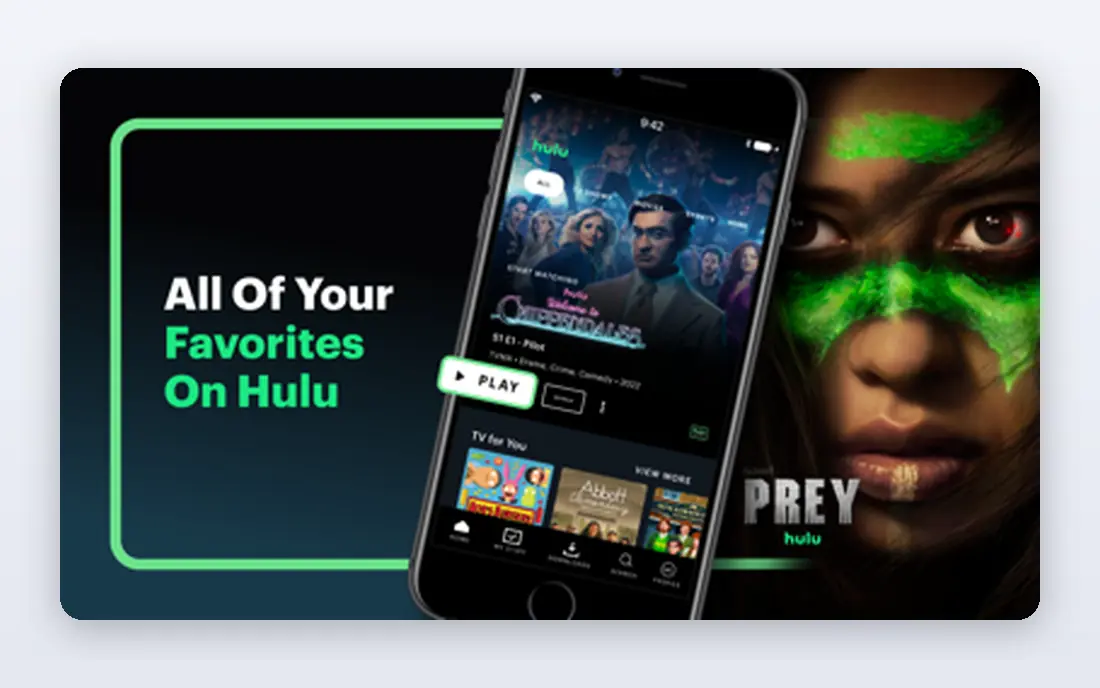
Hulu suits viewers who want to keep up with television that aired recently on broadcast and cable networks, rather than waiting for a full season to arrive elsewhere. Its library also includes original series, films, and documentaries, which gives it more range than a service built around one studio alone. For households that watch a little of everything, that mix is a practical strength.
The catch is the ad question. The lower-priced plan includes ads, and the ad-free plan costs more, so the price you see first may not match the viewing experience you want. Hulu also rotates titles in and out, so a show you plan to watch later may not stay available. Check the current plan details before you commit, and use the watchlist to track shows you do not want to miss.
- Strong library of current and recent television
- Useful bundle options with Disney+
- Broad device support
- Ads appear on the lower-priced plan
- Some shows leave the service when licences end
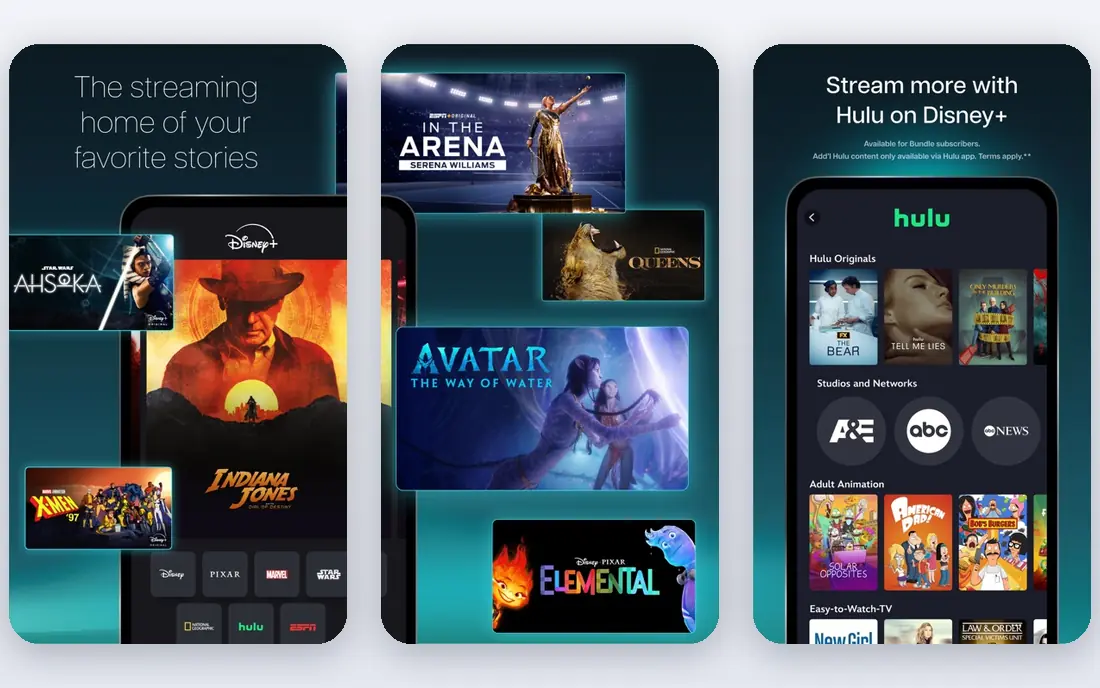
Disney+ is the clearest pick for households with children, because so much of its catalogue works for family viewing without constant checking. Adults also get a lot from its franchise libraries, its nature documentaries, and its growing set of general entertainment titles. Profiles and parental controls help parents shape what younger viewers can open.
The weakness is breadth outside those franchises. If your taste runs to independent cinema, international drama, or niche documentaries, Disney+ alone may feel narrow after a few months. The lower-priced plan also includes ads, which can surprise viewers who expect the ad-free experience Disney+ once offered across the board. It works best as a family anchor, paired with a second service for adult drama.
- Large family-friendly catalogue
- Marvel, Star Wars, and Pixar titles in one place
- Strong parental controls
- Less depth for adults who want independent films and gritty drama
- Ads on the lower-priced plan
Max is the service we point to first for viewers who care most about well-made drama. Its HBO library has a long record of series that stay in conversation for years, and its film selection adds depth beyond new releases. If you watch fewer shows but want each one to feel worth the time, Max fits that pattern well.
The trade-off is cost and churn. The ad-free tiers sit at the higher end of this list, and titles can leave when studio deals change. That makes Max a good rotation candidate for many households: subscribe for a season of shows you want, watch them, then pause and return later. For daily background viewing, a cheaper service may offer better value.
- Strong drama and documentary library
- Respected film catalogue
- Useful for serious television fans
- Higher ad-free price than some rivals
- Catalogue changes as licences shift
Apple TV+ takes a different approach from most rivals. Instead of buying a huge back catalogue, it funds original series and films, and it shows them without ads. That focus gives it a short but often strong list of titles, and viewers who like prestige drama, science fiction, and thoughtful documentaries tend to find plenty to watch.
The limit is size. When you finish the handful of shows that drew you in, you may wait for new seasons or new releases. Apple TV+ also lacks the deep library of older films and series that makes a service useful for casual browsing. It is best as a second subscription, or as a short-term pick when several of its originals appeal to you at once.
- All originals with no ad tier to work around
- Clean app experience
- Good value for focused viewing
- Much smaller library than larger rivals
- Fewer back-catalogue films and older series
Prime Video makes most sense for people who already pay for Prime for delivery and other benefits, because the video service comes as part of that membership. On its own, it also offers a broad mix of originals, licensed films, and live sports in some regions. Add-on channels let you attach other services inside one app, which some households find convenient.
The honest catch is the viewing experience. Prime Video shows ads on its standard plan, and removing them costs extra. Its home screen also mixes included titles with titles that cost extra to rent or buy, so it takes care to spot what is truly included. If you already use Prime, it is easy value. If you do not, compare its standalone price with a service that matches your taste more closely.
- Included with a Prime membership
- Broad film and series library
- Add-on channels for extra services
- Ads appear unless you pay extra
- The interface can feel crowded with rental and purchase titles
Peacock is a strong pick for viewers who follow NBC shows, reality television, and live sports, because those are areas where it has clear rights that other services do not. Its library also includes films from Universal and a rotating set of older series. For sports fans in particular, the mix of live events and studio shows can justify the subscription on its own.
The complication is tiering. Not every title or live event sits on every plan, so you need to read the plan comparison before you sign up. Ads also appear on lower-priced plans. Peacock works best when you know which shows or events you want, rather than as a general replacement for Netflix, because its strengths are specific rather than broad.
- NBCUniversal library and live events
- Useful for sports fans
- Lower-priced tiers than some rivals
- Some content is split across tiers
- Ads on lower-priced plans
Paramount+ suits viewers who watch CBS programming, follow live sports, or want the Star Trek universe and other franchise titles in one place. Its higher tier adds Showtime programming, which broadens the drama and documentary choice a good deal. For households that already watch a lot of broadcast television, it fills a clear gap.
The downside is polish. Browsing and search can feel less smooth than on larger rivals, and the lower-priced plan includes ads. Paramount+ also overlaps with other services on some films, so check whether the titles you want are exclusive before you pay. As a targeted pick for CBS, sports, and franchise fans, it is solid. As a single service for everyone, it is narrower.
- CBS library plus Showtime titles on higher tiers
- Live sports and news options
- Useful for franchise fans
- Interface and search feel less polished than some rivals
- Ads on the lower-priced plan
Tubi is our pick among free netflix alternatives, because it asks for nothing up front and still offers a large library of films and older television. It is owned by a major media company, which matters for licensing, and it works on most common devices. For viewers who want to cut costs to zero, or who only watch occasionally, Tubi is a sensible starting point.
The trade-off is ads and freshness. You will see ad breaks, and you will not find the newest releases or the prestige originals that paid services fund. The catalogue also rotates, so titles come and go. Treat Tubi as a free base layer, and add a paid service only for the shows and films you cannot find there. That approach keeps costs down without pushing you toward unlicensed sites.
- Free to use with no subscription
- Large rotating library of films and series
- No card needed to start
- Ads interrupt viewing
- Fewer new releases and originals than paid services
How we picked these
We compared official pricing pages, catalogue descriptions, device support, and ad policies for licensed streaming services available in the United States. We left out unlicensed streaming sites entirely, because they carry malware and legal risk and because their catalogues are not stable or lawful. We also left out live television replacements, which solve a different problem at a much higher price, and we focused on services that work as a direct alternative to Netflix for films and series.
Choosing the right service for your household
Start with the shows you actually watch, not with the size of a catalogue. Make a short list of five titles or types of show your household returns to each week, then check which service holds the most of them. A smaller service that holds your favourites beats a huge service that holds none of them, and it usually costs less as well.
Ads, tiers, and the real monthly cost
Read the tier comparison before you pay, because the headline price often covers an ad-supported plan. Ask whether ads bother you during films, whether you need multiple streams at once, and whether you need downloads for travel. Add the cost of removing ads to your comparison, and check bundle offers only if you would use both services in the bundle.
Free options and safe habits
Free services like Tubi are a good way to test whether you need a paid plan at all. Avoid sites that promise every new release for free, because those sites are often unlicensed and can expose your device to malware or phishing. Stick to services with a named owner, a privacy policy, and apps in official app stores, and keep your streaming accounts protected with a strong, unique password.
Rotating subscriptions
You do not need to keep every service all year. Many households save money by keeping one or two core services and rotating a third service every few months. Set a reminder to review your subscriptions each season, cancel the ones you have not opened in weeks, and return later when new seasons arrive. This habit matters more than any single price difference.
Frequently asked questions
What are the best free netflix alternatives?
Tubi is the strongest free option in this list, because it is licensed, works on most devices, and needs no card to start. Other free services exist, but they vary in catalogue size and ad load, so check what each one actually offers before you rely on it. Free services rarely carry new releases, so pair one with a paid service if new shows matter to you.
Are alternatives to netflix legal?
The services in this list are legal, because they license the films and series they show. Unlicensed sites that stream new releases for free are a different matter, and they carry legal risk for their operators and security risk for viewers. If a site has no named owner, no app in official stores, and every new film on the day of release, treat it as unsafe.
What is the cheapest netflix alternative?
Tubi costs nothing, which makes it the cheapest option here by a clear margin. Among paid services, the cheapest plan changes as prices move, and the ad-supported tier is usually the lowest price. Compare the ad-free price too, because that is the price many viewers end up paying for a comfortable experience.
Can I get netflix free alternatives with no ads?
No free service in this list is fully ad-free, because ads pay for the free catalogue. Some paid services offer ad-free tiers, and Apple TV+ has no ad tier at all. If ads bother you a lot, budget for an ad-free plan from the start rather than hoping a free service will remove them.
How do I choose between Hulu, Disney+, and Max?
Choose Hulu if current-season television matters most, Disney+ if family viewing and franchises matter most, and Max if prestige drama matters most. Many households pick two of the three and rotate the third. Your viewing history is a better guide than any ranking, so check which service holds the shows you already watch.
Sources we checked (8)

Online Jobs is an independent blog about careers, online work, learning new skills and the tools that help people earn. More about us.
Keep reading
All posts
Steamunlocked Alternatives
Legal alternatives to Steamunlocked for PC games, compared on price, libraries, and value, with only licensed stores and subscriptions listed in this guide.

Soap 2 Day Alternatives
Looking for soap 2 day alternatives in 2026? We compare 9 legal streaming services, free and paid, so you can watch safely without pirate sites. (2026 guide)

Hurawatch Alternatives
Legal alternatives to Hurawatch for movies and TV, compared on price, libraries, ads, and free options, with only licensed services listed in this guide.