Discord Alternatives in 2026: 9 Apps Compared

How we put this together: we compare official feature and pricing pages, app store listings, privacy policies and public user reviews. Prices change, so check the provider's site before you pay.
Key takeaways
- Stoat is the closest like-for-like Discord replacement, with servers, channels and voice in a free, open-source app.
- Slack and Microsoft Teams suit work teams, not gaming communities, since their structure and pricing are built for workplaces.
- Element, built on Matrix, is the best choice for privacy and self-hosting, though setup takes more effort than a hosted app.
- Telegram suits large public communities and broadcasts, but it is centralised and its group tools differ from Discord servers.
- Guilded, once the closest Discord lookalike, shut down in December 2025, so older lists that still recommend it are out of date.
Quick comparison
| Name | Who it suits | Starting price | Free option | |
|---|---|---|---|---|
 Stoat Stoat | Discord-like communities | Free | Yes | Visit |
 Element Element | Privacy and self-hosting | Free | Yes | Visit |
 Telegram Telegram | Large public communities | Free | Yes | Visit |
 Slack Slack | Work teams | Free | Yes | Visit |
 Microsoft Teams Microsoft Teams | Microsoft 365 workplaces | See website | Free trial | Visit |
 TeamSpeak TeamSpeak | Gaming voice servers | Free | Yes | Visit |
 Mumble Mumble | Low-latency competitive voice | Free | Yes | Visit |
 Rocket.Chat Rocket.Chat | Self-hosted team chat | Free | Yes | Visit |
 Zulip Zulip | Organised topic-based teams | Free | Yes | Visit |
The best Discord alternatives
We compared official feature pages, pricing pages and public reviews, and we separated three different jobs Discord does: community space, voice chat and organised text. No single alternative matches all three exactly, so the picks below are grouped by the job they do best, and we note where Guilded no longer applies.
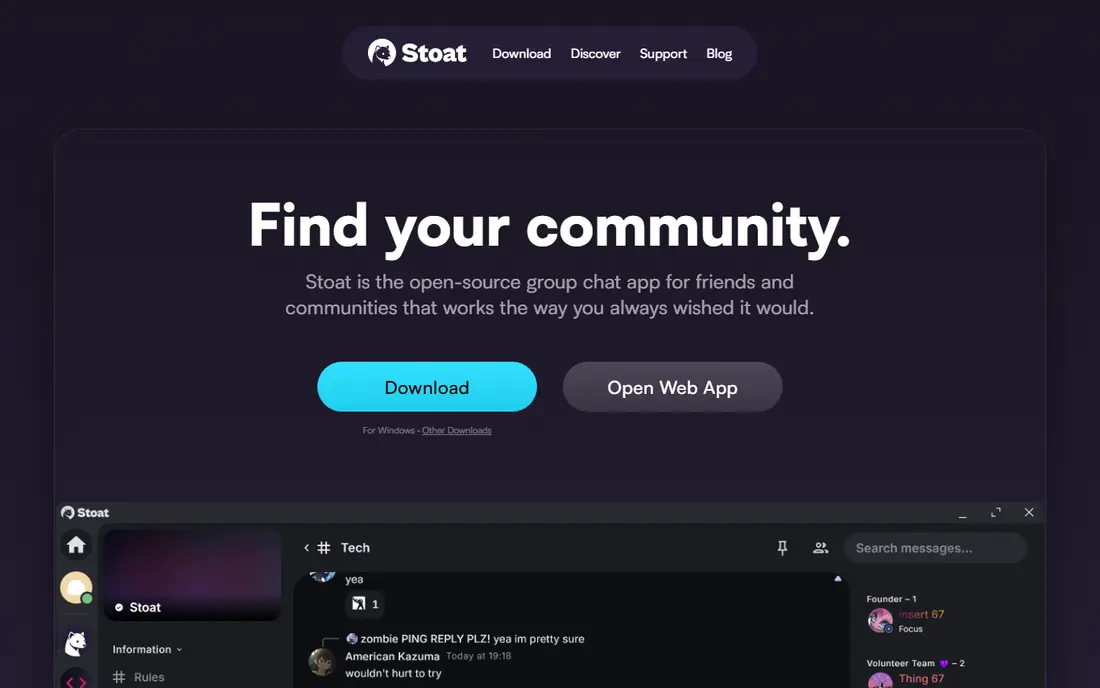
Stoat is the closest replacement for a Discord server, because it copies the shape that Discord users already know: servers, text channels, voice channels and roles, in an interface that feels familiar on first open. It is free and open source, with no paid tier gating core community features, which suits a gaming group, a study server or a hobby community that wants to move without relearning everything.
The community is smaller than Discord, so you will find fewer ready-made bots, fewer public servers and fewer integrations at first. That gap matters less for a private group that mainly chats and plays together, and more for a large public community that relies on bots for moderation and events. For a like-for-like move, Stoat is the first app to try.
- Servers, channels and voice in a familiar layout
- Free and open source
- No paid plan needed for core use
- Smaller community than Discord
- Fewer bots and integrations
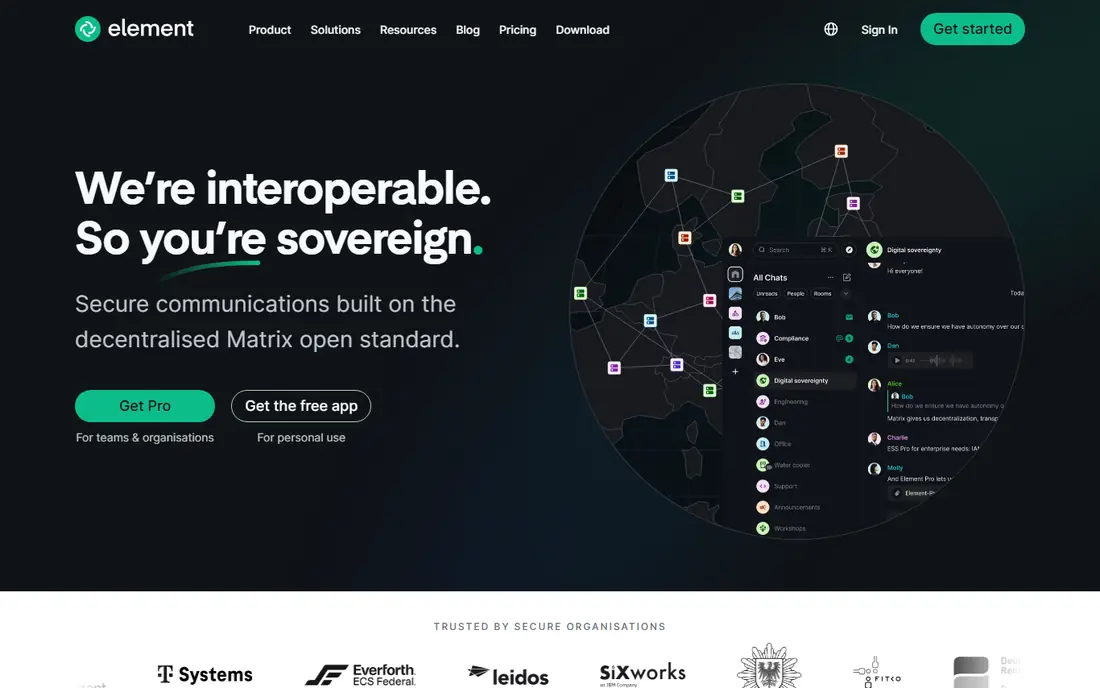
Element, built on the Matrix protocol, is the best choice for a group that wants control over its own data. Rooms support encrypted messaging, voice and video calls, and a community can run its own server, federate with other servers, or use hosted Element plans. That openness means no single company can change the rules for everyone, which is the main reason privacy-focused groups choose it.
Setup takes more thought than signing up for a hosted app, especially if you self-host, and the experience for a large gaming community is less smooth than Discord or Stoat. Moderation tools and bots exist, but they need more configuration. If privacy and ownership matter more than instant familiarity, Element is worth that extra effort.
- Built on open Matrix protocol
- End-to-end encryption in rooms
- Self-hosting option
- Setup is more involved
- Voice and large community features feel less polished than Discord
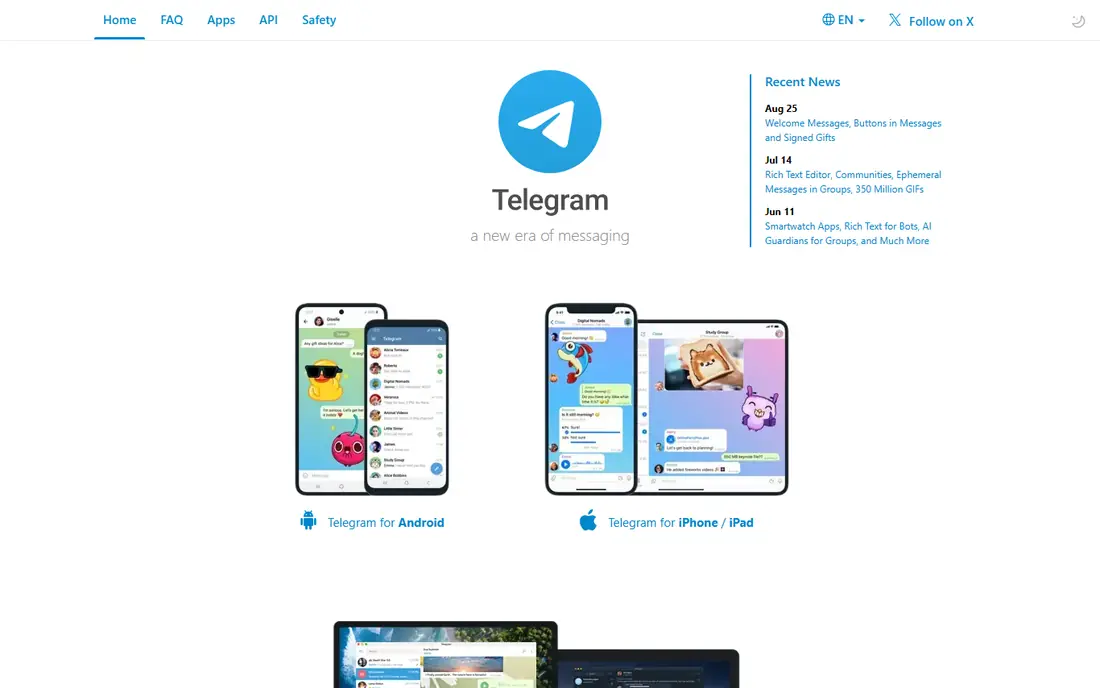
Telegram suits public communities and broadcasts better than private gaming servers. Groups can hold very large numbers of members, channels can broadcast to an unlimited audience, and the apps are fast and consistent on phone, desktop and web. For a creator, a news community or a fan group that mainly shares updates and chat, Telegram scales without the server limits that shape Discord.
Discord-style structure is weaker here. There are no server roles and channel categories in the same form, and voice chats are tied to groups rather than to a persistent voice channel layout. Telegram is also centralised, so moderation and privacy depend on one company. If your community is public and chat-led, Telegram works well, but a gaming group that lives in voice may miss Discord layout.
- Very large groups and channels
- Fast apps on every platform
- Free with optional Premium
- Centralised service
- Group tools differ from Discord servers
- Voice is less structured
Slack is the natural move for a work team leaving Discord, not for a gaming community. Its channels, threads, search and integrations are built for projects, files and decisions, and huddles give quick voice without a full meeting. The free plan covers basic team chat, while paid plans add full history, more integrations and admin controls.
The free plan limits searchable message history, which can frustrate a community that wants an archive, and Slack voice is designed for small work calls rather than a persistent gaming lobby. Pricing is per user on paid plans, so a large public community would face a very different cost from a small team. Use Slack for work, and look to Stoat or TeamSpeak for play.
- Channels, threads and search built for work
- Large integration library
- Huddles for quick voice
- Free plan limits message history
- Voice is not built for large gaming communities
Microsoft Teams fits a workplace that already uses Microsoft 365. Chat, channels, meetings, calls and file sharing sit in one app, with documents opening directly from OneDrive and SharePoint, and admin controls cover compliance and retention. For a company, a school or a charity on Microsoft tools, that integration saves time every day.
For a casual community, Teams feels heavy and formal, with a structure built for departments rather than hobby servers. Pricing also makes most sense inside a Microsoft 365 subscription, so a standalone community will pay more for features it does not need. If your group is a workplace team, Teams is a strong pick, but it is not a Discord clone.
- Deep Microsoft 365 integration
- Meetings, calls and file sharing in one app
- Strong admin controls
- Heavier and more formal than Discord
- Best value only inside a Microsoft 365 plan
TeamSpeak has served gaming voice for years, and it still does that one job well. Voice quality is stable with low latency, servers can be self-hosted, and channels with sub-channels suit a clan or guild that needs separate voice rooms for squads. The client is free, with server hosting costs depending on how you run it.
Text chat, community discovery and modern social features are thinner than Discord, and the interface looks dated next to Stoat or Element. TeamSpeak is best as a voice layer for a gaming group, paired with another app for text and announcements, rather than as a full community replacement on its own.
- Stable, low-latency voice
- Self-hosted server option
- Long record in gaming
- Text and community features are thinner
- Interface feels dated
Mumble is built for competitive voice where milliseconds matter. It is free and open source, with very low latency, positional audio in supported games and self-hosted servers that a team controls. For an esports team, a raid group or a competitive squad, that voice performance is the deciding factor, and the cost is only the server you run.
There is no built-in community platform, discovery or rich media sharing in the Discord sense, so Mumble works best alongside a text app. Setup also needs more technical confidence than a hosted service, especially for server configuration and permissions. If voice is the whole job, Mumble is excellent, but it is not a full Discord replacement alone.
- Free and open source
- Very low latency
- Self-hosted servers
- No built-in community platform
- Setup needs technical confidence
Rocket.Chat suits a team or organisation that wants to run its own chat server. It offers channels, threads, direct messages, file sharing and video calls, with an open-source core and paid plans for hosted or enterprise use. A company, school or community with privacy or compliance needs can keep data on its own servers and set its own retention rules.
Running a server takes maintenance, updates and moderation effort, which a small hobby group may not want. Gaming features like persistent voice lobbies and rich presence are also less developed than in Stoat or TeamSpeak. For a team that values control over convenience, Rocket.Chat is a solid, long-term choice.
- Self-hosting with full control
- Channels, threads and video
- Open-source core
- Setup and maintenance take effort
- Gaming community features are limited
Zulip solves a different problem from Discord: long, threaded discussions that stay readable over weeks. Its topic system sits inside channels, so a conversation about one subject does not get buried by another, which suits distributed teams, open-source projects and study groups. The cloud free tier covers many small teams, and self-hosting is available for larger or privacy-focused groups.
Casual gaming chat feels more formal in Zulip, and voice calls go through an external provider rather than a built-in lobby system. That makes Zulip a poor fit for a group that lives in voice, but a strong fit for a team that needs organised, searchable discussion. If your Discord server has become hard to follow, Zulip structure may be the fix.
- Topics keep long discussions readable
- Self-hosting option
- Free cloud tier for many teams
- Less suited to casual gaming chat
- Voice needs an external provider
How we picked these
We compared official feature pages, pricing pages and public reviews, and we checked whether each app was still live, since Guilded shut down in December 2025 and many older lists still include it. We favoured apps with a free tier or free self-hosted option, clear moderation tools and apps on Windows, Mac, Android and iOS, and we kept a mix of community, voice-first and work tools.
We did not run hands-on server tests for this guide. Our comparisons rest on vendor documentation and published reviews, not on our own load or latency testing. Where a price could not be verified on the vendor site at the time of writing, we wrote See website rather than repeating a figure from a review site. For safety, check each app moderation, age and reporting tools before moving a community with younger members, and keep a backup of important announcements outside any single platform.
How to move a community without losing it
Tell members early, explain why you are moving, and run both platforms side by side for a few weeks. Export or copy key rules, roles, announcements and resource links before you close anything, since a server that disappears takes its history with it. Appoint moderators on the new platform before the move, so questions on day one get answers.
Pick by your main activity
A gaming group that lives in voice needs Stoat, TeamSpeak or Mumble first, while a discussion group needs Zulip or Element, and a work team needs Slack or Teams. A public broadcast community needs Telegram or a forum tool. Choosing by main activity avoids a move that looks right on paper but feels wrong in daily use.
Test moderation before you announce
Create a test server, set roles and permissions, try banning, muting and reporting, and check how invites and age settings work. Moderation that is hard to use will fail under pressure, so test it with a small group before inviting everyone.
Frequently asked questions
What is the best Discord alternative?
Stoat is the closest like-for-like Discord alternative, with servers, channels and voice in a free, open-source app. Element is better for privacy and self-hosting, while Slack and Teams are better for work teams.
Is there a free Discord alternative?
Yes. Stoat, Element, Telegram, Mumble and Zulip all offer free plans or free self-hosted options, and Slack offers a free tier for small teams. TeamSpeak clients are free, though server hosting may cost depending on how you run it.
What happened to Guilded?
Guilded shut down in December 2025, according to recent comparison guides, so it is no longer a live option. Older lists that still recommend Guilded are out of date, and groups should choose a live alternative like Stoat instead.
Can I self-host a Discord alternative?
Yes. Element, Rocket.Chat, Zulip and Mumble all offer self-hosting, which gives you control over data and moderation. Self-hosting needs server maintenance and updates, so it suits teams with technical confidence or a willing admin.
Which Discord alternative is best for gaming?
Stoat is best for a full gaming community, TeamSpeak is best for stable gaming voice, and Mumble is best for low-latency competitive voice. Telegram suits large public gaming communities that mainly chat, rather than groups that live in voice.
Is Telegram a good Discord alternative?
Telegram works well for large public groups and channels, with fast apps and huge member limits. It is less suited to a gaming server that needs persistent voice channels and Discord-style roles, so test its group structure before moving a voice-led community.
Sources we checked (9)

Online Jobs is an independent blog about careers, online work, learning new skills and the tools that help people earn. More about us.
Keep reading
All posts
Best Twitter Alternatives
Looking for the best Twitter alternatives? We compared 9 platforms for short posts, from Bluesky and Threads to Mastodon, so you can find your new home.
Best Social Media Management Tools
Compare the best social media management tools for small teams, creators and agencies, with pricing, free plans, features and honest trade-offs. in 2026.
Best Music Streaming Service Comparison
Our best music streaming service comparison covers 9 platforms on price, audio quality, free plans, discovery, offline play and device support in 2026.