Best Wedding Budget Apps in 2026: 8 Apps Compared

How we put this together: we compare official feature and pricing pages, app store listings, privacy policies and public user reviews. Prices change, so check the provider's site before you pay.
Key takeaways
- Zola is the best free all-in-one wedding budget app for couples who also want a website, registry and guest list in one place.
- Joy is the best free alternative when you want a clean website and RSVP flow without a seating chart paywall for basic planning.
- The Knot and WeddingWire suit couples who want vendor search beside budget tracking, but expect vendor marketing in return.
- Amovera is worth its one-time price if you want a private planner with seating and budget tools and no vendor leads.
- No free app is truly free in every sense, so check card fees, paid extras and marketing settings before you rely on one tool.
Quick comparison
| Name | Who it suits | Starting price | Free option | |
|---|---|---|---|---|
 Zola Zola | Free all-in-one planning and registry | Free | Yes | Visit |
 Joy Joy | Free website and RSVP flow | Free | Yes | Visit |
 The Knot The Knot | Vendor search plus budget tracking | Free | Yes | Visit |
 WeddingWire WeddingWire | Free seating chart and vendor search | Free | Yes | Visit |
 Bridebook Bridebook | UK focused planning and supplier search | Free | Yes | Visit |
 Amovera Amovera | Private pay-once planner | See website | No | Visit |
 WedSites WedSites | Custom website and guest management | See website | Yes | Visit |
 Google Sheets Google Sheets | Fully custom budget spreadsheet | Free | Yes | Visit |
The best wedding budget apps
A wedding budget app has to do more than add numbers. It should link spending to vendors, track deposits and due dates, and show what is left in each category before a decision gets expensive. We compared official feature pages, pricing pages, app store listings and public reviews, and we kept apps that are available now, include a real budget tool or a clear budget workflow, and state their free and paid terms plainly.
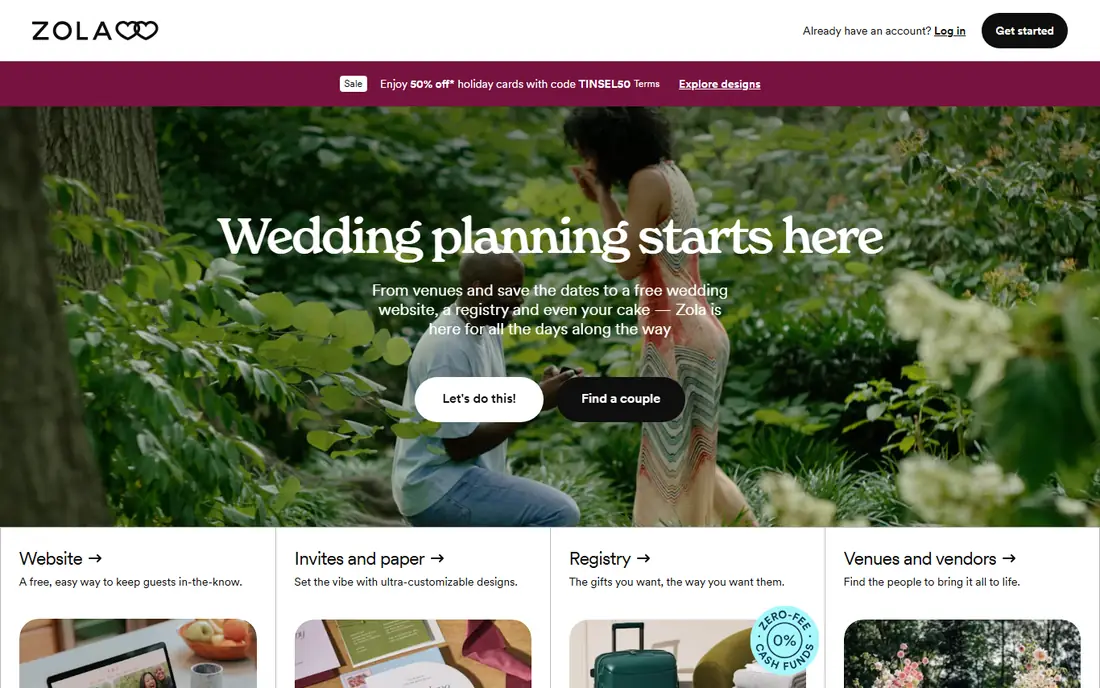
Zola fits couples who want one free place for most planning jobs. Its budget tool breaks costs down by category, lets you record vendor contracts and payments, and sends reminders when a payment is due. That sits beside a website, guest list, RSVP tracking and registry, so a budget change and a guest change live in the same account instead of across three spreadsheets.
The catch is paid extras. The seating chart costs $14.99 past 15 guests in the sources we checked, and premium guest texting is also paid. Zola also earns from its registry and vendor marketplace, so expect relevant marketing. For most couples, the free core is still generous, but check those extras before you promise a guest list size to a venue.
- Website, registry, guest list and budget in one free app
- Payment reminders
- Strong app on iPhone and Android
- Seating chart costs extra after 15 guests
- Some premium guest texting is paid
- Registry and vendor marketing is part of the model

Joy fits couples who care most about a clean website and smooth RSVPs, with budget tracking as part of a wider plan rather than the headline feature. Its guest list, RSVP and registry tools are free, and its templates look modern without much design work. Couples who want a simple hub for guests, rather than a vendor marketplace, often find Joy calmer to use.
The honest weakness is seating. Joy does not offer a seating chart, so couples who need one must use another tool or a spreadsheet. Its default RSVP flow can also prompt guests to create an account, which is minor for tech-comfortable guests and a real barrier for older relatives unless you set up guest entry mode in advance.
- Friendly free website and RSVP flow
- Guest list and registry tools
- No seating chart in the free core to work around
- No seating chart
- Guest account prompts can confuse less tech-savvy guests unless you enable guest entry mode
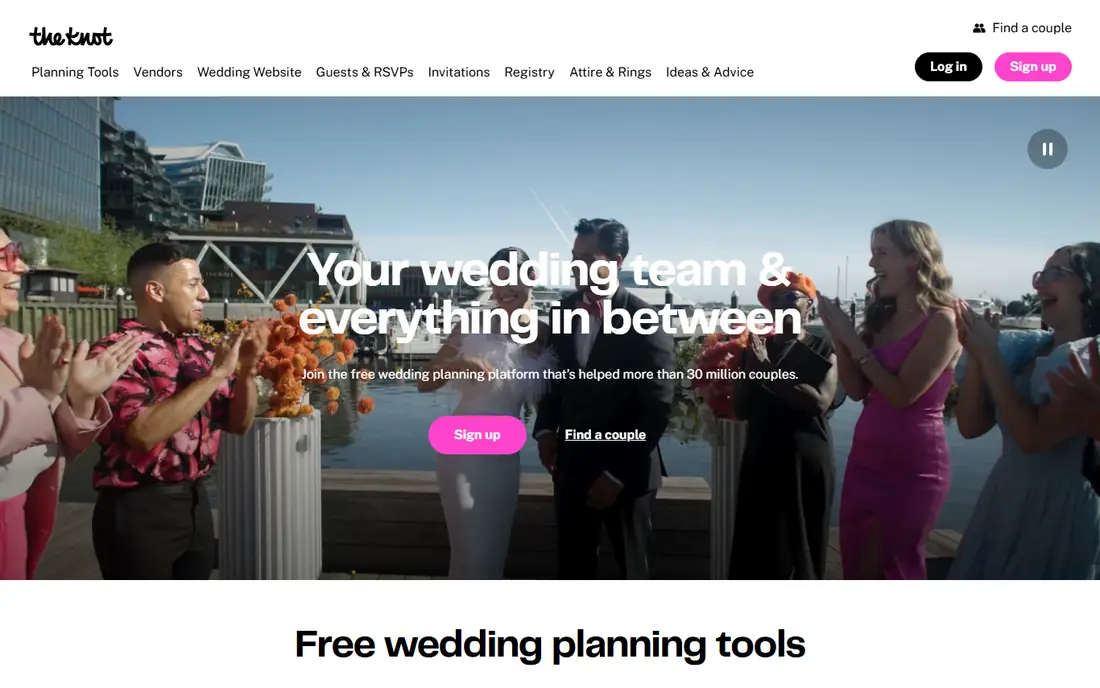
The Knot fits couples who are still choosing vendors and want budget tracking beside that search. Its budget tool lets you set a total, allocate by category and track payments, while its checklist keeps tasks tied to your wedding date. Vendor profiles, reviews and messaging sit in the same account, which saves switching between a planning app and a separate vendor site.
The trade-off is marketing and focus. The Knot earns from vendors, so expect vendor outreach when you contact suppliers through the platform. Its budget tool is also good for tracking totals, but couples with complex payment schedules, split contributions or detailed vendor contracts may still want a spreadsheet beside it for full control.
- Large vendor marketplace
- Budget tracker, checklist and guest tools in one place
- Long-established brand guests recognise
- Vendor marketing is part of the model
- Some features feel crowded
- Budget detail is less deep than a dedicated spreadsheet
WeddingWire fits couples who want a free seating chart without paying for a premium seating feature. Its seating tool lets you drag guests to tables and update the plan as RSVPs come in, which is a genuine saving compared with apps that charge for seating. Budget tracking, guest management and vendor search sit beside it, so the seating plan stays linked to the real guest list.
The catch mirrors The Knot, since both are owned by The Knot Worldwide. Vendor contact through the platform can lead to marketing, and each platform has its own privacy policy, so check settings on day one. If seating is your priority and you want it free, WeddingWire is still the strongest pick in this list for that specific job.
- Free drag-and-drop seating chart
- Vendor marketplace
- Budget and guest tools in one place
- Vendor marketing is part of the model
- Interface can feel busy
- Owned by the same group as The Knot
Bridebook fits UK couples who want a local supplier directory beside budget planning. Its planner includes a budget tool, checklist and supplier search, with categories and supplier types that match UK weddings more closely than a US-first app. That local focus saves time when you are searching for venues, photographers and suppliers by region.
The limit is geography. Outside the UK, its supplier directory is far less useful, and couples in the US or elsewhere will get more from Zola, Joy or The Knot. As with other free marketplaces, supplier contact can lead to marketing, so use a dedicated wedding email address and check privacy settings early.
- UK supplier directory
- Budget planner and checklist
- Tools built around UK wedding norms
- Less useful outside the UK
- Supplier marketing is part of the model
- Budget depth varies by feature
Amovera fits couples who would rather pay once than pay with marketing email and card fees. Its planner covers guests, per-event RSVPs, drag-and-drop seating and a budget tool in USD, EUR, GBP, CAD or AUD, with PDF and CSV export. The absence of ads and vendor leads is the point: your details are not passed to suppliers, and the interface stays focused on your plan.
The trade-off is scope and price. Amovera costs $129 once in the sources we checked, and it does not include a registry or a website builder, so couples who want those features need a second tool. If privacy and a calm planning space matter more than an all-in-one free bundle, that price is small against a typical wedding budget, but it is still a real cost for couples watching every pound or dollar.
- One-time price with no ads or vendor leads
- Guests, RSVPs, seating and budget in one calm app
- Export options
- Paid from day one
- No registry or website builder
- No native mobile app in the sources we checked
WedSites fits couples who want a more custom wedding website with guest management and planning tools behind it. Its free Lite plan covers basic website and guest needs, while paid plans from $39 in the sources we checked add more features. That makes it a middle path between a fully free marketplace app and a pay-once private planner.
The honest weakness is budget depth. WedSites handles planning and guest tasks well, but its budget workflow is not as specialist as a dedicated finance tool or a detailed spreadsheet. Couples with many vendors, staged payments and family contributions should keep a spreadsheet or a dedicated budget tracker beside it, and use WedSites for the guest-facing side.
- Free Lite plan
- Custom website and guest tools
- Planning tools beside RSVP tracking
- Paid plans needed for fuller features
- Budget tool is part of a wider planner, not a specialist finance app
Google Sheets fits couples who want full control over their wedding budget and do not mind building it. You can create tabs for budget, vendor contacts, payment schedules, guest contributions and seating notes, share the sheet with your partner, and update it from your phone. Formulas can show remaining budget by category, total paid, total due, and what is left after each deposit, which is exactly the view that prevents overspend.
The catch is effort and safety. Sheets has no built-in wedding reminders, vendor marketplace or RSVP link, so you must build or borrow a template and keep it updated yourself. A broken formula or an accidental edit can also distort totals, so keep a backup copy and check category totals monthly. For couples who like control, that trade is worth it. For couples who want guidance, Zola or Joy will feel easier.
- Completely custom categories, formulas and sharing
- Free
- Works on any device
- Easy export and backup
- No wedding-specific reminders or vendor tools built in
- Needs setup time
- Easy to break a formula by accident
How we picked these
We compared official feature pages, pricing pages, app store listings and public reviews, and we kept apps that are available now, include a budget tool or a clear budget workflow, and state free and paid terms in a way a couple can check before signing up. We mixed free all-in-one planners with a pay-once private option and a spreadsheet, because wedding budgets range from a simple tracker to a complex multi-vendor plan. Prices and paid extras change, so check the vendor pricing page for your region before you commit.
How to set up a wedding budget that holds
A budget app only helps if the numbers inside it are honest. Use the steps below in your first week, and the app will do the rest of the work for you.
Start with a total, then split it by category
Agree a total you can actually afford, including a contingency of about 10 percent for overruns, then split it across venue, catering, photography, attire, music, flowers, stationery and other categories. Enter vendor quotes as estimates first, then replace each estimate with the signed contract figure and its payment dates. That single habit prevents the most common problem, which is a budget that looks fine until deposits are due.
Track paid, due and remaining separately
For each vendor, record the total contract value, the deposit paid, the balance due, and the due date. A budget tool that only shows a total spent will hide a large balance due next month. A tool that shows paid, due and remaining by category will warn you before a payment clashes with another large bill.
Use a separate email and check privacy settings
Free planning apps often earn from vendors, registries or ads, so create a wedding email address both partners can read, and check marketing and data sharing settings on day one. Only send vendor inquiries you mean, and export your guest list and budget regularly, so you keep your data even if you switch apps later.
Frequently asked questions
What is the best wedding budget app?
Zola is the best free all-in-one wedding budget app for most couples, because it combines budget tracking with a website, guest list and registry at no cost. Joy is the best free alternative if you mainly need a website and RSVPs, and Amovera is the best pay-once option if you want privacy and no vendor leads. The best choice depends on whether you prioritise free features, seating, vendor search or privacy.
Is there a free wedding budget app?
Yes. Zola, Joy, The Knot, WeddingWire and Bridebook all offer free budget tools in their core plans, and Google Sheets is free for a fully custom spreadsheet. Free does not always mean free of trade-offs, since some apps charge for seating, premium texting or cash fund card fees, and many earn from vendor marketing. Check paid extras before you rely on a free app for seating or cash gifts.
What is the best wedding budget app for tracking vendor payments?
Zola and The Knot both track vendor payments with reminders, while Google Sheets gives the most control for complex payment schedules. If you have many vendors with staged deposits, use a spreadsheet tab for paid, due and remaining by vendor, even if you also use an app for guests and RSVPs. That dual view catches clashes that a simple total-spent figure can hide.
How much should I budget for a wedding?
That depends on location, guest count and priorities, and recent US surveys put the average wedding in the tens of thousands of dollars, with venue and catering usually the largest shares. Start with a total you can afford without debt, allocate the largest shares to venue and catering, and keep a contingency for overruns. Your app should show remaining budget by category, not just a single total, so you can see where cuts are needed early.
Do wedding budget apps share my data with vendors?
Some do, and some do not. The Knot, WeddingWire, Zola and Bridebook may share details with vendors you contact and with partners for marketing, depending on their privacy policies and your settings. Amovera, Joy, Minted and WedSites do not pass your details to vendors in the sources we checked. Read the privacy policy, check marketing settings on day one, and use a separate wedding email address.
Can I use a spreadsheet instead of a wedding budget app?
Yes, and many couples do. Google Sheets gives full control over categories, formulas and sharing, and it works well for complex budgets with family contributions. The trade-off is setup time and the lack of built-in reminders, RSVP links and vendor tools. A common compromise is to use an app for guests and RSVPs and a spreadsheet for money, with a monthly check to keep both in sync.
Sources we checked (8)

Online Jobs is an independent blog about careers, online work, learning new skills and the tools that help people earn. More about us.
Keep reading
All posts
Best Astrology App
Looking for the best astrology app? We compare 8 leading apps for birth charts, daily horoscopes, compatibility, and live readings in one clear guide.

Zoom Alternatives
Zoom alternatives compared for 2026: Google Meet, Microsoft Teams, Webex, Jitsi and more for free calls, large meetings and webinars for teams and classrooms.

Top Rated Poster Maker Software
Top rated poster maker software compared for 2026: Canva, Adobe Express, VistaCreate, PosterMyWall and more for events, sales and classrooms for US users.