Best Travel Itinerary App in 2026: 8 Apps Compared

How we put this together: we compare official feature and pricing pages, app store listings, privacy policies and public user reviews. Prices change, so check the provider's site before you pay.
Key takeaways
- TripIt is best for turning booked flights and hotels into one master itinerary, while Wanderlog is best for building a day-by-day plan with others.
- Roadtrippers suits US road trips, Tripomatic suits city days, and Google Travel suits flight and hotel research.
- Free tiers cover most planning, but offline access, extra stops, and AI planning often sit on paid plans.
- No single app plans a whole trip well, so most travellers use one planner plus a map and a booking app.
Quick comparison
| Name | Who it suits | Starting price | Free option | |
|---|---|---|---|---|
 TripIt | Booking-led master itinerary | Free | Yes | Visit |
 Wanderlog | Day-by-day planning with others | Free | Yes | Visit |
 Google Travel | Flight and hotel research | Free | Yes | Visit |
 Roadtrippers | US road trips and camping | Free | Yes | Visit |
 Tripomatic | Day-by-day city itineraries | Free | Yes | Visit |
 Kayak | Trips from bookings and fares | Free | Yes | Visit |
 Rome2Rio | Getting between places | Free | Yes | Visit |
 Polarsteps | Tracking and sharing a trip | Free | Yes | Visit |
The best travel itinerary app
A travel itinerary app can mean two different jobs: organising bookings you already made, or planning what to do each day. The apps below cover both jobs, plus road trips, city days, and transport. We compared official feature pages, pricing pages, and app store listings for apps available in 2026.
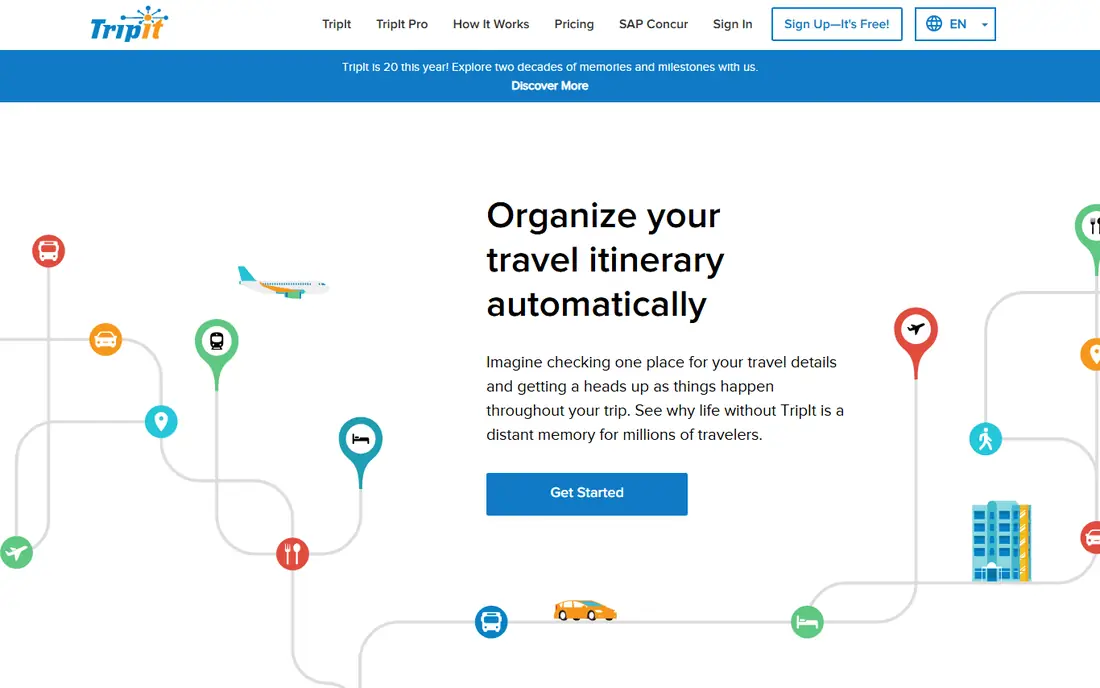
TripIt is the best app for travellers who have already booked. Forward a flight or hotel confirmation email, and TripIt builds a master itinerary with dates, times, addresses, and confirmation numbers in one place. You can share that itinerary with family or colleagues, and view it offline when you land.
The limit is discovery. TripIt organises what you booked, but it does not help much with finding places to visit each day. Pro, at $49 per year, adds flight status alerts, fare-drop alerts, reward tracking, and airport maps. If your trips are mostly booked travel, TripIt is the easiest way to keep them in order.
- Builds itineraries from confirmation emails
- Offline access
- Maps and directions included
- Organises bookings more than it suggests activities
- Pro needed for flight alerts
- $49 per year for Pro
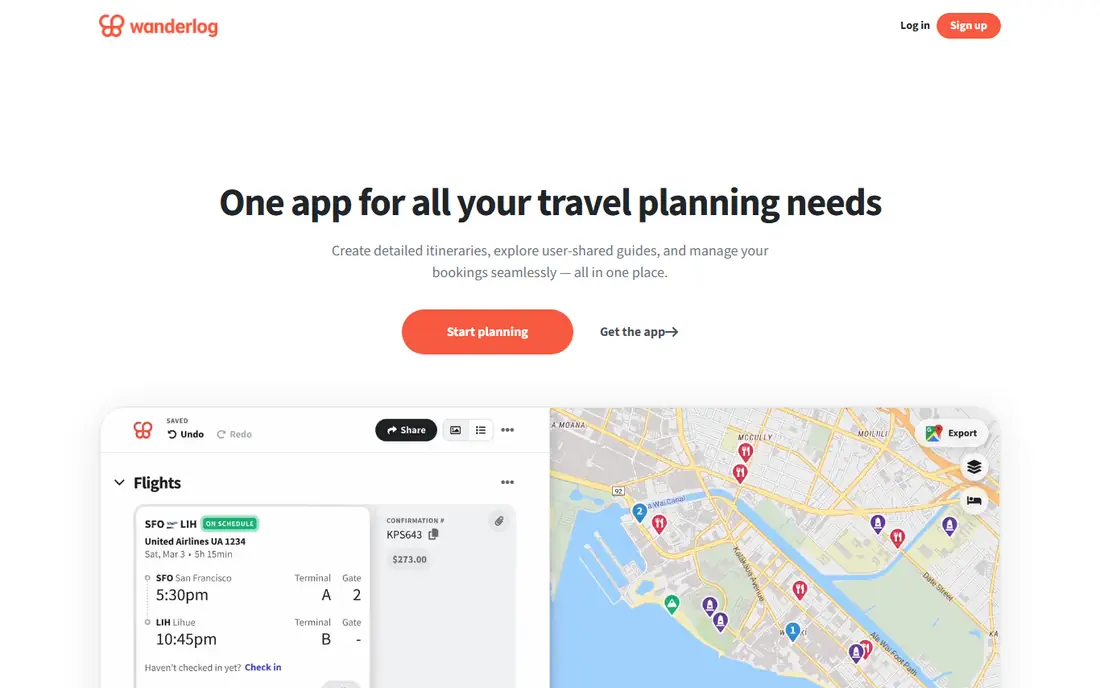
Wanderlog is built for planning a trip before you book everything. You can add places to a map, organise them by day, share the plan with travel companions, and track a budget and expenses inside the same trip. That combination suits group trips and road trips where several people need to agree on stops.
The free tier covers most planning, but offline mobile access and some AI and routing features sit on Pro, listed at $39.99 per year. Automatic Gmail scanning for bookings is also a Pro feature, so free users import bookings by hand. For a group planning a detailed itinerary together, Wanderlog is our pick.
- Day-by-day plans on a map
- Live collaboration free
- Budget and expenses included
- Offline access and AI features need Pro
- Pro starts at $39.99 per year
- Booking import is manual on free tier
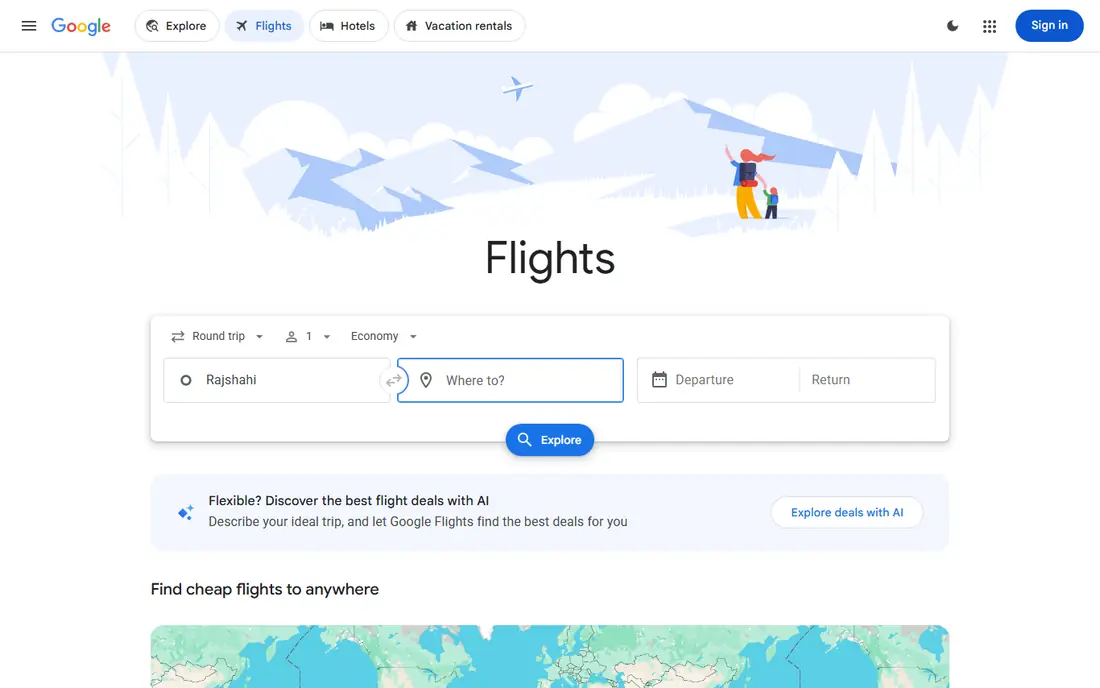
Google Travel is best as a research tool, not a full itinerary builder. You can search flights and hotels, track fares, explore destinations, and see trip summaries drawn from bookings in Gmail. That makes it a strong starting point when you are still deciding where to go and what flights cost.
It does not offer the detailed day-by-day planning, collaboration, or map routing that Wanderlog and TripIt offer. Use Google Travel to research and compare, then move the chosen bookings into TripIt or a day plan into Wanderlog. As a free research layer, it is hard to beat.
- Fully free
- Strong flight and hotel search
- Trip summaries from Gmail bookings
- Not a full day-by-day planner
- Planning tools are limited
- Needs a Google account
Roadtrippers is the best itinerary app for a driving trip in the US and Canada. You enter a start and end point, add stops from its large place database, and it builds a route with attractions, campgrounds, and RV-friendly options along the way. Pre-made trip guides also help when you need ideas for a region.
The free plan limits the number of stops, so a long multi-stop trip needs a paid plan. Coverage outside its main regions is also weaker than a global planner. If your trip is a road trip in North America, Roadtrippers is the clear pick. If it is a city trip in Europe or Asia, choose a global planner instead.
- Built for driving routes
- Millions of places along the way
- Campground and RV features
- Focused on USA, Canada, and nearby regions
- Free plan limits stops
- Paid plans needed for longer trips
Tripomatic, formerly Sygic Travel, builds a day-by-day itinerary for a city, with estimated travel times and walking distances between places. That realistic pacing is its main strength: it helps you see whether a day has too many stops or too much backtracking, before you arrive. Its place database covers many cities worldwide.
Premium features include offline maps, walking navigation, and AI trip planning, so the free tier is best for planning at home with internet access. If your trip is mostly city sightseeing, Tripomatic gives a clearer daily plan than a booking-led app. If it is a road trip, Roadtrippers or Wanderlog is better.
- Realistic day-by-day city schedules
- Travel times and walking distances
- Large place database
- Offline maps and walking navigation need Premium
- AI planning is a paid feature
- Less suited to road trips
Kayak is best known for comparing flight and hotel fares, and its Trips feature adds basic itinerary organisation on top of that search. You can forward bookings or connect an inbox, see your trips in one list, and get fare alerts for future travel. That makes it useful when price research and booking organisation matter more than daily planning.
It is not a day-by-day planner. You will not build detailed city days or collaborative maps in Kayak, and its itinerary view is simpler than TripIt or Wanderlog. Use Kayak to find and track fares, then use a dedicated planner for the daily plan.
- Free
- Flight and hotel fare comparison
- Trips feature organises bookings
- Mainly a search tool, not a day planner
- Itinerary features are basic
- Fare alerts need setup
Rome2Rio answers a specific itinerary question: how do I get from here to there. It compares buses, trains, ferries, and flights on one screen, with durations, transfer points, and estimated costs. That multi-modal view is useful for multi-city trips where a flight is not always the best option.
It does not book most transport for you, and its prices are estimates rather than live fares, so check the booking site before you pay. It also does not build a full day plan. Use Rome2Rio to work out transport between stops, then put those legs into your main itinerary app.
- Fully free
- Compares bus, train, ferry, and flights
- Shows duration and transfer points
- Does not book most transport
- Prices are estimates
- Schedules for small operators may vary
Polarsteps is best for recording a trip as it happens. It tracks your route automatically, lets you add photos and stories to each step, and shares updates with followers. After the trip, you can make a video reel or order a printed travel book from the same route. That memory side is its main draw.
Planning is only one part of Polarsteps, and its AI itinerary planner is newer and more limited than Wanderlog or Tripomatic. Use it alongside a planner: plan the days in Wanderlog or TripIt, then let Polarsteps record the journey and share it with family back home.
- Free
- Automatic route tracking
- Photos and stories along the route
- Printable travel book option
- Planning is only part of the app
- AI itinerary features are limited
- Best after a trip starts
How we picked these
We compared official feature pages, pricing pages, and app store listings for travel itinerary apps available in 2026. We kept a mix of booking-led, day-planning, road-trip, and transport tools, and we noted where offline access, extra stops, or AI features sit on paid plans. We did not claim hands-on testing, and we did not invent prices. Where pricing varies by platform, we gave the widely listed annual rate as a guide to check in the app.
How to choose a travel itinerary app
Start with your trip type. A booked business trip needs TripIt. A group holiday with daily plans needs Wanderlog. A US road trip needs Roadtrippers. A city break needs Tripomatic. Picking by trip type beats picking by feature list, because each app is built for one of those jobs first.
Build the plan in layers, not in one app
Use Google Travel or Kayak to research fares, Wanderlog or Tripomatic to plan days, TripIt to organise bookings, and Rome2Rio to check transport between stops. That layered approach takes a little more setup, but it gives a better trip than forcing one app to do every job poorly.
Download offline access before you fly
Check which parts of your plan work offline, especially maps, bookings, and confirmation numbers. TripIt offers offline itineraries, while some planners need a paid plan for offline maps. Download what you need on Wi-Fi before departure, and keep a PDF or screenshot backup for border and check-in desks.
Frequently asked questions
What is the best travel itinerary app?
TripIt is best for organising booked trips, Wanderlog is best for building a day-by-day plan with others, and Roadtrippers is best for US road trips. The best app for you depends on whether your trip is already booked, still being planned, or driven.
Which app is best for travel itineraries with friends?
Wanderlog is best for planning with friends because live collaboration is included in the free tier, and everyone can add places, days, and expenses to the same trip. TripIt also lets you share a finished itinerary, but it is less suited to collaborative planning.
Is there a free travel itinerary app?
Yes. TripIt, Wanderlog, Google Travel, Roadtrippers, Tripomatic, Kayak, Rome2Rio, and Polarsteps all offer free tiers. Paid plans add offline access, extra stops, flight alerts, or AI planning, but most basic planning is free.
What is the best app for trip planning and booking?
TripIt is best for turning bookings into one itinerary, while Kayak and Google Travel are best for finding and tracking fares. For day-by-day planning after booking, Wanderlog and Tripomatic are stronger than either booking tool.
Can I plan a road trip itinerary in an app?
Yes. Roadtrippers is built for road trips in the US and Canada, with route building, campgrounds, and attractions along the way. Wanderlog also works for road trips, especially when several people plan together and need a map and budget in one place.
Sources we checked (8)

Online Jobs is an independent blog about careers, online work, learning new skills and the tools that help people earn. More about us.
Keep reading
All posts
Turo Alternatives
Compare turo alternatives for hourly car sharing, delivered rentals, and traditional hire, with honest trade-offs on price, coverage, and flexibility.

Luxury Hotel Brands Best Customer Service
Compare luxury hotel brands with best customer service, from Four Seasons to Aman, and choose the brand whose service style fits your next luxury trip in 2026.

Best eSIM App
Compare the best eSIM app for travel in 2026, from Airalo and Holafly to Saily and Nomad, with data plans, coverage, hotspot rules, and install tips for trips.