Best Tools for Instagram Content Creation in 2026: 8 Apps Compared

How we put this together: we compare official feature and pricing pages, app store listings, privacy policies and public user reviews. Prices change, so check the provider's site before you pay.
Key takeaways
- Canva and CapCut cover most of the creation work for small accounts, with design templates and short-form video editing at a modest cost.
- Later and Planoly are the strongest choices when the look of your grid matters and you plan posts visually.
- Buffer and Metricool suit creators who want simple scheduling plus useful analytics without a large monthly bill.
- Adobe Express and Lightroom fill the gap for photo-heavy accounts that need consistent color and quick design.
- No single tool does design, video, scheduling, and analytics equally well, so a small stack usually beats one expensive suite.
Quick comparison
| Name | Who it suits | Starting price | Free option | |
|---|---|---|---|---|
 Canva | On-brand graphics and carousels | $18 per month | Yes | Visit |
 CapCut | Short-form video and Reels editing | See website | Yes | Visit |
 Later | Visual planning and scheduling | $25 per month | Yes | Visit |
 Planoly | Grid planning on a budget | $16 per month | Yes | Visit |
 Buffer | Simple, affordable scheduling | $6 per channel per month | Yes | Visit |
 Metricool | Scheduling plus analytics | $20 per month | Yes | Visit |
 Adobe Express | Quick design with scheduling | $9.99 per month | Yes | Visit |
 Adobe Lightroom | Consistent photo editing | See website | Yes | Visit |
The best tools for Instagram content creation
Instagram content creation now means several jobs at once: designing posts, editing Reels, writing captions, planning the grid, scheduling, and checking what worked. The tools below each handle part of that chain well, and the best stack for you depends on where your time actually goes.
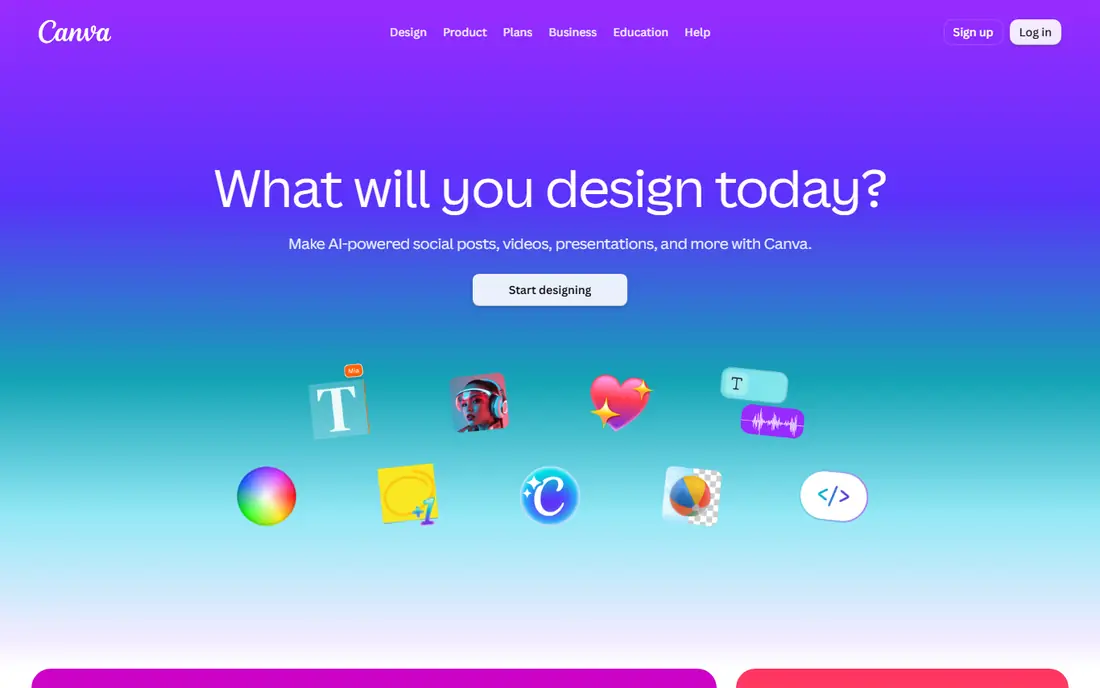
Canva is the fastest way for a small brand to produce posts that look consistent. Templates cover feed posts, carousels, stories, and Reels covers, and the Pro brand kit keeps colors, fonts, and logos in one place so a team member can design without starting from scratch. The free plan is generous enough for occasional posting, while Pro at $18 per month adds the brand tools, background remover, and content planner.
The limit is depth. Canva edits short video, but it does not match a dedicated editor for captions, effects, and pacing, and heavy template use can make a feed look like everyone else. Use Canva for graphics and carousels, pair it with a video editor for Reels, and customize templates with your own photos and copy.
- Huge template library
- Brand kit and fonts on Pro
- Easy carousel and story design
- Video editing is basic next to CapCut
- Templates can look generic without custom work
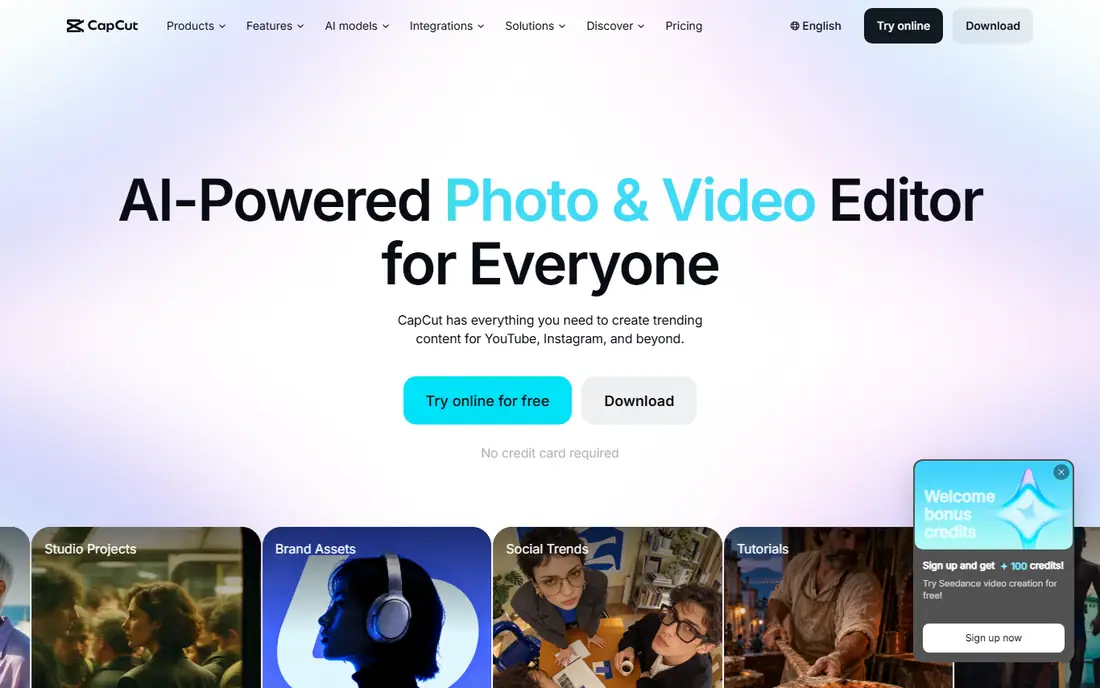
CapCut is the default editor for many Instagram creators because it is built for vertical video. Auto-captions, templates, transitions, and music tools make a rough clip into a finished Reel quickly, and the mobile app means most editing happens on the phone where the footage already lives. The free tier covers the core workflow, which is why so many small accounts start here.
The catch is that Pro pricing and some features vary by region and change often, so we list the starting price as See website rather than risk an outdated figure. Paid features such as premium effects and cloud storage also add up if a whole team needs them. For Reels-first creators, CapCut remains the most practical editor, even with those caveats.
- Auto-captions and templates for Reels
- Easy trimming and effects
- Free tier covers most basics
- Paid features and pricing vary by region
- Watermark and export rules differ by plan
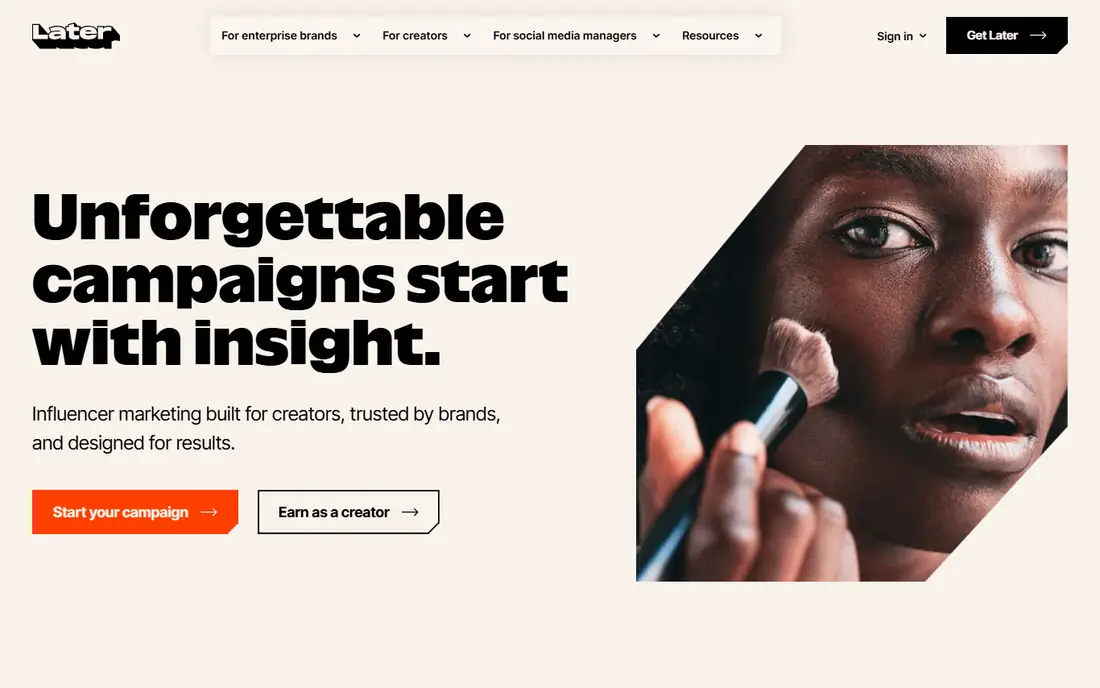
Later is built around the way Instagram-first brands actually plan, by dragging posts onto a visual calendar and previewing the grid before anything goes live. That preview matters when a feed is part of the brand, and the built-in link in bio tool turns a profile link into a small landing page for products and posts. Auto-publishing covers feed posts, carousels, and Reels for business and creator accounts.
The price is higher than simpler schedulers, with paid plans starting at $25 per month, and deeper analytics sit on higher tiers. The free plan covers a limited number of posts per profile, which is fine for testing but tight for daily posting. If grid look and visual planning are central to your account, Later earns its price.
- Drag-and-drop grid planning
- Link in bio tool
- Auto-publishing for feed, carousels, and Reels
- Entry paid plan is pricier than Buffer
- Analytics depth is modest on lower plans
Planoly does one job well, which is helping a solo creator or small brand plan a feed that looks good as a whole. You can arrange posts on the grid, schedule them, and keep captions and hashtags in one place, all from the phone. The entry paid plan at $16 per month is cheaper than Later, and the free plan lets you test the planner before paying.
The trade-off is breadth. Analytics are lighter than a dedicated analytics tool, and the free plan limits monthly uploads, so daily posters will need a paid plan quickly. Planoly is best for creators who care about the grid and want a simple planner, not for teams that need deep reporting or multi-network management.
- Visual grid planner
- Simple scheduling
- Lower entry price than Later
- Free plan limits uploads
- Analytics are lighter than Metricool
Buffer wins on simplicity. You connect a channel, queue posts, and Buffer publishes them, with a clean calendar and basic analytics that show what performed. Per-channel pricing at $6 per month means a creator with one or two channels pays very little, and the free plan covers a small number of channels for testing.
The limit is creation. Buffer does not design posts or edit video, and it lacks the visual grid preview that Later and Planoly offer. It works best as the scheduling layer on top of Canva and CapCut, rather than as a complete creation suite. For creators who already make good content and just need it published reliably, Buffer is our pick for value.
- Clean, simple scheduling
- Per-channel pricing suits small teams
- AI-assisted drafts
- No visual grid planning to match Later
- Design tools are minimal
Metricool pairs scheduling with analytics that go further than most budget tools, including competitor tracking and reports that are easy to share with a client or manager. The free plan covers a limited number of monthly posts, which is enough to test the workflow, and paid plans start at $20 per month for a small set of brands. It also handles networks beyond Instagram, which helps creators who post in several places.
The catch is that Metricool is not a design tool, so you still need Canva or a photo editor for the visuals. The dashboard also packs in many features, which can feel busy at first. If you want to know what worked and plan the next month from that evidence, Metricool is the strongest budget option here.
- Scheduling, analytics, and competitor tracking in one place
- Generous free plan
- Multi-network support
- Design tools are limited
- Interface has many features to learn
Adobe Express is the closest rival to Canva for quick social design, with templates, stock photos, fonts, and simple video tools in one web and mobile app. Premium at $9.99 per month adds brand controls, premium assets, and a scheduler that can publish to a small number of accounts per network. For creators who already use Adobe products, the shared assets and fonts are a real plus.
The trade-off is video depth. Express handles short clips well, but Reels that need advanced captions, effects, and pacing still belong in CapCut. The scheduler is also more limited than Buffer or Later for heavy multi-account use. As a design-first tool with light scheduling, Express is a strong, affordable pick.
- Strong templates and stock assets
- Brand tools
- Built-in scheduler on Premium
- Video editing is lighter than CapCut
- Best value if you already use Adobe tools
Lightroom is the tool behind many of the most consistent-looking Instagram feeds, because presets let a creator apply the same color and tone to every photo. The mobile app is free for basic editing, with paid plans adding cloud sync, batch editing, and premium presets. For photo-heavy accounts, that consistency matters more than any single filter.
Lightroom does not schedule, plan, or analyze, so it belongs in a stack rather than standing alone. Pair it with Canva for graphics and Buffer or Later for publishing, and use presets sparingly so photos still look natural. If your feed is built on photography, Lightroom is the editing standard to beat.
- Presets for a consistent feed look
- Strong mobile editing
- Cloud sync across devices
- No scheduling or planning
- Full features need a paid plan
How we picked these
We compared official feature pages, pricing pages, and app store listings, and we kept only tools that exist and work today for Instagram content creation. Design, video, planning, scheduling, and analytics were each weighed, and tools that only serve one network poorly or that duplicate another pick without a clear angle were left out. Prices come from vendor pages or current pricing summaries, and where pricing varies by region we used See website.
How to build a small stack that works
Start with the work you do most. If Reels drive your growth, put CapCut first and add Canva for covers and carousels. If the grid drives your brand, put Later or Planoly first and add a design tool for the visuals. Scheduling should come last in the decision, not first, because a scheduler cannot fix weak content.
Keep the monthly total in view. Canva Pro plus CapCut Pro plus a scheduler can stay under $50 per month for a solo creator, while an all-in-one suite can cost more and still leave gaps. Check what each free plan actually covers, since post limits, watermark rules, and export limits decide whether a free tier is usable or just a trial in disguise.
A practical weekly workflow
A simple rhythm helps more than a new tool. Batch design and editing on one day, write captions and hashtags the same day, then schedule the week in Later, Buffer, or Metricool. Review analytics once a week, keep the formats that performed, and drop the ones that did not, rather than chasing every new feature.
Frequently asked questions
What are the best content creation apps for Instagram?
Canva for graphics, CapCut for Reels, and Lightroom for photos form a strong creation core, with Later or Planoly for planning and Buffer or Metricool for scheduling. The best mix depends on whether your account is photo-led, video-led, or grid-led.
What is the best free app for Instagram content creation?
Canva, CapCut, Adobe Express, and Buffer all offer useful free plans, and Lightroom offers free basic mobile editing. Free plans limit posts, premium features, or exports, so a paid plan is usually needed for daily posting.
Which app is best for editing Instagram Reels?
CapCut is the most popular choice for Reels editing, thanks to auto-captions, templates, and mobile-first tools. Adobe Express and Canva handle simpler clips, but CapCut suits creators who edit vertical video every week.
What app do Instagram creators use to plan their feed?
Later and Planoly are the leading visual planners, letting you preview the grid before posting. Later offers a fuller scheduling and link in bio package, while Planoly is cheaper and simpler for solo creators.
Can I schedule Instagram posts for free?
Yes, with limits. Buffer, Later, Planoly, and Metricool all offer free plans with monthly post limits, and Meta Business Suite offers free scheduling for Instagram and Facebook. Daily posters usually need a paid plan.
Sources we checked (8)

Online Jobs is an independent blog about careers, online work, learning new skills and the tools that help people earn. More about us.
Keep reading
All posts
WatchCartoonOnline.io Alternatives
Compare legal WatchCartoonOnline.io alternatives for cartoons and anime, from free services to paid streaming, with honest catalog limits for every household.
Reddit Alternatives
We compared the best Reddit alternatives for 2026, from Lemmy and PieFed to Discuit, Tildes, MetaFilter, Hacker News and Discord, with community notes.
M4uFree Alternatives
Looking for m4ufree alternatives? We list legal streaming services with free and paid plans, plus the malware and legal risks of unlicensed sites today.