Best Sushi Delivery Apps in 2026: 8 Tools Compared

How we put this together: we compare official feature and pricing pages, app store listings, privacy policies and public user reviews. Prices change, so check the provider's site before you pay.
Key takeaways
- Uber Eats and DoorDash offer the widest sushi choice in most large cities, while smaller services often do better on specialist Japanese menus.
- Delivery fees, service fees, and minimum order amounts vary by restaurant and time of day, so the cheapest app changes from order to order.
- Subscription plans can lower delivery costs for frequent orders, but they only pay off if you order often enough to cover the monthly fee.
- For raw fish, check preparation time, packaging notes, and reviews about freshness before you place a large set-meal order.
- Availability is local, so an app that works well in one city may list very few sushi restaurants in another.
Quick comparison
| Name | Who it suits | Starting price | Free option | |
|---|---|---|---|---|
 Uber Eats | Widest choice in big cities | Free | Yes | Visit |
 DoorDash | Scheduled orders and DashPass savings | Free | Yes | Visit |
 Grubhub | US city coverage and perks | Free | Yes | Visit |
 Deliveroo | UK and European sushi spots | Free | Yes | Visit |
 Just Eat | UK takeaway ordering | Free | Yes | Visit |
 Seamless | New York ordering | Free | Yes | Visit |
 Caviar | Higher end restaurants | Free | Yes | Visit |
 Chowbus | Asian restaurant specialist | Free | Yes | Visit |
The best sushi delivery apps
Sushi needs speed, careful packing, and a restaurant that handles raw fish well. The apps below differ more in coverage and fees than in the food itself, so we compared them on restaurant choice, ordering tools, and total cost.
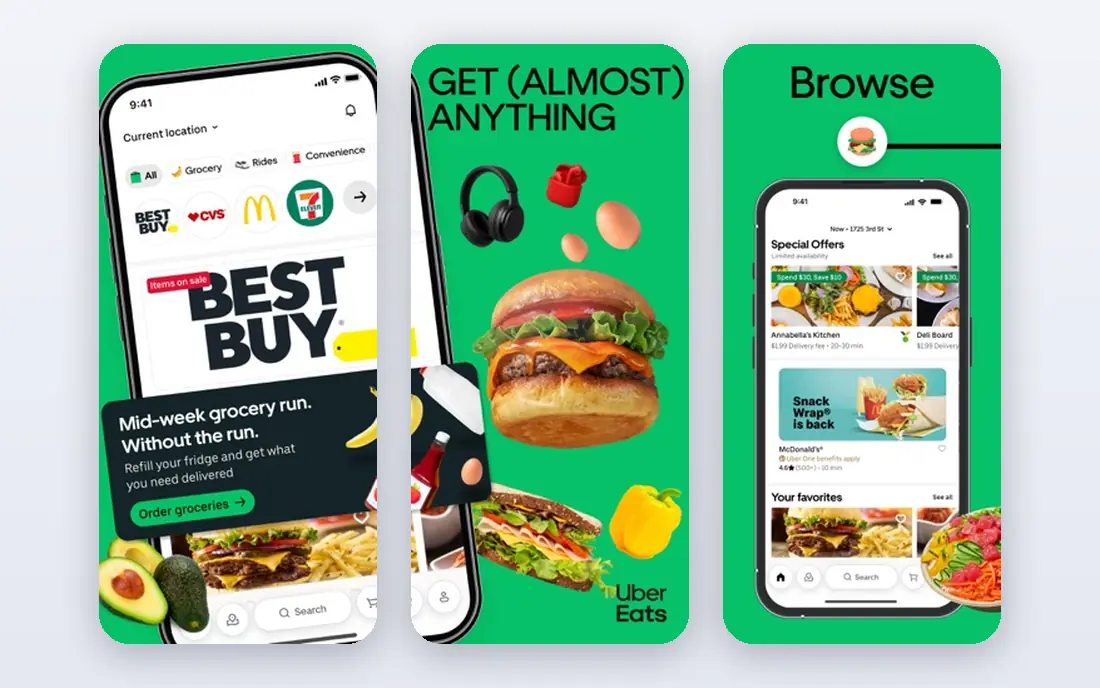
Uber Eats suits people who want a lot of choice without opening several apps. In a large city, you can often compare a supermarket sushi counter, a mid priced Japanese restaurant, and a higher end omakase style spot in one search. Filters for price, rating, and delivery time help narrow that list before you commit to an order.
The ordering flow is clear, and live tracking shows when the restaurant accepts the order, when it is ready, and when the courier is near. That matters for sushi, because a long wait in a warm bag can hurt texture. The app also keeps past orders, which makes reordering a favourite set meal a short task.
The weakness is cost control. Delivery fees, service fees, and small order fees can stack up, and the total at checkout is the number that counts. Some restaurants also set higher app menu prices, so we suggest comparing the same set on two apps before a larger order.
- Large restaurant list in many cities
- Live order tracking
- Scheduled ordering in many areas
- Fees vary a lot by restaurant
- Menu prices can be higher than in store prices
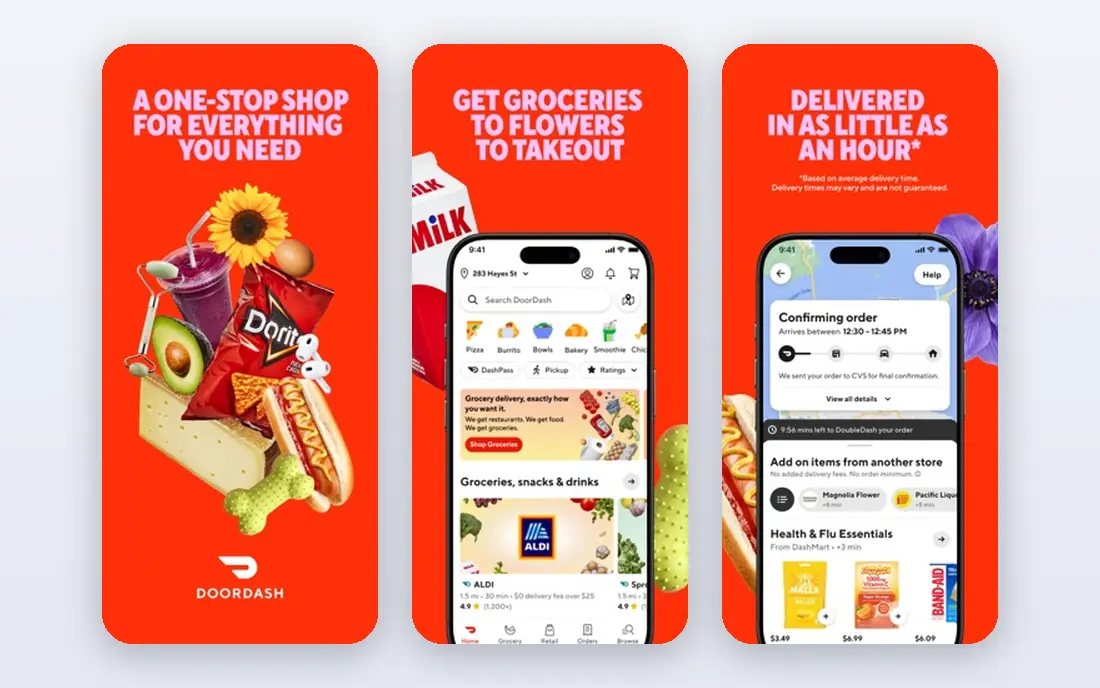
DoorDash is a practical first stop in the United States, Canada, and Australia. Its sushi listings include chains, local Japanese restaurants, and grocery sushi in some areas. You can filter by rating and price, and you can schedule an order for later in the day, which helps when you are planning dinner around work or guests.
DashPass, the paid subscription, can reduce delivery fees on eligible orders. It makes most sense for people who order several times a month. For a single occasional sushi order, the free app without a subscription is usually the better choice, and you should still check the final total.
The main limit is local coverage. In smaller towns, DoorDash may list only one or two sushi options, and one of them may be a general Asian restaurant rather than a sushi specialist. If that is the case, a second app or a direct restaurant order may give you a better menu.
- Strong US, Canada, and Australia coverage
- Scheduling option
- DashPass for frequent orders
- Fees differ by restaurant and area
- Sushi choice is thin in smaller towns
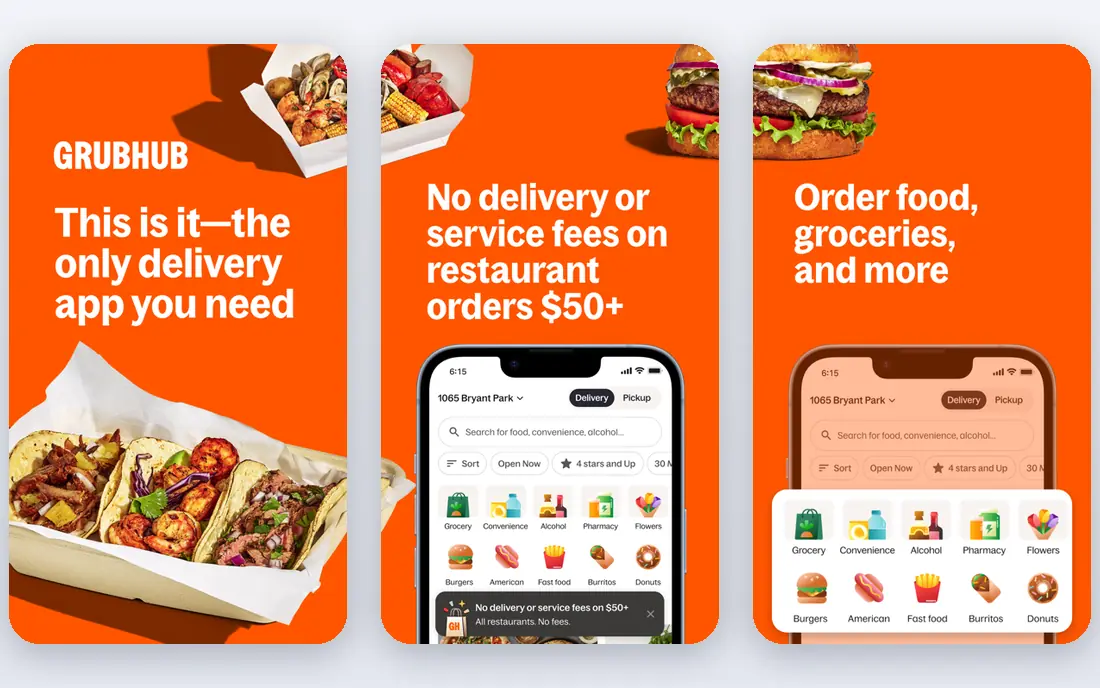
Grubhub fits US diners who already use it for other takeaway food and want sushi in the same account. The search tools let you sort by delivery time, rating, and price, and restaurant pages show menu photos and past customer reviews. That review detail is useful for sushi, where freshness and packing matter more than for many other foods.
Grubhub Plus is the paid plan that can lower delivery fees on eligible orders. As with other subscriptions, the value depends on how often you order. A person who orders once a month will rarely save enough to cover it, while a weekly orderer may find it worthwhile.
The drawback is geography. Grubhub is mainly a US service, so travellers and readers outside the US will need a local option instead. Even inside the US, coverage in rural areas is patchy, and some sushi restaurants only list on one or two platforms.
- Long history in US cities
- Restaurant reviews and filters
- Grubhub Plus option
- Coverage outside the US is limited
- Fees vary by restaurant
Deliveroo is a strong choice for readers in the UK and parts of Europe. It lists many Japanese restaurants, from high street chains to smaller independent spots, and its delivery time estimates are usually clear before checkout. The app also shows restaurant ratings and recent reviews, which help when you are trying a new sushi place for the first time.
Ordering is simple, and you can save favourite restaurants for a faster repeat order. For a group order, the shared basket tools and clear item notes help avoid missing wasabi, ginger, or chopsticks, although you should still check the order summary before paying.
The limit is availability. Deliveroo does not serve the US market, and even in the UK, smaller towns may have only a few options. Delivery fees can also rise at peak times, so a late Friday order may cost more than the same order on a quiet weekday.
- Good coverage in UK cities
- Clear delivery time estimates
- Restaurant ratings
- Not available in the US
- Fees vary by order and time
Just Eat works well as a broad UK takeaway app that also covers sushi. Many local Japanese and pan Asian restaurants list here, alongside chains, so you may find a neighbourhood spot that does not appear on more premium platforms. Offers and discounts appear often, though they usually apply to selected restaurants rather than every menu.
The checkout process is short, and you can pay by card or other common methods. Saved addresses and past orders make repeat ordering easy. For a family set meal, the ability to see the full menu and add notes per item is helpful, especially for allergy or spice requests.
Quality varies more here than on a curated platform, because the list is broad. We suggest reading recent reviews, checking photos if available, and starting with a smaller order from a new restaurant before you order a large sashimi set for guests.
- Very wide UK takeaway list
- Simple checkout
- Frequent offers
- Sushi choice depends on local restaurants
- Quality varies by outlet
Seamless is best known in New York City, where it has a deep list of restaurants, including many sushi spots in Manhattan, Brooklyn, and Queens. If you live or work in New York, it can be the fastest way to find a nearby sushi restaurant with a full menu and reliable delivery times.
The app shares much of its restaurant network with Grubhub, so menus and fees may look familiar. That overlap is a strength in New York, where coverage is dense, and a weakness elsewhere, because Seamless adds little choice outside its core city.
For sushi, the practical benefit is local depth. You can compare several nearby Japanese restaurants by rating, price, and delivery estimate without widening the search to a whole region. Outside New York, most readers will get more value from DoorDash, Uber Eats, or a local service.
- Strong New York restaurant list
- Corporate ordering tools
- Clear menus
- Limited outside New York
- Closely tied to Grubhub in the US
Caviar suits diners who want a shorter, more curated list and are willing to pay a little more for a restaurant that is known for quality. Its sushi listings tend to lean toward established Japanese restaurants rather than every takeaway outlet in an area. That curation saves time when you do not want to sort through dozens of similar menus.
Menus are presented clearly, with photos for many dishes, and the ordering flow is simple. For a special occasion set meal, the focus on quality restaurants can be a real advantage, because the restaurant choice matters more than a small saving on delivery fees.
The trade off is choice and price. Caviar covers fewer cities than Uber Eats or DoorDash, and budget sushi sets are less common. If you want the cheapest lunch roll, a larger app will usually beat it. If you want a trusted higher end spot, Caviar is worth checking first.
- Curated restaurant list
- Focus on quality spots
- Clear photos and menus
- Smaller coverage than larger apps
- Fewer budget options
Chowbus stands out because it focuses on Asian food, including Japanese, Chinese, Korean, and other regional menus. That focus means its sushi listings often include independent restaurants that may not list on general delivery apps, or may get lost among burger and pizza places there.
Group ordering is a useful feature for office lunches or family dinners, since several people can add items to one order. The app also lists many smaller restaurants, which can be a good way to find a local sushi spot with a loyal following.
Coverage is the main limit. Chowbus serves selected cities in the US, Canada, and Australia, and it is not a national option in the same way as DoorDash. If your city is covered, it is a strong second app to check. If it is not, you will need to rely on the larger platforms above.
- Focus on Asian restaurants
- Group ordering tools
- Many independent spots
- Limited city coverage
- Delivery fees vary by restaurant
How we picked these
We started with official app and website pages, app store listings, and public help pages for each service. We checked that each app still operates in October 2026, that it lists sushi or Japanese restaurants in at least some of its cities, and that its ordering and delivery features are described on its own site. We compared coverage, fees, subscription options, and ordering tools, and we left out services that had closed, merged into another app, or listed almost no sushi restaurants. Where a fee or plan price varied by city or restaurant, we wrote See website in the table notes in our research and used the free app price here, because a single national price would have been misleading.
Choosing sushi for delivery
Start with freshness, not just price. Raw fish should travel cold and arrive promptly, so favour restaurants with short delivery estimates and recent reviews that mention packing and temperature. A restaurant that packs sashimi in a sealed, chilled container and separates sauces will usually travel better than one that uses a single loose box.
Check the total before you pay. Delivery fees, service fees, tips, and small order fees can turn a cheap set into a costly one. Compare the same set on two apps, and check whether a subscription you already pay for covers that restaurant. If you order sushi often, a subscription may help, but do the maths over a month, not a single order.
Think about portion and variety for the occasion. A lunch order for one person suits a small roll set or a donburi. A dinner for guests suits a mixed set with nigiri, maki, and sashimi, plus extra ginger and wasabi. Note allergies and raw fish preferences clearly in the order notes, and double check the summary, because a missing item is harder to fix after the courier leaves.
Frequently asked questions
Which sushi delivery app is cheapest?
There is no single cheapest app, because fees and menu prices change by restaurant, city, and time of day. Compare the final checkout total on two apps for the same set, including delivery and service fees, before you decide. A subscription can lower delivery fees, but only if you order often enough.
Is delivered sushi safe to eat?
Delivered sushi can be safe when it comes from a reputable restaurant, is kept cold, and arrives promptly. Choose restaurants with good recent reviews, avoid orders that sit for a long time, and refrigerate leftovers promptly. If the order arrives warm, damaged, or late, contact the app support team rather than eating raw fish you are unsure about.
Can I order sashimi for delivery?
Yes, many Japanese restaurants list sashimi sets on these apps, but not every restaurant offers raw fish for delivery. Check the menu carefully, read reviews about packing, and order from a restaurant with a short delivery time. Some restaurants limit sashimi delivery to nearby areas, which helps keep it cold.
Do these apps deliver sushi late at night?
Some do, in larger cities, but late night sushi choice is much smaller than daytime choice. Uber Eats, DoorDash, and Deliveroo list late opening restaurants where they exist, while smaller apps may close earlier. Check the app for restaurants marked as open now, rather than assuming your usual spot is available.
Should I tip the courier for a sushi order?
Tipping is optional on most apps, but it is common practice and couriers rely on it as part of their pay. A prompt delivery matters more for sushi than for many foods, so a fair tip for a careful, on time delivery is reasonable. You can usually adjust the tip in the app after delivery if the service was poor.
What if my sushi order is wrong or missing items?
Contact the app support team through the order page as soon as you notice the problem. Take a photo of what arrived, keep the receipt, and describe the missing or wrong items clearly. Most apps offer a refund or credit for missing items, though the exact remedy depends on the app and the restaurant.
Sources we checked (8)

Online Jobs is an independent blog about careers, online work, learning new skills and the tools that help people earn. More about us.
Keep reading
All posts
Best Meal Prep Service
Searching for the best meal prep service? We compare eight meal kits and ready meals on cooking time, diet options, price, and flexibility for your household.
Best Meal Kit Delivery Services
Compare the best meal kit delivery service options for families, couples and solo diners, with honest prices, kit types and ready-made meals today in 2026.

Best Meal Delivery Services
We compared the best meal delivery services for families, busy cooks and plant based eaters, checking menus, pricing and prep time before ranking them.