Best Streaming Services for Kids in 2026: 8 Services Compared

How we put this together: we compare official feature and pricing pages, app store listings, privacy policies and public user reviews. Prices change, so check the provider's site before you pay.
Key takeaways
- Disney+ is the strongest baseline for younger kids, with a deep family library and kid profiles that limit content by age.
- PBS Kids is the best free option, focused on educational shows for preschool and early school-age children.
- Netflix and Paramount+ suit older kids and mixed-age households, with broader libraries plus strong kid controls.
- Price adds up fast, so most families need only two services, with free options filling the gaps.
Quick comparison
| Name | Who it suits | Starting price | Free option | |
|---|---|---|---|---|
 Disney+ | Young kids and family viewing | $12.49 per month | No | Visit |
 Netflix | Older kids and mixed-age households | $8.99 per month | No | Visit |
 PBS Kids | Free educational viewing | Free | Yes | Visit |
 Paramount+ | Nickelodeon fans and younger kids | $8.99 per month | No | Visit |
 HBO Max | Cartoon fans and older kids | $10.99 per month | No | Visit |
 Apple TV | Families wanting ad-free originals | $14.99 per month | No | Visit |
 Prime Video | Prime members wanting kids shows | $8.99 per month | No | Visit |
 Peacock | Families wanting variety plus live events | $12.99 per month | No | Visit |
The best streaming services for kids
Kids streaming is not just about show counts. It is about whether a child can browse safely, whether ads appear, whether profiles stay locked, and whether the library fits the child's age. The eight services below cover free educational viewing, deep family libraries, and broader services with strong kid sections.
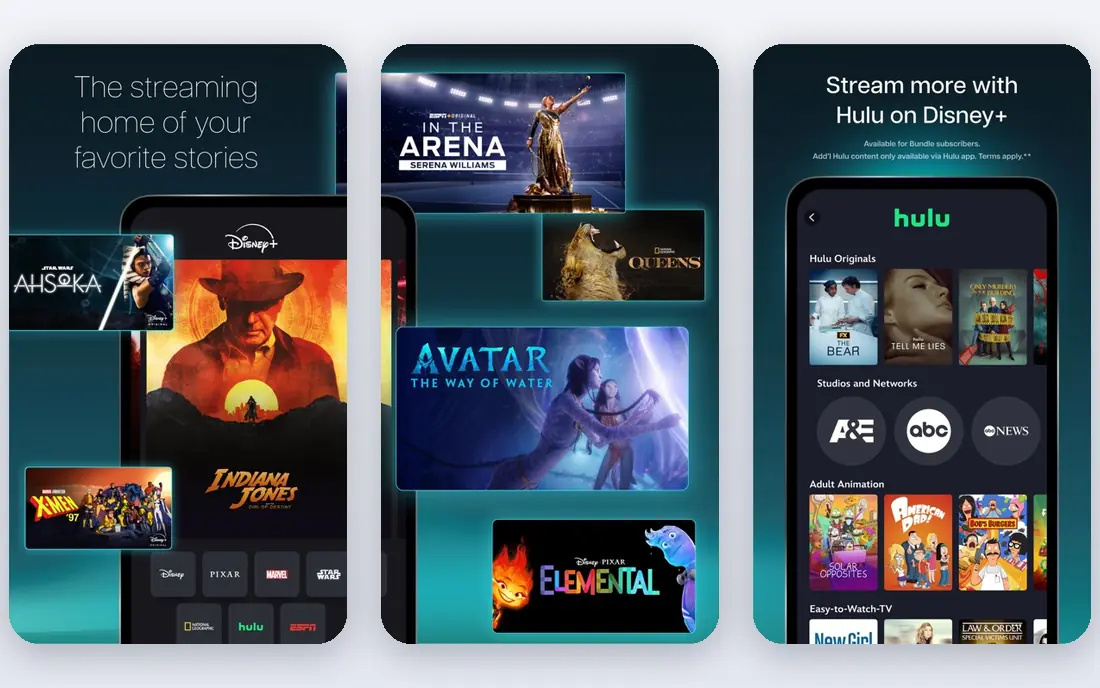
Disney+ is the baseline for most families with young kids, because its library is almost entirely family-friendly and its kid profiles restrict content by age. Parents can lock profiles so a child cannot switch to an adult profile, which is a key safety feature. Disney, Pixar, Marvel, and Star Wars titles give younger kids plenty to watch without constant supervision of the catalogue.
The price is the drawback, starting at $12.49 per month in recent October 2026 pricing checks, with ad-free tiers costing more. Disney+ is also lighter on dedicated preschool education than PBS Kids. For a family starting with one paid service for kids, Disney+ is the most reliable pick, and it pairs well with free PBS Kids for learning shows.
- Deep Disney, Pixar, Marvel, and Star Wars libraries
- Kid profiles with age limits
- Profile locks
- Not free
- Lighter on preschool education than PBS Kids
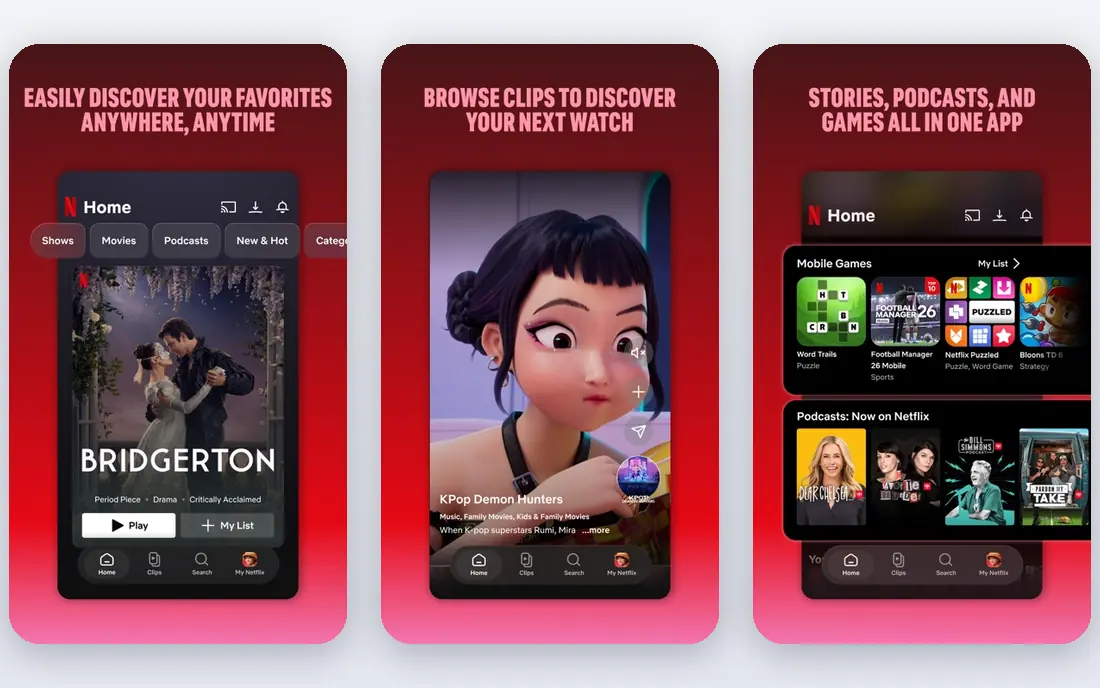
Netflix suits households where kids and adults share one subscription, because the kids section sits beside a large adult library. Kid profiles limit content by maturity rating, and parents can set a profile lock and viewing restrictions. Original kids shows and films add variety beyond licensed titles, which helps older kids who outgrow preschool content.
The lowest tier at $8.99 per month includes ads, while ad-free Standard costs $19.99 per month in recent pricing checks, so families that want no ads should budget for the higher tier. Netflix also requires care with profile settings, because adult profiles are one tap away without a lock. With locks set, Netflix is a strong second service for mixed-age households.
- Large kids section plus adult library
- Kid profiles and maturity controls
- Strong originals
- Ads on the lowest tier
- Price rises sharply for ad-free plans
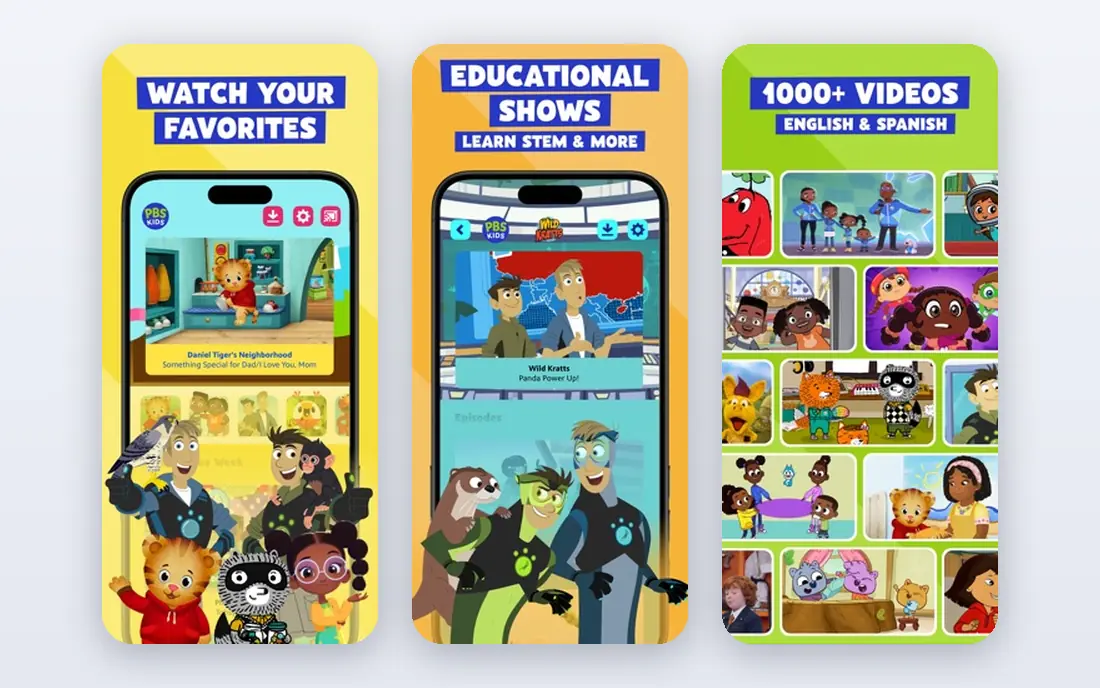
PBS Kids is the best free option for families, with educational shows streamed free through the PBS app and website. A Passport membership, around $5 per month, extends access, but the core kids library is free. Shows focus on reading, math, science, and social skills, which suits preschool and early school-age children.
The library skews younger, so tweens will find less to watch, and it lacks the big franchises of Disney+ or Netflix. For families on a budget, though, PBS Kids plus one paid service covers education and entertainment well. It is also the safest free starting point for a young child using a tablet alone.
- Free to stream
- Education-first shows
- Safe for preschool children
- Skews younger
- Thin on tween entertainment and big franchises
Paramount+ brings the Nickelodeon library to streaming, with shows that many kids already know from television. Kid profiles and parental controls help parents limit content, and the Essential starting price of $8.99 per month keeps it among the cheaper paid options. Families with Nickelodeon fans will find the most value here.
The overall kids library is smaller than Disney+, and ad-free Premium costs $13.99 per month in recent pricing checks. Paramount+ works best as a second service for Nickelodeon fans, rather than as the only kids service. Pair it with PBS Kids for education and Disney+ or Netflix for breadth if budget allows.
- Nickelodeon library
- Kid profiles
- Lower starting price than many rivals
- Smaller overall kids library than Disney+
- Premium costs more for ad-free viewing
HBO Max, formerly Max, offers a strong cartoon catalogue alongside prestige adult shows, which makes profile controls essential. Kid profiles limit content, and parents should set locks so children cannot move to adult profiles. For older kids who like animation and family films, the cartoon depth is a real draw.
The lowest tier at $10.99 per month includes ads, with ad-free Standard at $18.49 per month in recent pricing checks. Families should weigh ad tolerance against price, because ads on a kids service bother many parents. With locks set and a tier chosen, HBO Max is a good addition for cartoon-loving households.
- Strong cartoon catalogue
- Kid profiles and controls
- Quality originals
- Ads on the lowest tier
- Adult content needs careful profile locks
Apple TV, formerly Apple TV+, is ad-free by default, which many parents prefer for kids viewing. Its family originals are fewer than Disney+ or Netflix, but they are generally high quality, and parental controls let parents limit content by age. The service costs $14.99 per month in recent pricing checks, with no ads tier to lower the price.
The smaller catalogue is the main limit. Apple TV works best as a complement to a larger library, not as a child's only service, unless the family watches mainly originals. For parents who want ad-free viewing without paying for a premium tier elsewhere, Apple TV is a clean option.
- Ad-free by default
- High-quality family originals
- Strong parental controls
- Smaller catalogue than Disney+ or Netflix
- Higher starting price
Prime Video is included with an Amazon Prime membership at $14.99 per month, or available standalone at $8.99 per month in recent pricing checks. Its kids section includes profiles and controls, plus family films and shows alongside adult content. For a household already paying for Prime delivery, kids video is effectively included.
Ads appear on the base tier, with an ad-free add-on costing extra, so parents who want no ads should budget for that. Prime Video alone is not as deep for kids as Disney+, but as part of a Prime membership it is excellent value. Check profile locks, because adult content sits beside kids content in the same app.
- Included with Prime membership
- Kids section with profiles
- Standalone option available
- Ads on the base tier
- Ad-free add-on costs extra
Peacock offers a broad library from NBC and related studios, with a kids section, profiles, and family films beside adult shows and live sports. Premium starts at $12.99 per month in recent pricing checks, with Premium Plus at $19.99 per month for ad-free viewing. That breadth suits households where adults want sports and kids want shows in one subscription.
Peacock is not a kids-first service, so parents should set kid profiles and locks carefully. Its starting price is also higher than Netflix with ads or Paramount+ Essential. For a household that already wants Peacock for adults, the kids section adds value. As a kids-only purchase, Disney+ or PBS Kids may fit better.
- Broad NBC and family content
- Kid profiles
- Sports and live events for older households
- Higher starting price than some rivals
- Premium Plus costs more for ad-free viewing
How we picked these
We compared official pricing pages, feature pages, and public pricing checks for streaming services in October 2026. We favored services with a dedicated kids section, kid profiles, age limits, and profile locks, plus a library that fits at least one age group well. We included free and paid options, because most families mix the two. Prices shown are recent published figures and can change, so families should confirm the current price on each service signup page before subscribing.
How to set up kids streaming safely
Start with profiles, not shows. Create a kid profile for each child, set the age limit to match the younger child if profiles are shared, and lock adult profiles with a PIN. Turn on autoplay limits where available, and check what a child sees on the home screen before handing over a tablet. A quick test with the child present will show whether the controls work as expected.
Ads, downloads, and screen time
Decide on ads before you subscribe, because ad-free tiers cost more but remove a common parent complaint. Downloads help for car trips and flights, but they also let a child watch without a connection, so check downloaded titles regularly. Set viewing time rules outside the app where needed, since not every service offers strong time limits. A shared family routine, with shows chosen together, works better than a locked app alone.
Rotating services to save money
Most families do not need every service at once. Start with Disney+ or PBS Kids, add Netflix or Paramount+ for a season, then rotate when a show ends. Cancelling is usually easy, and rotating can cut the monthly bill sharply. Keep a list of shows each child wants, so a rotated service returns when new seasons arrive. Free services such as PBS Kids can stay on all year without adding cost.
Talking about what kids watch
Controls help, but conversation helps more. Ask children what they watched, what they liked, and what felt strange or scary, without making it a test. Explain why some shows are for older kids, and agree on what to do when a show feels wrong, such as pausing and telling a parent. That habit matters more than any single profile setting, because children will encounter new content as they grow.
Frequently asked questions
Which streaming service is best for kids?
Disney+ is best for most families with young kids, thanks to its deep family library and kid profiles with locks. PBS Kids is best for free educational viewing, while Netflix suits older kids and mixed-age households. The best service depends on the child's age, not just the library size.
What is the best kids streaming service for preschoolers?
PBS Kids is best for preschoolers, because it is free and focused on educational shows for young children. Disney+ is a strong paid complement, with familiar characters and kid profiles. For preschool viewing, keep profiles locked and prefer ad-free tiers where budget allows.
Is Netflix good for kids?
Yes, with kid profiles and locks set, Netflix offers a large kids section plus strong originals for older kids. The lowest tier includes ads, so families that want ad-free viewing should budget for Standard at $19.99 per month. Set a profile lock, because adult content is one tap away without it.
Are there free streaming services for kids?
Yes, PBS Kids is free to stream, with an optional Passport membership for extended access. Some services offer free trials from time to time, but most paid services in this guide have no permanent free plan. Check current trial offers on each vendor site, because they change often.
How do parental controls work on streaming services?
Most services offer kid profiles with age limits, maturity ratings, and profile locks with a PIN. Parents create a kid profile, set the age range, and lock adult profiles so a child cannot switch. Controls vary by service, so test the setup on each app before a child uses it alone.
How many streaming services do kids need?
Most families need only one paid kids service plus free PBS Kids. Start with Disney+ for young kids or Netflix for older kids, then add a second service only for a specific show or season. Rotating services saves money and still gives children plenty to watch.
Sources we checked (8)

Online Jobs is an independent blog about careers, online work, learning new skills and the tools that help people earn. More about us.
Keep reading
All posts
WatchCartoonOnline.io Alternatives
Compare legal WatchCartoonOnline.io alternatives for cartoons and anime, from free services to paid streaming, with honest catalog limits for every household.
Reddit Alternatives
We compared the best Reddit alternatives for 2026, from Lemmy and PieFed to Discuit, Tildes, MetaFilter, Hacker News and Discord, with community notes.

M4uFree Alternatives
Looking for m4ufree alternatives? We list legal streaming services with free and paid plans, plus the malware and legal risks of unlicensed sites today.