Best Sports Card Scanner App in 2026: 8 Products Compared

How we put this together: we compare official feature and pricing pages, app store listings, privacy policies and public user reviews. Prices change, so check the provider's site before you pay.
Key takeaways
- CollX is the easiest free starting point for most collectors, with a large card database and a built-in marketplace.
- Ludex and Center Stage are stronger when you need price reports and sold-sale context, not just a single estimate.
- No scanner can judge condition from a photo alone, so treat every value as a starting point and check recent sold listings before you buy or sell.
- Card Ladder and Beckett suit serious collectors who want price history and grading context, while casual collectors can stay on free plans.
Quick comparison
| Name | Who it suits | Starting price | Free option | |
|---|---|---|---|---|
 CollX CollX | Free scanning for most collectors | Free | Yes | Visit |
 Ludex Ludex | Parallels and mixed sports and trading card collections | Free | Yes | Visit |
 Center Stage Center Stage | Free scanning with a social marketplace | Free | Yes | Visit |
 Cardbase Cardbase | Scanning graded cards with price history | Free | Yes | Visit |
 Find The Hits Find The Hits | Simple collection tracking for casual collectors | Free | Yes | Visit |
 Card Ladder Card Ladder | Price history and portfolio tracking | See website | Free trial | Visit |
 Beckett Beckett | Price guide context and grading information | Free | Yes | Visit |
 Sports Card Scanner Sports Card Scanner | Simple scanning without a marketplace | Free | Yes | Visit |
The best sports card scanner app
We focused on apps that use a phone camera to identify a sports card and show an estimated value, then help you save it to a collection. A good scanner gets the player, set, and variation right, and it shows you enough price context to avoid overpaying.
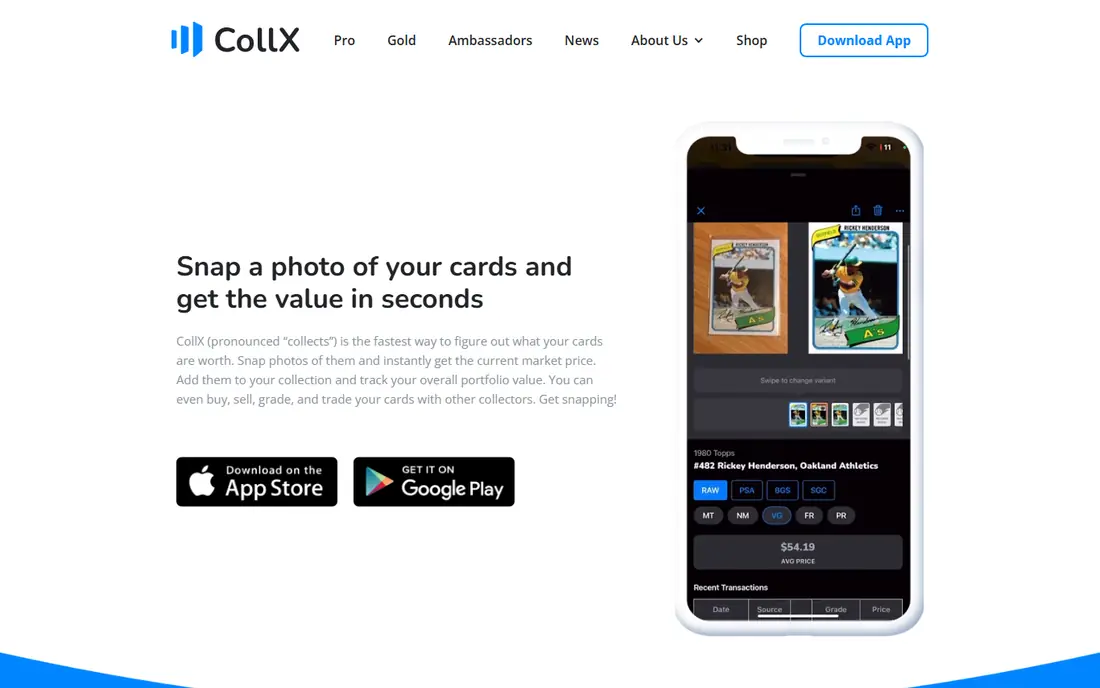
Every collector asks first what a card might be worth, and CollX is built to answer that. Point the camera at a card, and the app tries to match it against a large database, then shows an average market value and lets you add it to a collection. It covers baseball, basketball, football, hockey, soccer, and other sports, plus many trading card games.
The built-in marketplace is a practical bonus if you want to list a card after scanning it, without moving to another app. The honest limit is accuracy on price and variation. Estimates blend listing and sale data in ways that can sit above recent sold prices, and parallels are harder than base cards. Use CollX for identification and a rough value, then check sold listings for the exact card before a sale.
- Large card database
- Scans sports and many trading card games
- Built-in marketplace for buying and selling
- Value estimates can run high versus sold prices
- Parallels can be misidentified
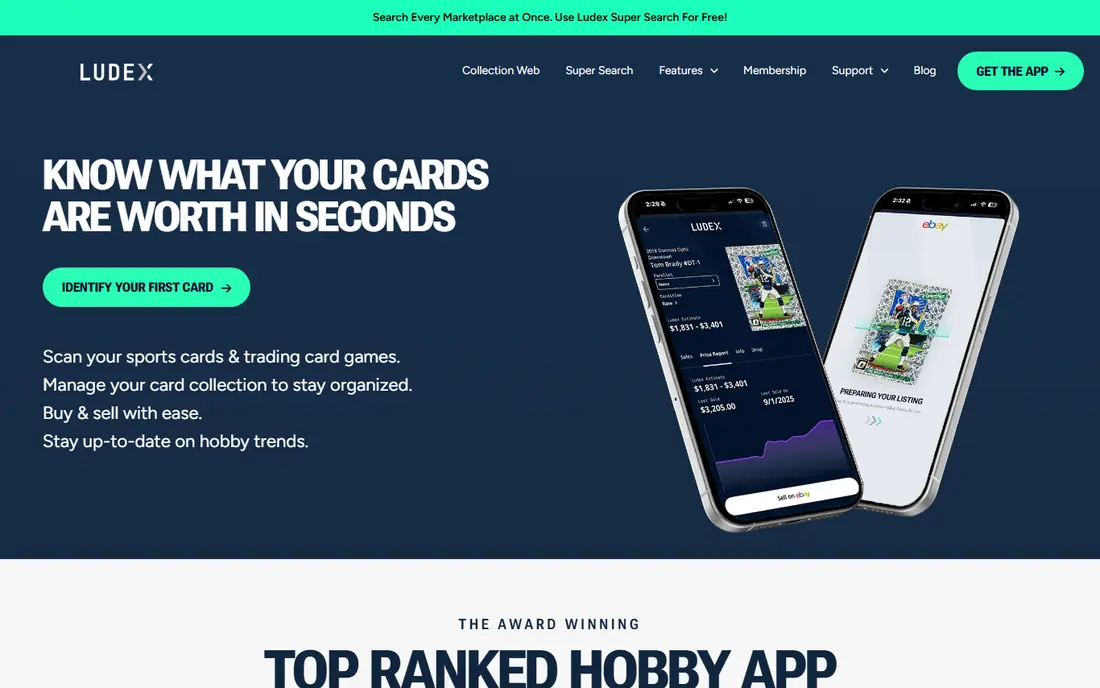
A mixed box of sports and trading cards is where Ludex earns a close look. It scans sports cards and trading card games, and its paid plans add unlimited scans, fuller price reports, and tools to publish eBay listings. That combination suits sellers who scan, price, and list in one workflow, rather than copying details between apps.
The free plan is best treated as a trial for real use. It includes a set number of identified scans per month and a limited portfolio, so a large collection will hit the ceiling quickly. Paid Lite plans start at a lower price for one category, while Standard covers all categories. If you only collect one sport, check whether the cheaper category plan covers it before paying for full access.
- Price reports for scanned cards
- Covers sports and trading card games
- EBay listing tools on paid plans
- Free plan limits scans and portfolio size
- Full access needs a paid plan
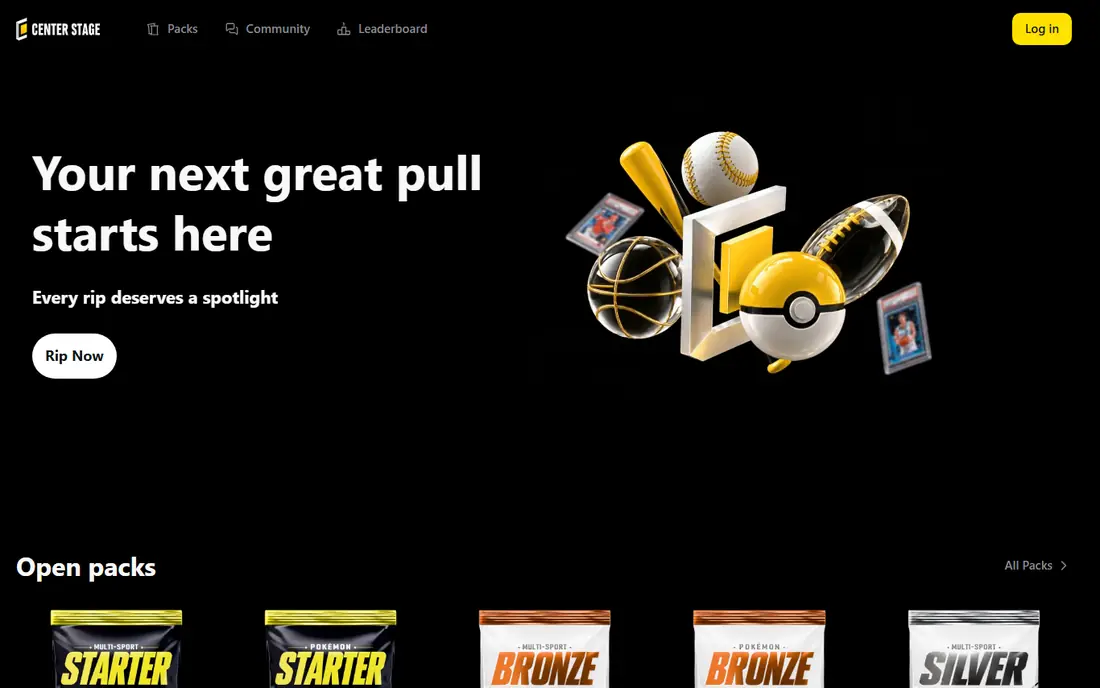
A free plan that stays useful for regular scanning is what sets Center Stage apart. You can scan cards, get a price guide result, save them to a collection, and post cards to its marketplace. It supports basketball, baseball, football, soccer, hockey, and racing cards, with limited support for some trading card games.
The trade-off is polish and scale. Some users report that the camera misses a card and a manual search is needed, and the community is smaller than CollX or eBay. Paid Premium and Unlimited plans raise scan limits, add export and population reports, and lower seller fees. Start free, test it on cards you already know, and see whether its matches fit your sets before you pay.
- Free plan includes many scans per month
- Instant price guide
- Social marketplace for posting cards
- Smaller community than larger apps
- Scanning can miss on some cards and need a manual search
Scan a card, track its value, and trade with other collectors: that full routine is Cardbase. The app pulls price updates from multiple marketplaces, so a collection total moves as the market moves. Price history and population data are the parts that set it apart, since they help you judge whether a price is backed by recent sales.
In-app purchases for Pro and Ultra tiers are listed on the app store, so check the current tier details before you buy. If price history and population data matter more to you than a one-off price check, Cardbase deserves a place on your shortlist.
- Camera scanning and collection tracking
- Price history and population data
- No sign-up needed to scan
- Paid Pro and Ultra options can be costly for casual use
- Market coverage varies by card type
A tidy collection list without a complex investment dashboard is the appeal of Find The Hits. Scan or add cards, organize them, and keep a running view of what you own. For a collector returning to the hobby, or a parent helping a child catalog cards, that simplicity is a real benefit.
The limit is depth. It does not match Card Ladder for detailed price history, nor Beckett for long-standing price guide context. That does not make it a poor app, it makes it a different kind of app. Use it when organization matters most, and pair it with a sold-listing check when you need a firm price for a sale.
- Straightforward scanning and collection lists
- Useful for organizing a growing collection
- Low learning curve
- Price data is less deep than Card Ladder
- Fewer marketplace and grading features
When a single estimate is no longer enough, serious collectors often move to Card Ladder. Instead of one number, you get price history, charts, and a portfolio view that shows how a collection has moved over time. That history, built from actual sales data, helps you spot whether a price spike is a trend or a single outlier sale.
The price is the main barrier. A subscription aimed at investors and dealers can feel steep if you only check a few cards a month. Also, a portfolio total is only as good as the condition assumption behind it. A raw card and a high-grade copy of the same card can differ greatly in value, so use Card Ladder for market context and still inspect condition before you act.
- Price history built from actual sales
- Portfolio charts
- Useful for buy and sell decisions
- Subscription cost is high for casual use
- Collection total still assumes your copy matches the priced condition
Decades in the hobby show up in Beckett price guide and grading coverage. The app and site give collectors a familiar reference point for values, graded populations, and hobby news, alongside tools to track cards. For vintage collectors, that context can matter as much as a quick scan.
As a scanner, Beckett is not the fastest or simplest option in this list. Its strength is reference data and grading context, not a one-tap camera workflow for a whole box. Some deeper price guide features sit behind a subscription, so check what the free app includes for your sport and era. Pair Beckett with a dedicated scanner if you want both fast identification and long-term guide context.
- Long-standing price guide brand
- Grading and population context
- Broad hobby coverage
- App experience is less focused on fast camera scanning
- Some price guide features need a subscription
Quiet and focused, Sports Card Scanner appeals to collectors who dislike marketplace pressure. You open the app, scan a card, and get an identification and value without being pushed toward buying, selling, or joining a social feed. For a quick check at a card show or in a shop, that focus saves time.
The drawback is what you give up. Portfolio tools, detailed price history, and trading features are thinner than in CollX, Ludex, or Card Ladder. If you later want to track a large collection or follow price trends, you may need a second app. Sports Card Scanner is best as a fast scanner for occasional checks, not as a full collection platform.
- Clean, simple scanning workflow
- No marketplace pressure
- Works on iPhone and Android
- Fewer portfolio and market tools than larger apps
- Value context is thinner
How we picked these
We looked for apps that are available now on iPhone or Android, use camera scanning to identify sports cards, and show a value or price context for the matched card. We checked official app store listings, vendor homepages, and pricing pages in October 2026, and we kept only apps that truly scan sports cards. We left out general marketplace apps where scanning is only a listing helper, unless the app itself is built around card identification.
We also weighed database coverage, price transparency, collection tools, and free access. A scanner that only shows a single number, with no way to see recent sales or condition limits, scored lower than one that helps you check the number. Prices for app subscriptions change by store and region, so we list the app store starting point where it was clear and use See website where the vendor controls pricing.
How to get a value you can trust
A scanner gives you an identity and an estimate, not a final sale price. Use the steps below to turn that estimate into a decision you can defend.
Scan in good light, then confirm the match
Hold the card flat, in even light, with the full card in frame, and check the player, year, set, and card number against the match. Parallels, refractors, and short prints look similar in a small photo, so confirm the variation before you trust the price. If the app offers a second match, compare both before saving the card.
Check sold listings, not just asking prices
Search recent sold listings for the exact card, in the same condition and grade if graded. Asking prices can sit far above what buyers actually paid, and a scanner estimate that blends both can mislead you. For a valuable card, look at several recent sales, not just the highest one.
Factor in condition and grading costs
Centering, corners, edges, and surface all affect value, and a scanner photo cannot grade a card reliably. If you plan to grade, add grading fees, shipping, and waiting time to your math. A card that looks strong in a scan can still grade lower than expected, so leave room for that outcome in any buy or sell decision.
Track, then review before you sell
Save scanned cards to a collection and review totals over time, rather than acting on one day's estimate. A collection tracker helps you spot duplicates, sets you are close to finishing, and cards that have moved enough to reconsider. When you are ready to sell, recheck the price on that day, since card markets move quickly.
Frequently asked questions
What is the best app for card values?
CollX is the best free starting point for most people, because it scans a wide range of cards and shows a value quickly. Ludex is a strong second choice for parallels and mixed collections, while Card Ladder suits collectors who want detailed price history. The best app depends on whether you need a quick check, a collection tracker, or investment-grade price data.
What is the best app for baseball card value?
For baseball cards, CollX, Ludex, Center Stage, and Cardbase all scan baseball cards and show values. CollX is easiest for a large, casual collection, while Center Stage and Ludex add useful price report detail. Always confirm the year, set, and variation, since baseball sets have many similar-looking parallels.
What is the best app to scan baseball cards?
CollX and Ludex are the most direct answers, since both are built around camera scanning and a large database. Center Stage and Sports Card Scanner also scan cards and suit collectors who want a simpler workflow. Test each app on ten cards you know well, and keep the one that gets the most matches right on the first try.
Are sports card scanner apps accurate?
They are usually good at identifying common base cards, and less reliable on parallels, rare inserts, and cards in poor light. Values are estimates, and they can differ from recent sold prices because of condition, grade, and the sales data behind the estimate. Treat a scan as a starting point, then verify with sold listings for any card you plan to buy, sell, or grade.
Do I need to pay for a sports card scanner app?
No, not to start. CollX, Ludex, Center Stage, Cardbase, Find The Hits, Beckett, and Sports Card Scanner all offer free access, though scan limits and features vary. Paid plans make sense when you scan often, need exports, or want deeper price history, as with Card Ladder. Start free and pay only when a limit blocks a task you do regularly.
Can a scanner tell me if a card is worth grading?
Only in part. A scanner can tell you what the card is and what graded and raw copies have sold for, which helps you judge the possible gain. It cannot reliably judge centering, corners, edges, and surface from a single photo. Use the scan for the value range, inspect the card closely yourself, and consider a pre-grade check before paying grading fees.
Sources we checked (8)

Online Jobs is an independent blog about careers, online work, learning new skills and the tools that help people earn. More about us.
Keep reading
All posts
Reddit Alternatives
We compared the best Reddit alternatives for 2026, from Lemmy and PieFed to Discuit, Tildes, MetaFilter, Hacker News and Discord, with community notes.

Discord Alternatives
We compared the best Discord alternatives for gaming, communities and teams, checking official pricing, free plans and honest limits before ranking nine apps.

Best Twitter Alternatives
Looking for the best Twitter alternatives? We compared 9 platforms for short posts, from Bluesky and Threads to Mastodon, so you can find your new home.