Best Social Media Scheduling Tools in 2026: 8 Products Compared

How we put this together: we compare official feature and pricing pages, app store listings, privacy policies and public user reviews. Prices change, so check the provider's site before you pay.
Key takeaways
- Buffer is the best starting point for simple scheduling, while Hootsuite and Sprout Social suit larger teams that need listening and analytics.
- Pricing model matters more than feature lists: per channel, per seat and flat rate plans produce very different bills at scale.
- Later suits visual first brands on Instagram and TikTok, while SocialPilot and Sendible suit agencies with many accounts.
- Metricool offers a useful free plan with analytics, and Planable suits teams that need clear approval workflows.
- Our pick for most small teams is Buffer for simplicity, or Metricool when analytics on a budget matter more than advanced team features.
Quick comparison
| Name | Who it suits | Starting price | Free option | |
|---|---|---|---|---|
 Buffer Buffer | simple scheduling for small teams | See website | Yes | Visit |
 Hootsuite Hootsuite | large teams and listening | See website | Free trial | Visit |
 Sprout Social Sprout Social | analytics and listening | See website | Free trial | Visit |
 Later Later | visual Instagram and TikTok planning | See website | Yes | Visit |
 SocialPilot SocialPilot | agencies on flat pricing | See website | Free trial | Visit |
 Sendible Sendible | agencies with many clients | See website | Free trial | Visit |
 Metricool Metricool | analytics on a budget | See website | Yes | Visit |
 Planable Planable | approval workflows | See website | Free trial | Visit |
The best social media scheduling tools
These eight tools cover simple scheduling, visual planning, analytics, listening and agency workflows.
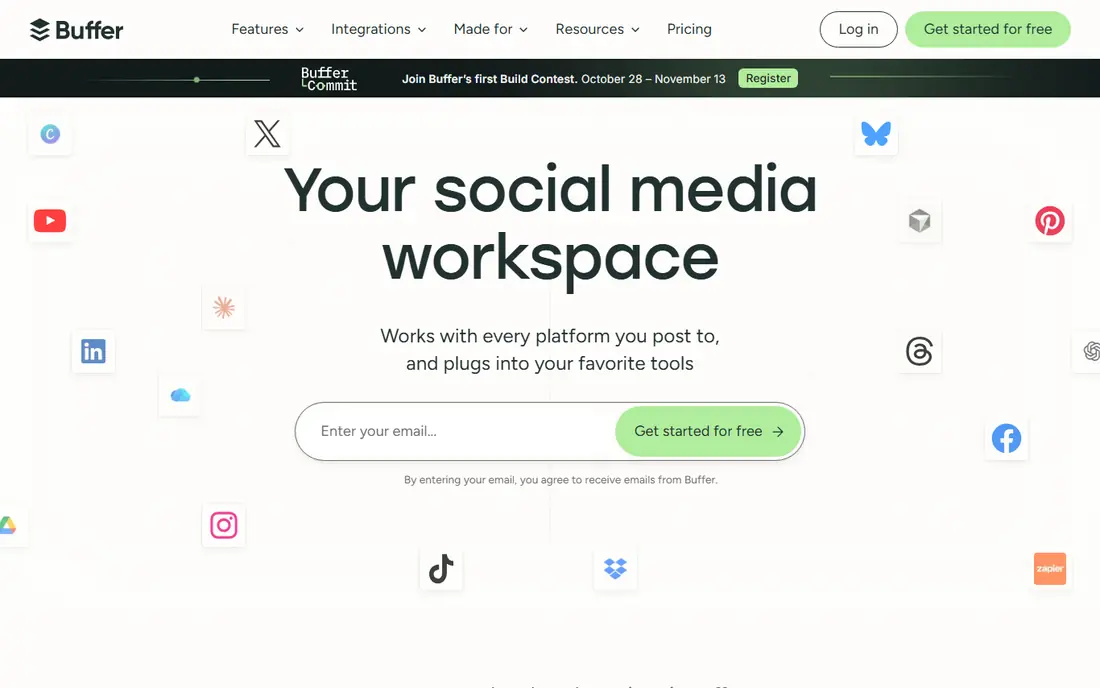
Buffer is the calmest scheduler on this list. Connect channels, write a post, set a time, and the calendar shows what is planned. That simplicity suits creators and small teams who want scheduling without a large management platform, and the free plan makes it easy to trial. The catch is per channel pricing. A team with many channels will see costs rise faster than on a flat rate plan, so count channels before committing. Buffer also lacks the deep listening and enterprise reporting of Hootsuite or Sprout Social. For simple, reliable scheduling, it remains the best starting point.
- Very easy to use
- Per channel pricing
- Clean calendar and analytics
- Per channel costs grow with accounts
- Fewer enterprise features
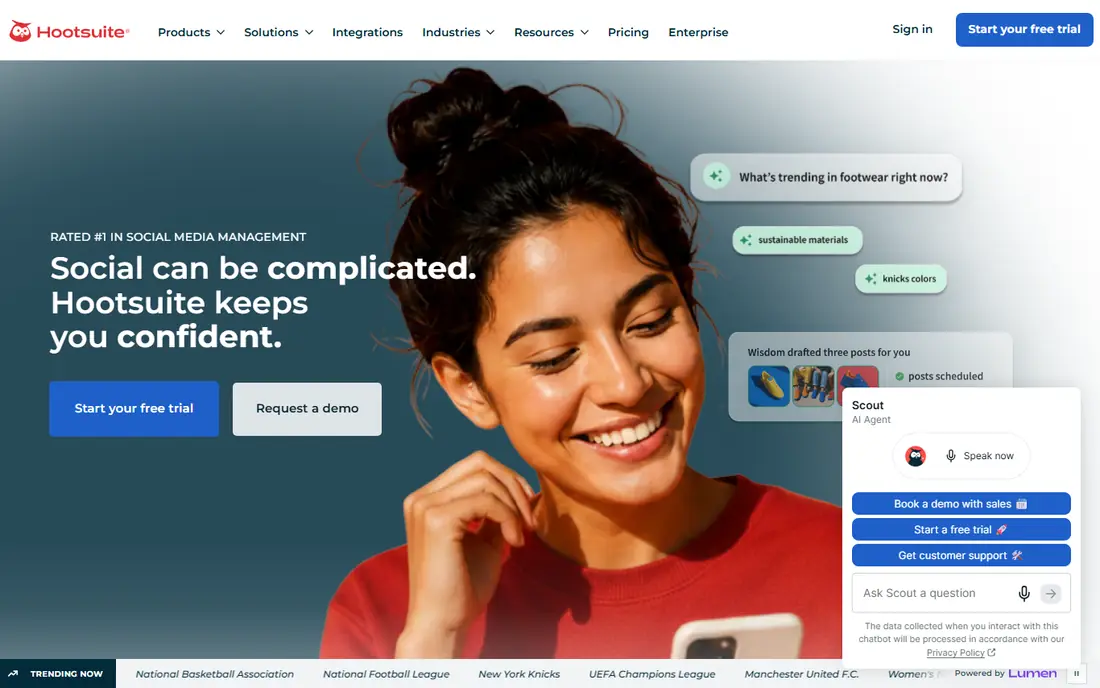
Hootsuite suits established teams that manage many profiles and need more than scheduling. Publishing, inbox, analytics and listening sit in one platform, and team roles and approvals help larger organisations control output. For a brand with social as a core channel, that depth matters. The trade-off is price and complexity. Per user pricing adds up for larger teams, and small creators may find the platform heavier than needed. Hootsuite is best when social work is daily, multi person and tied to reporting. For a solo creator, Buffer or Metricool will be cheaper and simpler.
- Broad network coverage
- Listening and analytics
- Team workflows
- Per user pricing is costly
- Interface can feel heavy for small teams
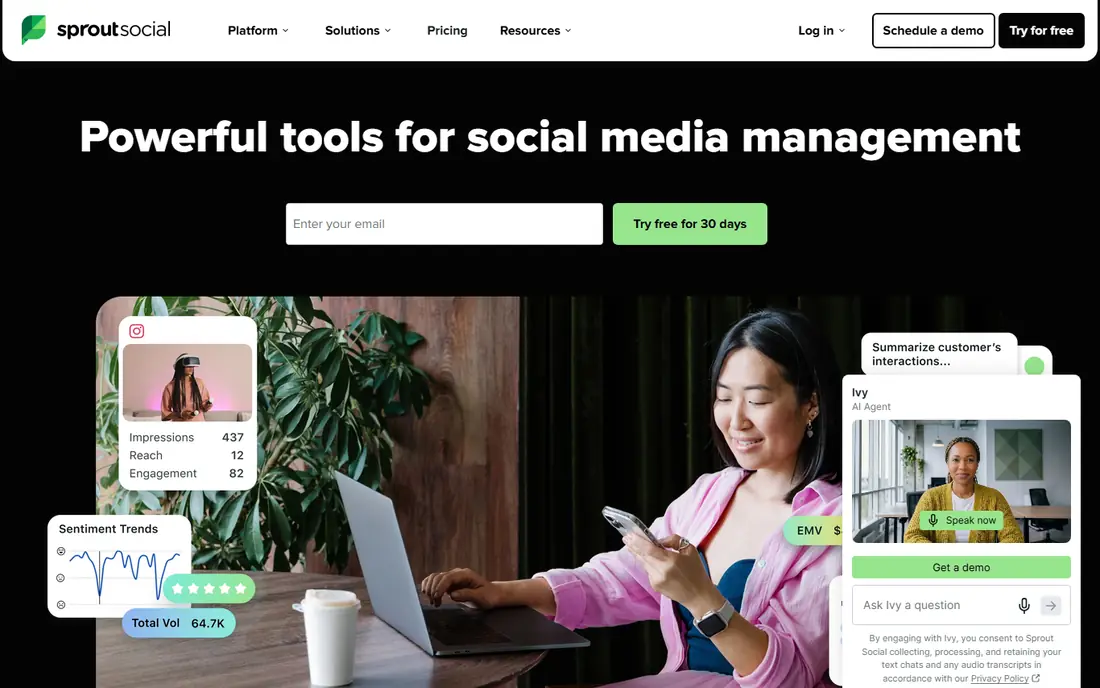
Sprout Social leads for teams that need defensible analytics. Reports are clear, presentation ready and easy to share with clients or managers, and the unified inbox helps teams reply across networks from one place. Listening options add brand monitoring for larger teams. The entry price is higher than Buffer, Later or Metricool, and per seat pricing means a growing team should budget carefully. For an agency or brand where reporting quality justifies the cost, Sprout Social is a strong pick. For simple scheduling, it is more platform than most small teams need.
- Strong analytics and reporting
- Unified inbox
- Listening options
- Higher entry price
- Per seat pricing scales fast
Later appeals to visual first brands. A drag and drop calendar, media library and visual preview make Instagram and TikTok planning feel natural, and link in bio tools help turn posts into traffic. Creators and e-commerce brands will find the workflow well matched to their content. The limit is breadth. Text heavy networks and deep listening are not the focus, and team features sit on higher plans. Later has also expanded into influencer marketing, so pure schedulers should check that scheduling remains the core fit. For visual brands, Later is still a strong choice.
- Visual calendar and media library
- Strong Instagram and TikTok tools
- Link in bio
- Less suited to pure text heavy networks
- Higher plans for teams
Sendible is built for agencies. Client dashboards, approval workflows and white label options help agencies present work professionally, while unlimited users on some plans keep team costs predictable. Scheduling, reporting and inbox tools cover the main agency jobs in one place. There is no permanent free plan, only a trial, so agencies should trial with real client work before paying. New users also need time to learn the dashboard structure. For an agency with several clients and team members, Sendible offers a strong balance of features and predictable pricing.
- Unlimited users on some plans
- Client dashboards
- White label options
- No permanent free plan
- Learning curve for new agencies
Metricool is the budget analytics pick. Scheduling sits alongside clear analytics, competitor tracking and reports, and the free plan covers a useful starting set of features. Small brands that want to know what is working, without paying for an enterprise platform, will find Metricool good value. Agency workflows such as deep client approvals are thinner than in Sendible or Planable, and some features need a paid plan. For a solo creator or small team that values analytics and low cost, Metricool is the best low risk start, and paid plans remain modest compared with enterprise rivals.
- Free plan with analytics
- Competitor tracking
- Clear reports
- Fewer agency workflow features
- Some features need a paid plan
Planable suits teams where approval is the bottleneck. Posts can be previewed as they will appear, commented on by team members or clients, and approved before publishing. That visual review process reduces back and forth in email or chat, and it helps agencies and marketing teams keep brand control. The trade-off is that Planable is a workflow tool first and a full social suite second. Deep listening and enterprise analytics are not its focus, and there is no permanent free plan. For teams that lose time to approvals, Planable can pay for itself in saved revisions alone.
- Clear approval workflows
- Visual post previews
- Team comments
- Scheduling depth varies by plan
- No permanent free plan
How we picked these
We compared official feature pages, pricing pages, app store listings and public reviews for tools that schedule and publish social posts across major networks. We favoured tools that are actively maintained, that support Instagram, Facebook, LinkedIn, TikTok and other major networks, and that offer a free plan or trial. We also weighed pricing model, since per channel, per seat and flat rate plans change the real cost at scale. We did not claim hands-on testing for every tool, and we did not rank by review scores that change often. Instead, we looked at scheduling fit, analytics depth, approval workflows and the team size each tool suits. Prices change, so check the vendor site before buying, and trial a tool with a real posting calendar before committing.
Choosing the right scheduling tool
Start with account count and team size. A solo creator with three channels has a different answer from an agency with thirty clients. Count channels, seats and posts per week, then compare plans on that real number, not on a headline price that assumes a smaller setup.
Compare pricing models, not just prices
Per channel pricing suits a small channel count. Per seat pricing suits a small team with many channels. Flat rate pricing suits agencies with many accounts. Work out the monthly cost at your current size and at double that size, since a tool that is cheap today can become costly as the team grows.
Check network and feature coverage
Confirm that each network you use supports direct publishing, stories, reels or video as needed, since support varies by network and plan. Check bulk scheduling, media libraries, link in bio tools and analytics too. A tool that covers scheduling but not the post format you use most will create manual work.
Trial approvals with real posts
If approvals matter, trial the approval flow with a real client or manager, not just a test post. Check preview accuracy, comment handling and revision history. A workflow that looks good in a demo can still feel slow when several people need to approve posts under a deadline.
Frequently asked questions
What is the best social media scheduling tool for small business?
For most small businesses, Buffer is the best starting point for simple scheduling, while Metricool is best when analytics on a budget matter more. Later suits visual brands on Instagram and TikTok. Pick based on channel count, team size and whether analytics or approvals matter most.
What is the best free social media scheduling app?
Buffer and Metricool both offer free plans, and Later offers a free option with limits. Free plans usually limit channels, scheduled posts or analytics, so check limits against real posting volume. For a solo creator with a few channels, a free plan can cover a normal week.
What is the best social media scheduling tool for agencies?
SocialPilot and Sendible suit agencies with many accounts, thanks to flat or predictable pricing and client workspaces. Planable suits agencies where approvals are the main bottleneck. Hootsuite and Sprout Social suit larger agencies that need listening and deep reporting, at a higher price.
Can scheduling tools post to all major networks?
Most tools on this list support Instagram, Facebook, LinkedIn, TikTok, X, Pinterest and YouTube, though feature support varies by network and plan. Check direct publishing, stories, reels and video support for each network you use, since some formats still need manual steps or a mobile reminder.
How do I choose between Buffer and Hootsuite?
Buffer suits small teams that want simple, low cost scheduling, while Hootsuite suits larger teams that need listening, analytics and team workflows across many profiles. If scheduling is the main job, start with Buffer. If reporting, listening and multi team control are daily needs, Hootsuite justifies its higher price.
Sources we checked (8)

Online Jobs is an independent blog about careers, online work, learning new skills and the tools that help people earn. More about us.
Keep reading
All posts
Reddit Alternatives
We compared the best Reddit alternatives for 2026, from Lemmy and PieFed to Discuit, Tildes, MetaFilter, Hacker News and Discord, with community notes.
Discord Alternatives
We compared the best Discord alternatives for gaming, communities and teams, checking official pricing, free plans and honest limits before ranking nine apps.

Best Twitter Alternatives
Looking for the best Twitter alternatives? We compared 9 platforms for short posts, from Bluesky and Threads to Mastodon, so you can find your new home.
SocialPilot
Who it suits: agencies on flat pricing
SocialPilot suits agencies that need predictable pricing. Flat rate plans cover a set number of accounts, which avoids the per seat surprise that comes with larger platforms. Bulk scheduling, client workspaces and approval options help small agencies manage many brands from one dashboard. Analytics are less deep than Sprout Social, and the interface can feel busy at first. For an agency where cost control and account volume matter most, SocialPilot is a practical pick. For a single brand that needs polished reports, Buffer or Sprout may feel cleaner.