Best Social Media Management Tools in 2026: 8 Tools Compared

How we put this together: we compare official feature and pricing pages, app store listings, privacy policies and public user reviews. Prices change, so check the provider's site before you pay.
Key takeaways
- Buffer is the simplest low cost starting point, with a free plan and per channel paid pricing that suits solo creators and small teams.
- Hootsuite and Sprout Social offer the broadest coverage for larger teams, but per seat pricing means the total bill grows quickly as staff are added.
- Later and Metricool stand out for visual planning and affordable analytics, while Agorapulse and Sendible are stronger for inbox work and agency clients.
- Check the pricing model before you commit, because per channel, per seat and per profile pricing produce very different totals for the same team.
Quick comparison
| Name | Who it suits | Starting price | Free option | |
|---|---|---|---|---|
 Buffer Buffer | Simple scheduling for small teams | $6 per month | Yes | Visit |
 Hootsuite Hootsuite | Large teams and full coverage | $99 per month | Free trial | Visit |
 Sprout Social Sprout Social | Analytics and listening | $199 per month | Free trial | Visit |
 Later Later | Visual Instagram and TikTok planning | $25 per month | Free trial | Visit |
 Agorapulse Agorapulse | Inbox and engagement work | $79 per month | Yes | Visit |
 SocialPilot SocialPilot | Budget agency scheduling | $30 per month | Free trial | Visit |
 Metricool Metricool | Affordable analytics | $20 per month | Yes | Visit |
 Sendible Sendible | Agencies and client workspaces | $29 per month | Free trial | Visit |
The best social media management tools
We compared official feature pages, pricing pages, app store listings and public reviews to find tools that cover planning, publishing and reporting without forcing every team into the same expensive plan. The eight tools below cover a wide range of budgets and working styles.
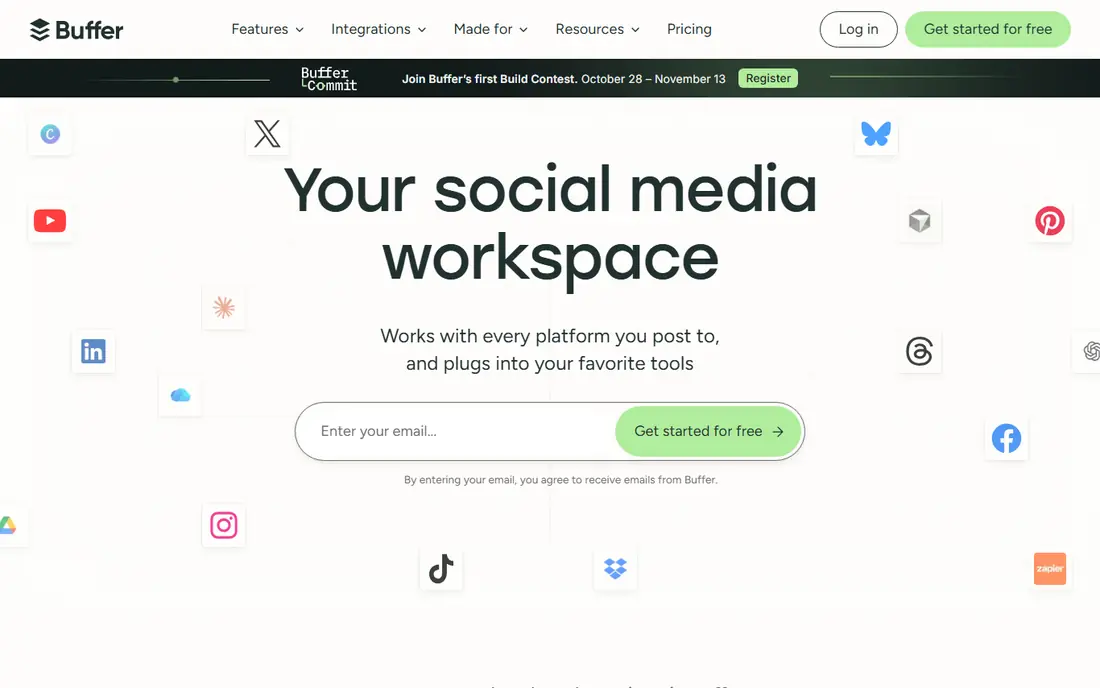
Buffer suits a creator or small team that mainly needs to plan posts, keep a queue full and see basic results. The dashboard is plain in a good way, with a calendar, a queue and a create area for ideas and drafts. You can connect Facebook, Instagram, TikTok, LinkedIn, Threads, Bluesky, YouTube Shorts, Pinterest and X, which covers most everyday needs.
The free plan is a real way to test the workflow before paying, and paid plans stay modest when you only manage a few channels. An AI assistant can help draft and rework posts, and a start page gives you a simple link hub for your bio. Buffer also offers team approval workflows on higher plans, so a second pair of eyes can check posts before they go out.
The honest catch is depth. If you need detailed listening, competitor tracking or complex reporting, Buffer will feel thin compared with Hootsuite or Sprout Social. Larger teams may also miss some advanced inbox tools. For straightforward publishing, though, few tools are this easy to learn or this kind to a small budget.
- Clear and easy calendar
- Free plan for getting started
- Per channel pricing that stays predictable for small accounts
- Lighter analytics than enterprise tools
- No full social listening suite
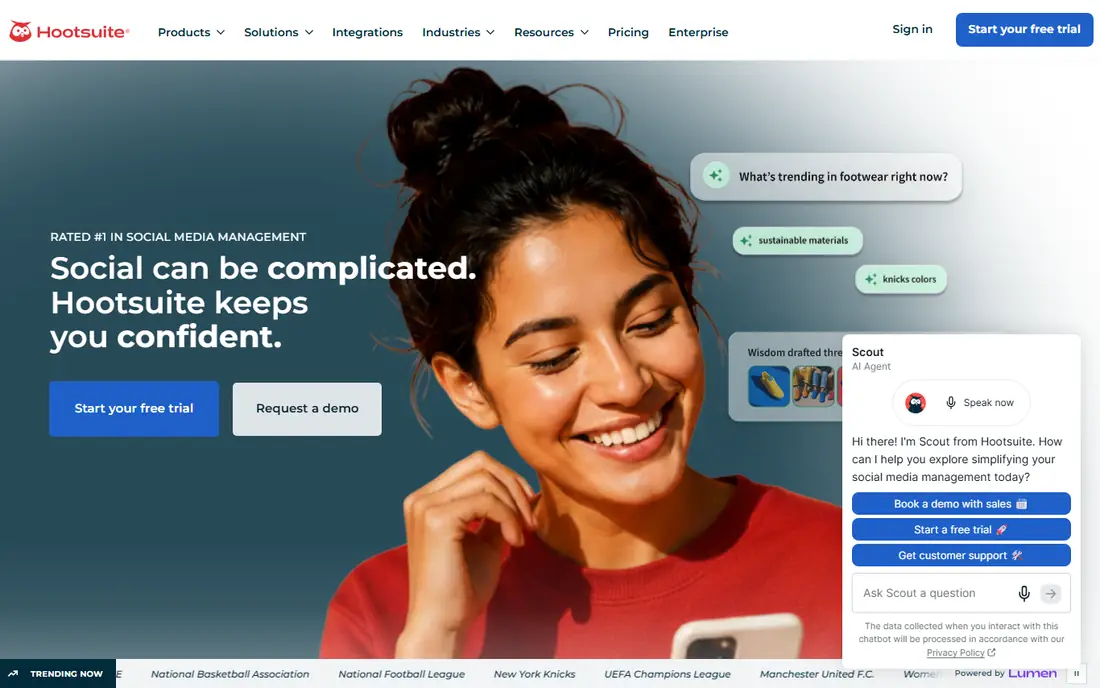
Hootsuite is the all in one option for teams that want planning, publishing, engagement, listening and reporting in a single system. Its calendar supports bulk scheduling, best time suggestions and team approvals, while listening tools track mentions, trends and sentiment across major networks. An AI layer can draft content and answer questions based on your own social data.
That breadth is most valuable when several people share the workload. Managers can set roles and approvals, agencies can keep client work separate, and larger brands can follow conversations that a simple scheduler would miss. Integrations with common business tools also help Hootsuite fit into a wider marketing setup rather than sitting apart from it.
The main drawback is price structure. Plans are charged per user, so a team of five pays five times the headline rate, and some advanced features sit on higher tiers. Small teams on a tight budget will often get better value elsewhere. If your team is large and you need one platform for almost everything, the cost is easier to justify.
- Wide platform coverage
- Listening and analytics in one place
- Strong approval and team workflows
- Per user pricing adds up fast
- No free plan for ongoing use
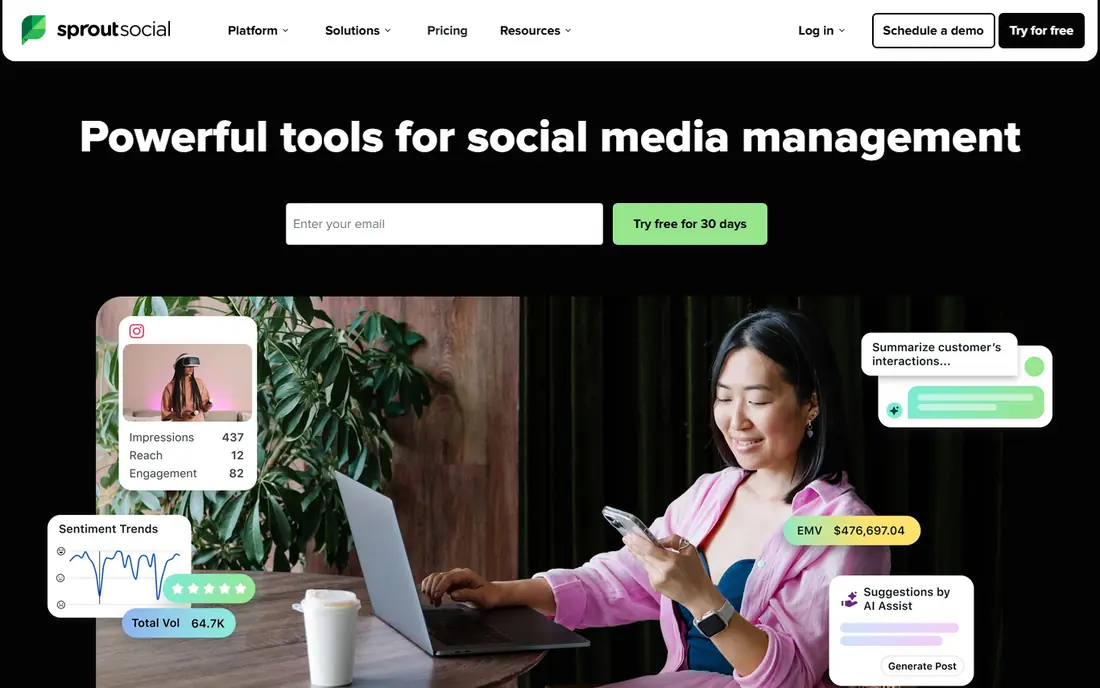
Sprout Social fits teams that need to prove results and follow what people say about a brand. Its reports are clear, well structured and easy to share with managers or clients, and its unified inbox pulls messages and comments into one place. That combination makes daily engagement work faster and weekly reporting less painful.
Listening is a separate strength. With the listening add on, teams can track keywords, sentiment and competitors, then connect those findings to publishing and engagement. The platform also supports approval workflows, task assignment and a content calendar, so larger teams can keep quality steady as volume grows.
Price is the barrier. The standard paid plan starts high, and costs rise with seats and profiles. Small creators will find better value in Buffer or Metricool. For mid sized and large teams that live in reports and need defensible numbers, Sprout Social earns its place on the shortlist.
- Strong reporting and analytics
- Unified inbox for messages and comments
- Listening add on for brand tracking
- High starting price
- Profile limits can push teams to higher plans
Later is built around how visual content actually gets planned. You drag posts onto a calendar, preview how a feed will look and schedule for Instagram, TikTok, Facebook, LinkedIn, Pinterest and YouTube. For creators and small brands that post a lot of photos and short video, that visual approach saves time and reduces mistakes.
The link in bio tool is useful too, because it turns a single bio link into a small landing page for products, posts and offers. Hashtag suggestions and basic analytics help creators refine what they post, and the mobile app makes it easy to plan on the go. Teams can also use approvals and shared calendars on higher plans.
Later is less convincing if your main channels are X or LinkedIn text posts, or if you need deep listening and inbox tools. It is a planning tool first, not a full enterprise suite. Within its visual niche, it is one of the most pleasant tools to use day to day.
- Visual drag and drop calendar
- Link in bio tool included
- Strong for Instagram and TikTok creators
- Weaker outside visual networks
- Some features need higher plans
Agorapulse suits teams that spend most of their day answering comments and messages. The unified inbox gathers interactions from major networks, lets you assign them to teammates and offers saved replies for common questions. That structure matters when replies are part of customer service, not just a nice extra.
Publishing is solid rather than flashy. You can schedule posts, use a shared calendar and view reports on reach and engagement. Social listening is available to track mentions, and team roles help managers control who can publish. The interface is friendly, and new users usually learn it quickly.
The trade off is cost at scale. Paid plans charge per user, so larger teams should work out the full total before signing up. Reporting also stops short of the depth Sprout Social offers. If inbox speed and team coordination are your priorities, Agorapulse is a strong middle ground between simple schedulers and enterprise platforms.
- Unified inbox with saved replies
- Clear scheduling and reporting
- Free plan for a first look
- Per user pricing on paid plans
- Reporting is less deep than Sprout Social
Metricool appeals to small businesses that want to understand performance without paying enterprise prices. It combines scheduling with analytics, competitor tracking and reporting, and its free plan gives a useful taste of all three. Paid plans add more brands, more history and more scheduled posts.
Autolists are a handy feature for repeating content, such as regular tips, offers or blog links, without rebuilding the queue each week. Reports are easy to read and share, which helps small teams show a client or manager what changed. The tool also covers websites and ad accounts in some plans, giving a wider view than a scheduler alone.
There are limits to watch. Certain network connections, such as X, may need an add on, and team workflows are simpler than those in Hootsuite or Sprout Social. For a small team that values clear numbers at a fair price, Metricool is one of the best free social media management tools to try first.
- Free plan with useful analytics
- Clear reports across networks
- Autolists for repeating content
- Some networks need paid add ons
- Advanced team features are limited
Sendible is designed for agencies and freelancers who juggle several clients. Each client gets a workspace with its own profiles, calendar and reports, which keeps work tidy and reduces the risk of posting to the wrong account. Unlimited users on some plans is a welcome contrast to per seat pricing elsewhere.
Publishing tools include bulk scheduling, content suggestions and a shared calendar, while reporting can be branded for clients. Integrations with image tools and cloud storage help teams build posts without leaving the platform. Approval workflows let clients check content before it goes live, which saves awkward corrections later.
New users may need a short time to learn the layout, because there are many settings across workspaces and profiles. The starting plan also has limits on services and reports. For agency style work, though, Sendible offers a balanced mix of organisation, publishing and client handling at a fair starting price.
- Workspaces for separate clients
- Unlimited users on some plans
- Content suggestions and bulk tools
- Learning curve for new users
- Some advanced reports need higher plans
How we picked these
We compared official feature pages, pricing pages, app store listings, privacy policies and public reviews for each tool. We gave weight to platform coverage, scheduling quality, inbox and reporting tools, pricing model and ease of use for the team size each tool claims to serve. We also checked that each homepage loaded and matched the product named, and we used vendor pricing where it was clear, with a note to check the vendor site before buying, since prices and plan limits change.
We did not claim hands on testing for every feature. Instead, we focused on what vendors publish, what reviewers report in everyday use and where each tool is weakest. That approach keeps the comparison honest: a low cost tool can win for a small team even when a larger platform has more features.
What to check before you pay
Start with your networks and your team size, not with a feature list. List every account you must publish to, every person who needs access and every report you must produce each month. Then test how each pricing model treats those numbers, because per channel, per seat and per profile pricing can turn a cheap headline price into a costly bill.
Next, try the core workflow on a free plan or trial. Schedule a week of posts, reply to a few comments and pull a basic report. Pay attention to how long approvals take, whether the mobile app covers your needs and whether scheduled posts fail on any network. A tool that looks good in a demo can still slow you down if its calendar or inbox does not fit your day.
Free plans, trials and hidden costs
A free plan is useful only if it covers your main networks and enough posts. Check limits on scheduled posts, history, users and reports, and note which networks need paid add ons. Trials should be long enough to test a full publishing cycle, including a weekend, when many teams post.
Team size and approval needs
Solo creators need speed and simplicity. Small teams need shared calendars and basic approvals. Agencies need separate workspaces, client approvals and branded reports. Match the plan to that need first, then add listening or deep analytics only if someone will actually use the reports each week.
Frequently asked questions
What are the best free social media management tools?
Buffer, Metricool and Agorapulse offer free plans that cover basic scheduling and some analytics. They suit solo creators and small teams with a few accounts. Larger teams usually need a paid plan for approvals, more profiles and longer report history.
What is the best social media management platform for a small business?
For most small businesses, Buffer or Metricool offer the best balance of price and ease of use. Buffer is simpler for pure scheduling, while Metricool adds stronger analytics at a similar price. Choose Buffer if you want the shortest learning curve, and Metricool if reports matter more.
What is the best social media management software for agencies?
Sendible and SocialPilot are strong agency picks, because they organise clients into separate workspaces and support approvals. Hootsuite and Sprout Social also work for agencies, but per seat pricing makes them costly as teams grow. Compare the total cost for your actual client and staff numbers.
Is Hootsuite or Sprout Social better for analytics?
Sprout Social usually wins for clear, shareable reports and inbox linked analytics, while Hootsuite wins for breadth, with listening and competitor tracking in the same system. If reports are your main job, start with Sprout Social. If you need listening plus publishing plus analytics together, Hootsuite is the broader choice.
What is the best social media management tool for Instagram and TikTok?
Later is a strong pick for visual planning on Instagram and TikTok, thanks to its drag and drop calendar, feed preview and link in bio tool. Buffer and Metricool also publish well to both networks, but Later feels more natural when photos and short video dominate your calendar.
Do I need a social media management company instead of a tool?
A tool helps you publish and measure your own content, while a company or agency handles strategy and daily work for you. If you have time to create content but need organisation, a tool is enough. If you lack time or skills for content and engagement, an agency may be better, and it will often use one of the tools above on your behalf.
Sources we checked (8)

Online Jobs is an independent blog about careers, online work, learning new skills and the tools that help people earn. More about us.
Keep reading
All posts
Discord Alternatives
We compared the best Discord alternatives for gaming, communities and teams, checking official pricing, free plans and honest limits before ranking nine apps.

Best Twitter Alternatives
Looking for the best Twitter alternatives? We compared 9 platforms for short posts, from Bluesky and Threads to Mastodon, so you can find your new home.
Best Music Streaming Service Comparison
Our best music streaming service comparison covers 9 platforms on price, audio quality, free plans, discovery, offline play and device support in 2026.
SocialPilot
Who it suits: Budget agency scheduling
SocialPilot is a practical choice for freelancers and small agencies that manage many accounts on a modest budget. Plans cover a set number of social accounts, and higher tiers add client management, approvals and white label options. Bulk scheduling helps when you plan a month of posts in one session.
The tool covers the main networks for publishing, and its calendar gives a clear view of what is queued. Agencies like the ability to invite clients to approve content, which cuts down on email chains and screenshots. For solo managers, the lower plans offer a low cost way to handle several brands without paying per seat.
Analytics and listening are not its strongest areas, and the design can feel workmanlike next to Buffer or Later. If you need deep reports, you may pair it with another analytics tool. For affordable, account heavy scheduling, SocialPilot is hard to beat.