Best Road Trip Planner App in 2026: 8 Apps Compared

How we put this together: we compare official feature and pricing pages, app store listings, privacy policies and public user reviews. Prices change, so check the provider's site before you pay.
Key takeaways
- Roadtrippers leads for discovering stops along a route, while Wanderlog leads for free group planning with many stops.
- Google Maps and Waze still handle live driving better than any dedicated planner.
- RV travelers should check Roadtrippers or RV LIFE, since car planners ignore height, weight and propane limits.
- Free plans differ sharply on stop counts, so a long trip may need a paid plan even if a short trip does not.
- Download offline maps before leaving, since coverage gaps hit exactly when a planner is needed most.
Quick comparison
| Name | Who it suits | Starting price | Free option | |
|---|---|---|---|---|
 Roadtrippers | Discovering roadside stops | Free | Yes | Visit |
 Wanderlog | Free group itineraries | Free | Yes | Visit |
 TripIt | Organizing bookings into one trip | Free | Yes | Visit |
 Google Maps | Live navigation and routing | Free | Yes | Visit |
 Waze | Real-time traffic alerts | Free | Yes | Visit |
 GasBuddy | Finding cheap gas | Free | Yes | Visit |
 Furkot | Detailed multi-day road plans | Free | Yes | Visit |
 RV LIFE | RV-safe routing and campgrounds | See website | Free trial | Visit |
The best road trip planner apps
Road trip planning has two parts: building the route with stops, and driving it with live traffic. No single app does both perfectly, so most travelers use a planner plus a navigation app. This list covers both roles.

Roadtrippers is the classic road trip planner for a reason. Enter a start and end point, and it surfaces attractions, restaurants, campgrounds and odd roadside stops along the route. Pre-made trip guides help when you know the region but not the stops, and paid plans add RV-safe routing with height and weight limits.
The free plan limits waypoints, with published checks showing only a handful of stops free, while Premium allows up to 150 stops at $59.99 per year and Pro at $49.99 per year. Coverage also focuses on the US, Canada, Australia and New Zealand. For a US road trip with many stops, it remains the first app to try.
- Huge database of attractions and campgrounds
- RV-safe routing on paid plans
- Trip guides
- Free plan limits stops
- Coverage focuses on the US, Canada, Australia and New Zealand
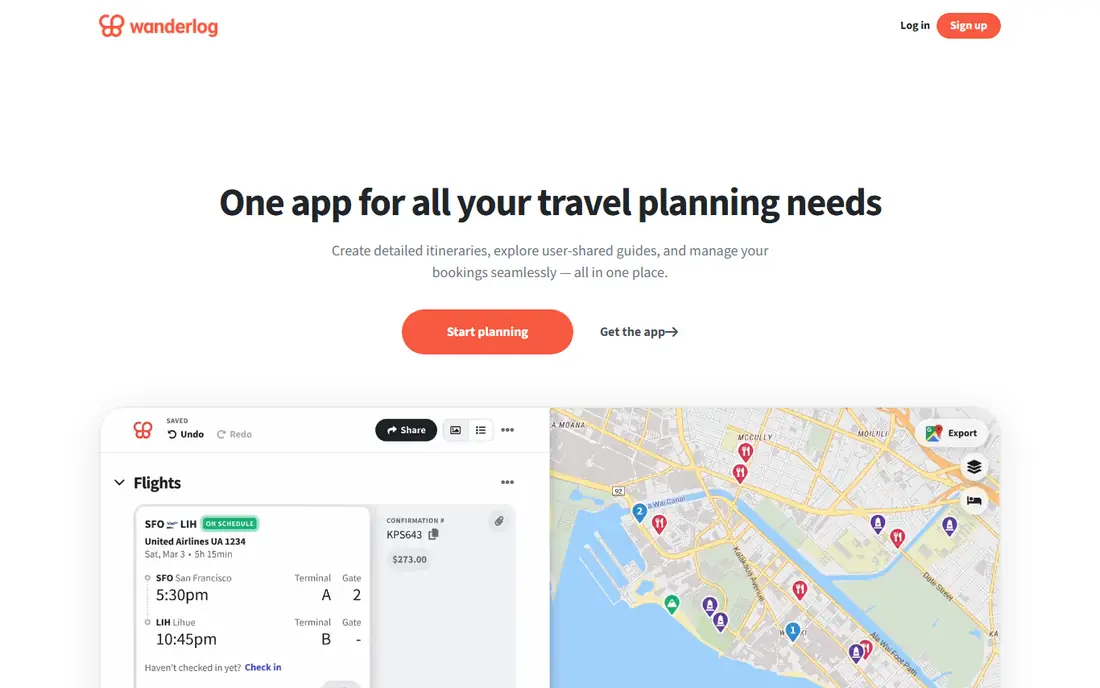
Wanderlog is the best free planner for group trips. The free tier covers itinerary building and route planning with unlimited stops, plus collaborative notes and expense splitting in the style of Splitwise. Route optimization reorders stops for the shortest drive, which matters on a multi-stop trip.
Pro, at $39.99 per year in published checks, adds offline maps, more collaboration tools and unlimited saved trips, with a 7-day trial. Wanderlog is a general travel planner rather than a road trip specialist, so RV routing and roadside discovery are weaker than Roadtrippers. For free group planning, it leads.
- Unlimited stops free
- Group planning and expense splitting
- Route optimization
- Offline maps need Pro
- Road trip features less specialized than Roadtrippers
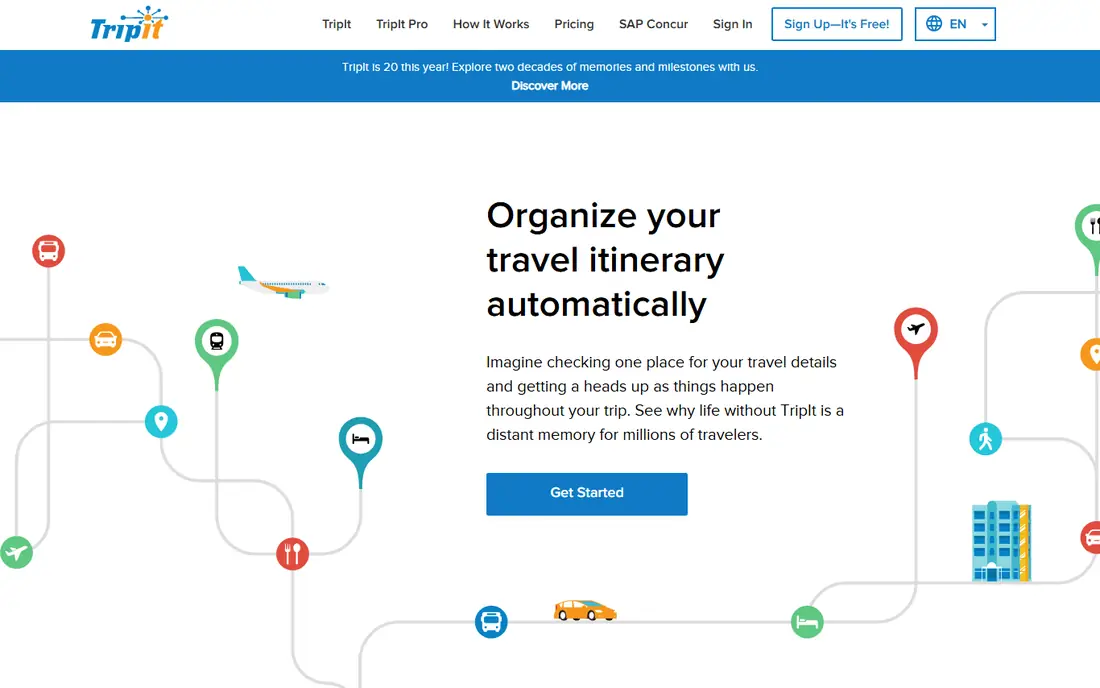
TripIt works differently from route planners. Forward booking confirmations to TripIt and it builds a single itinerary with flights, hotels, cars and activities, available offline. That makes it ideal for trips that mix driving with flights and stays, where confirmations would otherwise scatter across inboxes.
TripIt Pro, at $49 per year, adds flight status alerts, fare-drop alerts, reward tracking and airport maps. It will not help you discover roadside stops the way Roadtrippers does. Use TripIt to organize the trip, and a route planner to build the driving days.
- Builds itineraries from booking emails
- Offline access
- Maps and directions
- Organizes booked trips more than it discovers stops
- Pro needed for alerts
Google Maps is the driving app most travelers already have, and it earns its place here. Multi-stop routes, live traffic, rerouting and offline maps cover the actual driving better than any planner. Place hours, reviews and photos help with last-minute stop choices on the road.
It is not a trip planner. There is no day-by-day itinerary, no expense splitting and no group collaboration beyond sharing a route. Build the plan in Wanderlog or Roadtrippers, then drive it in Google Maps for the best of both.
- Best live navigation
- Multi-stop routes
- Offline maps
- Huge place database
- Weak trip itinerary features
- No expense splitting or group planning
Waze is the backup driving app worth keeping beside Google Maps. Crowd-sourced reports flag traffic jams, hazards, police and road closures in real time, and rerouting reacts quickly. On busy holiday routes, that extra warning can save a long delay.
Waze does not plan trips, manage stops or store itineraries, so it cannot replace a planner. Use it as a second opinion on driving days, especially around cities and holiday traffic, and keep Google Maps for the main route.
- Crowd-sourced traffic and hazard alerts
- Fast rerouting
- Free
- No itinerary planning
- Map style is simpler than Google Maps
GasBuddy answers one road trip question well: where is cheap gas on this route. Search by location, compare station prices, and estimate trip fuel costs before leaving. On a long trip, stopping at cheaper stations adds up to real savings.
Prices depend on user reports, so a station price can be out of date, and GasBuddy does not plan routes or stops. Check prices on the day you drive, not the day you plan, and pair it with your planner rather than treating it as one.
- Gas prices by location
- Trip cost estimates
- Free to use
- Prices depend on user reports
- Not a route planner
Furkot suits travelers who plan in detail. It builds day-by-day schedules with driving times, overnight stops, fuel stops and attractions, and it shows whether a day plan is realistic before you leave. That rigor helps on multi-week trips where a vague plan falls apart by day three.
The experience is web-first, and the interface takes time to learn compared with Wanderlog or Roadtrippers. Mobile features are thinner. For a detailed, long road trip planned at a desk, Furkot rewards the effort.
- Day-by-day scheduling with driving times
- Lodging and stop planning
- Free to start
- Web-first experience
- Interface takes learning
- Fewer mobile features
RV LIFE is built for travelers whose vehicle size changes every decision. Routes respect height, weight and length limits, campground listings include reviews and site details, and trip planning covers the stops RVers actually need, from dump stations to overnight parks. Car planners ignore these limits, which can lead an RV onto an unsuitable road.
Full use needs a paid plan after a trial, and car travelers gain little from it. For RV and trailer trips, though, safe routing is not a nice extra, it is the core requirement, and RV LIFE covers it better than general planners.
- RV-safe routes with size limits
- Campground database and reviews
- Trip planning for RVers
- Paid plans needed for full use
- Overkill for car travelers
How we picked these
We compared official feature pages, pricing pages and recent published comparisons for road trip planners available now. We kept apps that plan multi-stop routes, organize trips, navigate live, or solve a road-specific job such as gas or RV routing. Prices shown come from vendor pages or recent published checks, and we wrote See website where pricing varies or could not be confirmed.
How to plan a road trip with these apps
Use two apps, not one. Build the route and stops in a planner, then drive with a navigation app. That split plays to each app strength and avoids forcing a planner to navigate or a navigation app to plan.
Build the route first
Start with Roadtrippers for stop ideas or Wanderlog for a free group plan. Add stops in route order, check driving time per day, and keep daily drives realistic. A day with more than six hours of driving leaves little time for the stops that made the trip worth taking.
Share the plan with the group
Wanderlog and TripIt both support shared itineraries, which stops the group chat from becoming the plan. Share one link, let everyone add notes, and split costs in the same place. One shared plan beats five screenshots.
Prepare for offline gaps
Download offline maps in Google Maps and, on a paid plan, in Wanderlog before leaving. Rural routes, parks and mountain passes lose signal often, and an offline map turns a dead zone from a problem into a pause. Carry a paper backup for remote areas if the trip goes far off main roads.
Frequently asked questions
What is the best app for planning a road trip?
Roadtrippers is best for discovering stops along a route, while Wanderlog is best for free group planning with unlimited stops. Most travelers use one of those for planning and Google Maps for driving. RV travelers should add RV LIFE for safe routing.
What is the best app to plan a road trip with multiple stops?
Wanderlog offers unlimited stops free with route optimization, which suits multi-stop trips without paying. Roadtrippers Premium allows up to 150 stops and adds stronger attraction discovery. For very long trips, Furkot adds day-by-day scheduling that keeps multi-day plans realistic.
Is Roadtrippers free?
Roadtrippers has a free tier, but it limits the number of stops on a trip. Paid plans add more stops, RV routing and offline features, with Pro at $49.99 per year and Premium at $59.99 per year in published checks. Short trips may fit the free tier, while long trips usually need a paid plan.
Can Google Maps plan a road trip?
Google Maps handles multi-stop routes and live navigation well, but it lacks itinerary planning, group collaboration and expense tracking. It works best as the driving app beside a planner such as Wanderlog or Roadtrippers, not as the planner itself.
What is the best road trip app for RV travel?
RV LIFE leads for RV travel, with routes that respect vehicle size limits and a campground database built for RVers. Roadtrippers paid plans also offer RV-safe routing. Car-focused planners should not be used for RV routing, since they ignore height and weight limits.
Sources we checked (8)

Online Jobs is an independent blog about careers, online work, learning new skills and the tools that help people earn. More about us.
Keep reading
All posts
Turo Alternatives
Compare turo alternatives for hourly car sharing, delivered rentals, and traditional hire, with honest trade-offs on price, coverage, and flexibility.

Luxury Hotel Brands Best Customer Service
Compare luxury hotel brands with best customer service, from Four Seasons to Aman, and choose the brand whose service style fits your next luxury trip in 2026.

Best eSIM App
Compare the best eSIM app for travel in 2026, from Airalo and Holafly to Saily and Nomad, with data plans, coverage, hotspot rules, and install tips for trips.