Best Road Trip Apps in 2026: 9 Apps Compared

How we put this together: we compare official feature and pricing pages, app store listings, privacy policies and public user reviews. Prices change, so check the provider's site before you pay.
Key takeaways
- No single app covers planning, navigation, gas, camping, and entertainment, so most trips need a small stack of apps.
- Roadtrippers is best for multi-stop planning, Google Maps is best for navigation, and Waze is best for live traffic alerts.
- GasBuddy helps with fuel prices, while Campendium and iOverlander help with camping and overnight stops.
- Download offline maps and content before rural stretches, since cell service can drop in parks and remote areas.
- Plan fuel, food, and rest stops in advance for long drives, and let a passenger handle the phone while the car is moving.
Quick comparison
| Name | Who it suits | Starting price | Free option | |
|---|---|---|---|---|
 Roadtrippers Roadtrippers | Multi-stop route planning | Free | Yes | Visit |
 Google Maps Google Maps | Turn-by-turn navigation | Free | Yes | Visit |
 Waze Waze | Live traffic and hazard alerts | Free | Yes | Visit |
 GasBuddy GasBuddy | Cheap gas along the route | Free | Yes | Visit |
 Wanderlog Wanderlog | Collaborative trip planning | Free | Yes | Visit |
 iOverlander iOverlander | Camping and overnight stops | Free | Yes | Visit |
 Campendium Campendium | Campground research and reviews | Free | Yes | Visit |
 Autio Autio | GPS audio stories on the drive | Free | Yes | Visit |
 iExit iExit | Interstate exit planning | Free | Yes | Visit |
The best road trip apps
Road trip apps split into planners, navigators, fuel finders, camping tools, and entertainment apps. We compared official feature pages, pricing pages, app store listings, privacy policies, and public reviews to match each app to the job it does best on a real drive.
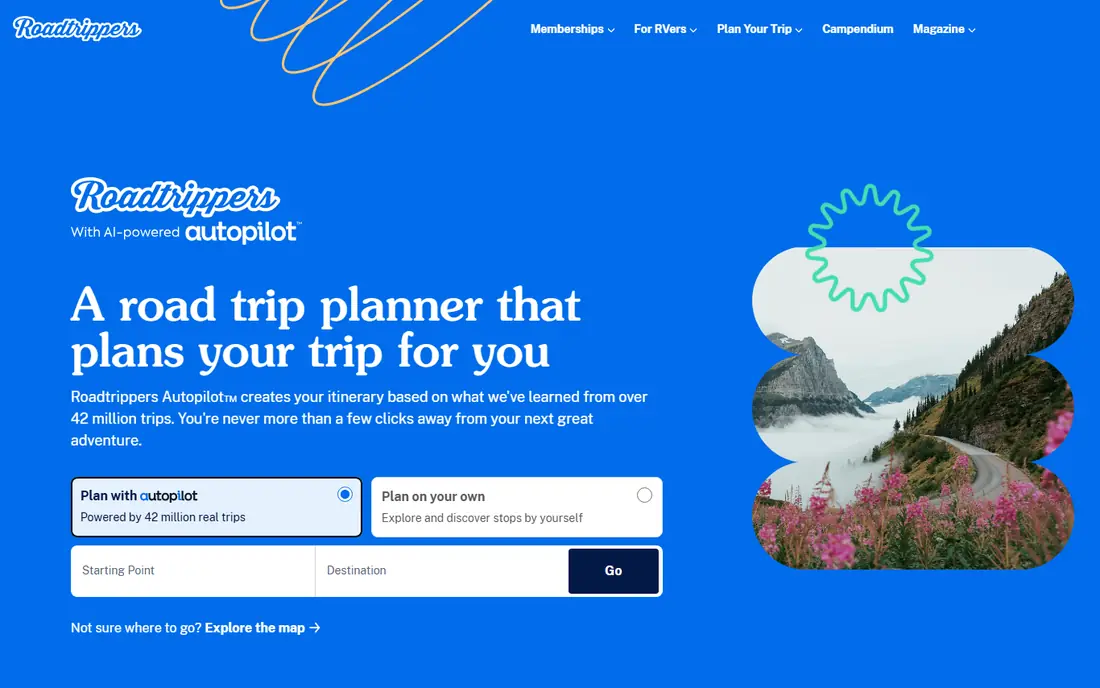
Roadtrippers is the best road trip planning app for trips with many stops. You can enter a start and end point, add attractions, restaurants, and lodging along the route, and see how each stop affects drive time. That visual planning helps for national park loops, coastal drives, and family trips with daily stops.
The free plan limits the number of waypoints, so long trips with many stops need Plus for up to 150 waypoints, offline maps, and collaboration. Roadtrippers also plans best when you already know your general route, rather than when you want turn-by-turn navigation alone. Use it to plan, then navigate with Google Maps or Waze.
- Builds multi-stop routes with attractions, food, and lodging
- Lets you reorder stops and see drive times
- Web and mobile planning in one account
- Free plan limits waypoints
- Offline maps and collaboration require Plus
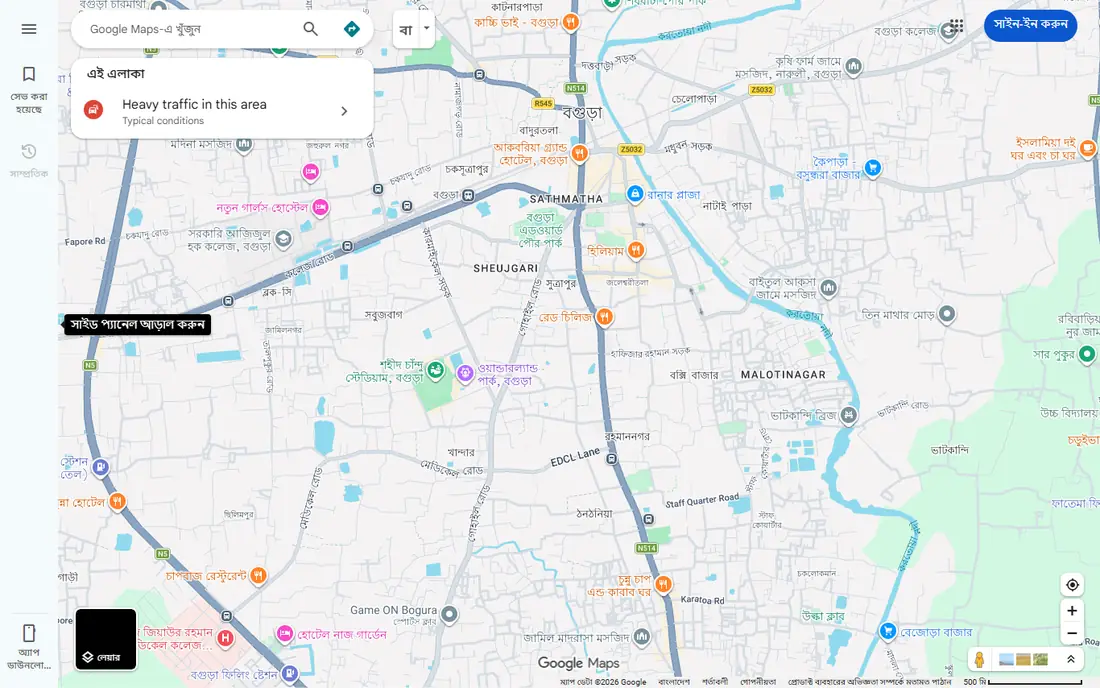
Google Maps is the essential navigation app for most road trips, because it is free, widely available, and reliable. It offers turn-by-turn directions, live traffic, alternate routes, and offline maps you can download before a rural stretch. Business listings also help you check hours, reviews, and photos for food and fuel stops.
Multi-stop planning is more basic than Roadtrippers, and the default route often favors highways over scenic roads. You can add stops manually, but reordering a long list is less smooth. Use Google Maps as your main navigator, and pair it with a planner for complex itineraries.
- Reliable turn-by-turn navigation with live traffic
- Offline maps for areas with weak service
- Business hours, reviews, and photos for stops
- Multi-stop planning is more limited than Roadtrippers
- Route options favor major roads over scenic detours
Waze is the best companion app for busy highways and city driving, because its live reports come from other drivers on the road. You get alerts for accidents, road closures, hazards, and congestion, and the app reroutes quickly when a faster path opens. That live view helps on holiday weekends and commuter corridors.
In remote areas with few drivers, reports are thinner, so Waze works best alongside Google Maps offline maps. It also focuses on driving, not on trip planning or lodging. Run Waze for live alerts on busy stretches, and keep Google Maps ready for offline navigation.
- Real-time reports from other drivers on traffic, hazards, and police
- Fast rerouting around congestion
- Gas prices along the route in many areas
- Less useful in remote areas with few drivers
- No offline navigation like Google Maps
GasBuddy helps you avoid paying more than needed for fuel on a long drive. You can search along your route, compare station prices, and choose an exit with lower prices. Small detours off the highway often save money, and the app makes those choices visible before you stop.
Prices depend on reports, so a price can be out of date by the time you arrive, especially in rural areas. The free app also includes ads, and some features require a paid plan. Use GasBuddy as a price guide, not a guarantee, and check the station price when you pull in.
- Shows nearby gas prices reported by users and stations
- Helps you compare prices before an exit
- Fuel savings card option for participating stations
- Prices depend on user reports and can be out of date
- Premium features require a paid plan
Wanderlog suits groups planning a trip together, because everyone can view and edit the same itinerary. You can organize days, add reservations, map stops, and keep notes in one shared plan. That shared view reduces the back-and-forth of group chats and spreadsheets.
Advanced offline features and some tools require Pro, and Wanderlog is less focused on discovering roadside attractions than Roadtrippers. For a solo driver with a simple route, Google Maps may be enough. For a group trip with shared costs, lodging, and daily plans, Wanderlog keeps everyone on the same page.
- Collaborative itineraries for groups
- Maps, reservations, and daily plans in one place
- Easy sharing with travel partners
- Offline features and advanced tools require Pro
- Less focused on scenic route discovery than Roadtrippers
iOverlander is the best app for travelers who camp, vanlife, or drive overland routes and need overnight options. The community database lists campsites, wild camping spots, parking areas, water, fuel, and repair points, with reviews and GPS details. That coverage helps in rural areas where hotel apps show little.
Listings depend on community updates, so a spot can close, change rules, or become unsuitable without a fresh report. There is also no booking system for most spots, so you still need to check local rules on arrival. Use iOverlander for discovery and backup stops, and confirm rules before you settle in.
- Community database of camping, parking, and overnight spots
- Useful for vans, RVs, and overland travel
- Works for remote and international routes
- Listings depend on community reports and can be out of date
- No booking system for most spots
Campendium suits RV and tent campers who want to research campgrounds before booking. Reviews include site quality, noise, hookups, price, and cell signal strength, which matters for remote work or navigation. Filters help you match a campground to your vehicle size and needs.
Offline access and some advanced filters require Pro, and coverage is strongest in the US, with thinner data elsewhere. Campendium is best used before the trip to shortlist sites, rather than as a last-minute booking tool. Pair it with iOverlander for free and wild camping options.
- Detailed campground reviews with cell signal data
- Filters for RV size, hookups, and price
- Useful for planning stays in advance
- Pro features, including offline access, require a paid plan
- Coverage is strongest in the US
Autio adds a storytelling layer to a road trip, with audio stories that play as you pass landmarks, towns, and historic sites. That makes long highway stretches more interesting, especially for families and history lovers. You can download stories for a route before you lose service.
Coverage varies by route, so a popular highway may have many stories while a rural road has few. The full library also requires a subscription, while the free tier offers a sample. Use Autio as entertainment and discovery, not as your main navigation or planning tool.
- GPS-triggered audio stories about places you pass
- Good for history, culture, and local stories
- Offline stories for downloaded routes
- Story coverage varies by route
- Full library requires a subscription
iExit suits drivers who want to plan the next stop without searching while driving. The app lists gas, food, lodging, rest areas, and services at upcoming interstate exits, so a passenger can pick a stop in advance. That simple list view is easier to scan than a full map search.
It is focused on US interstates, so it is less useful on state highways, rural roads, and city streets. Some features also require a small paid upgrade. For long interstate drives, iExit is a handy companion to Google Maps, Waze, and GasBuddy.
- Shows what is at each upcoming interstate exit
- Helps you plan gas, food, lodging, and rest stops
- Simple, driver-friendly list view
- Focused on US interstates, not local roads
- Some features require a small paid upgrade
How we picked these
We compared official feature pages, pricing pages, app store listings, privacy policies, and public reviews for each product. We kept only apps that exist in October 2026 and that serve a clear road trip job: planning, navigation, fuel, camping, or in-car entertainment. We checked free limits, offline features, US coverage, and ease of use while driving, since a good road trip app must work with limited attention and patchy service.
We also looked for a mix of planners and navigators, rather than nine versions of the same map app. A product earned a place when it solved a specific trip need, such as multi-stop planning, live traffic, fuel prices, or campground research. Prices and free limits change, so check the vendor page before a long trip.
How to build a road trip app stack
Use one planner, one navigator, and one fuel app
Start with Roadtrippers or Wanderlog for planning, Google Maps for navigation, and Waze for live alerts on busy stretches. Add GasBuddy for fuel prices and iExit for exit planning on interstates. That stack covers most trips without opening ten apps at every stop.
Download offline content before you leave
Download offline maps in Google Maps for rural and park areas, save your Roadtrippers or Wanderlog itinerary, and download Autio stories and music or podcasts for offline listening. Charge a car charger and a backup battery, since navigation drains a phone battery fast. A passenger should handle app changes while the car is moving.
Plan stops around fuel, food, and rest
Mark fuel stops before remote stretches, since stations can be far apart in parks and desert areas. Plan food and rest stops every two to three hours, and check campground rules and booking needs in advance for popular parks. A short stop plan prevents rushed decisions, missed exits, and late-night searches for lodging.
Frequently asked questions
What is the best road trip planning app?
Roadtrippers is the best road trip planning app for multi-stop trips, because it builds routes with attractions, food, and lodging and shows drive times. Wanderlog is best for group planning, with shared itineraries and reservations in one place. Google Maps is best for navigation, but its multi-stop planning is more limited than a dedicated planner.
What are the best road trip apps for free?
Google Maps, Waze, GasBuddy, iOverlander, and the free tiers of Roadtrippers, Wanderlog, and Campendium cover most trips at no cost. Free plans limit waypoints, offline features, or advanced tools, so check those limits for a long trip. A free stack of Google Maps, Waze, and GasBuddy is enough for a simple highway trip.
What is the best road trip app for gas prices?
GasBuddy is the best app for gas prices, because it compares nearby station prices along your route. Waze also shows gas prices in many areas, and iExit helps you see services at upcoming exits. Prices can change quickly, so treat app prices as a guide and check the station price on arrival.
What is the best road trip app for camping?
Campendium is best for researching established campgrounds, with reviews, hookup filters, and cell signal data. iOverlander is best for free, wild, and overnight spots for vans and overland travel. Use both: Campendium for planned campground stays, and iOverlander for backup and remote stops.
Do road trip apps work offline?
Some do, with limits. Google Maps offers offline maps for downloaded areas, Roadtrippers Plus offers offline maps, and Autio offers downloaded stories. Waze and GasBuddy need a connection for live prices and reports. Download maps and content on Wi-Fi before rural stretches, since cell service can drop in parks and remote areas.
How do I plan a road trip with multiple stops?
Start with a planner such as Roadtrippers or Wanderlog, enter your start and end points, and add stops in route order. Check drive times between stops, add fuel and rest breaks, and book lodging for popular areas in advance. Export or save the itinerary, then navigate each leg with Google Maps or Waze, and adjust stops as traffic or weather changes.
Sources we checked (11)
- https://autio.com/here-and-there/best-road-trip-apps-2026
- https://www.top10px.com/categories/car-rental-road-trips/best-road-trip-apps
- https://roadtrippers.com
- https://maps.google.com
- https://www.waze.com
- https://www.gasbuddy.com
- https://wanderlog.com
- https://ioverlander.com
- https://campendium.com
- https://autio.com
- https://www.iexitapp.com

Online Jobs is an independent blog about careers, online work, learning new skills and the tools that help people earn. More about us.
Keep reading
All posts
Best Travel Apps
Looking for the best travel apps in 2026? We compared 10 travel apps for flights, hotels, maps, itineraries and data abroad on price and features. Read on.

Best Rental Car Company
Compare the best rental car company for airports, families, business travel, and budget trips, with service, fleets, and honest booking limits for travelers.

Surfshark Alternatives
Looking for Surfshark alternatives? We compare 8 VPN services on price, privacy, streaming, and device limits to help you find a VPN that fits your needs.