Best Ringtone App in 2026: 7 Apps Compared

How we put this together: we compare official feature and pricing pages, app store listings, privacy policies and public user reviews. Prices change, so check the provider's site before you pay.
Key takeaways
- Zedge is the best all-round free ringtone app, with a huge library of tones, wallpapers, and notification sounds.
- Audiko is best for making a custom ringtone from your own music, with trimming and fade tools built in.
- iPhone users face stricter limits than Android users, so GarageBand is often the most reliable way to set a custom tone on iOS.
- Free ringtone apps are ad-supported, so expect ads, and check permissions before you grant access to files or contacts.
Quick comparison
| Name | Who it suits | Starting price | Free option | |
|---|---|---|---|---|
 Zedge | Largest free ringtone library | Free | Yes | Visit |
 Audiko | Custom ringtones from music | Free | Yes | Visit |
 Mobiles24 | Classic and retro tones | Free | Yes | Visit |
 Melofania | Browsing tones by artist and genre | Free | Yes | Visit |
 MyTinyPhone | Community ringtones and wallpapers | Free | Yes | Visit |
 Tuunes | Curated tones for iPhone | Free | Yes | Visit |
 GarageBand | Making a custom iPhone ringtone | Free | Yes | Visit |
The best ringtone app
We compared official app listings, feature pages, and store descriptions for ringtone apps and services that are still available in 2026. Android users can usually set a downloaded tone directly, while iPhone users often need an extra step through GarageBand or a computer. That platform difference shapes every pick below, so check the iPhone or Android notes for each app.
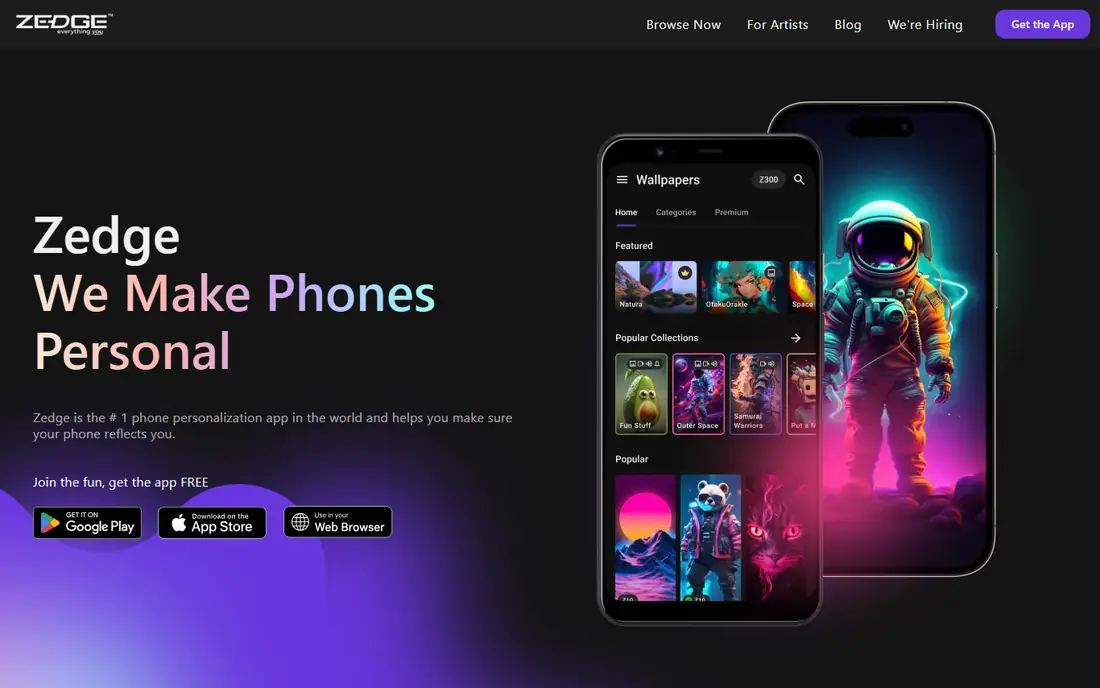
Zedge remains the most popular ringtone app for a simple reason: choice. You can browse trending tones, search by song or sound type, preview before downloading, and set tones for calls, messages, and alarms on Android. It also offers wallpapers and notification sounds in the same app, so personalising a phone takes minutes.
The free experience is ad-supported, and some premium content sits behind credits or a subscription. Search quality can also vary, with unrelated results appearing for popular terms. Despite those annoyances, no other free app matches its library size, which is why it is our pick for most people.
- Huge library of ringtones and wallpapers
- Search by genre and trend
- Favourites sync across devices
- Free version has ads
- Some premium items need credits or a subscription
- Search results can include unrelated items
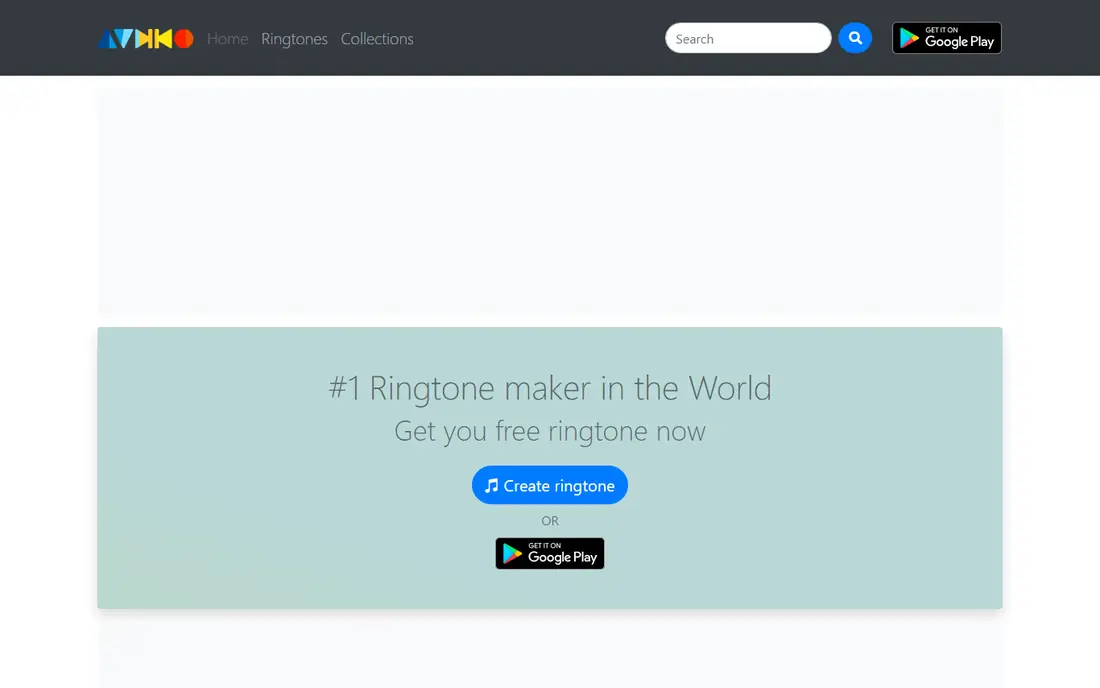
Audiko suits people who want a specific part of a song, not just a ready-made tone. Its editor lets you trim a track, add a fade, and save the result as a ringtone, and its library offers millions of music-based tones to start from. On Android, you can set the result for a contact, a message alert, or the default call tone.
The free version includes ads, and the Pro upgrade removes ads and adds more features. iPhone users face the usual iOS limits, so setting a custom tone may need GarageBand or a computer step. If you mainly want to make tones from your own music, Audiko is still the most focused maker in this list.
- Ringtone editor with trim and fade
- Large music-based library
- Per-contact tones on Android
- Ads in free version
- Pro upgrade needed for full feature set
- IPhone setup is less direct
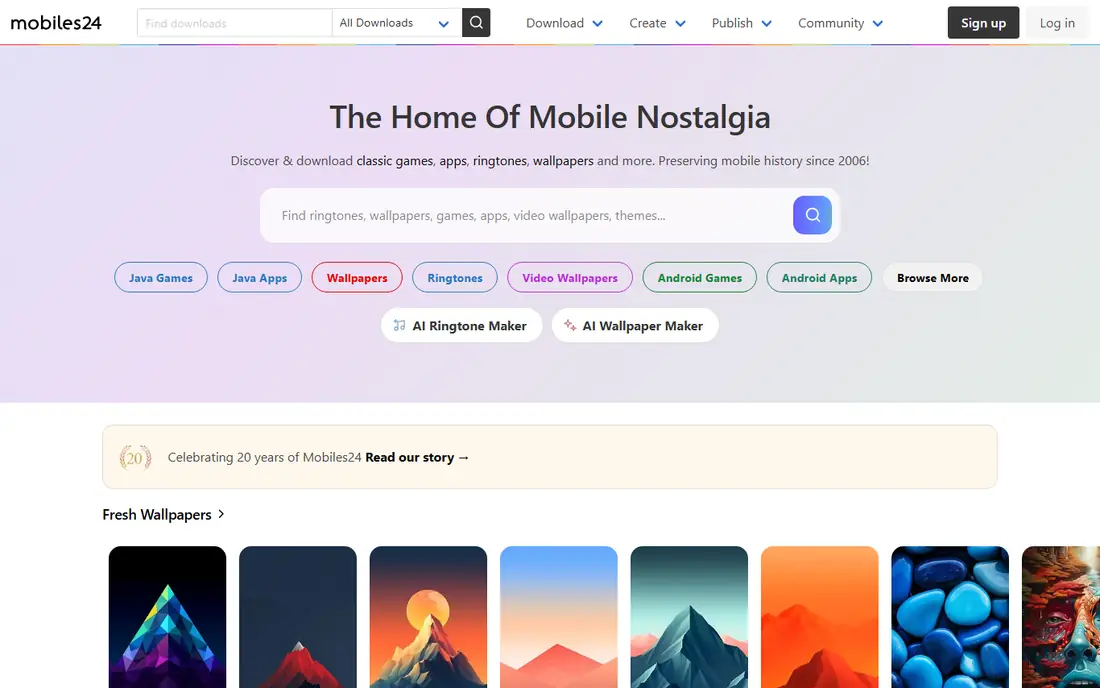
Mobiles24 is a long-running free ringtone site with a simple idea: browse by category and download a tone in MP3 or M4R format. It is strong on classic phone sounds, retro tones, and funny alerts that are hard to find in newer apps. For Android users, a downloaded MP3 can usually be set as a ringtone from the phone settings.
The experience is more web-first than app-first, and the design feels dated next to Zedge. Tone quality also varies because much of the library comes from community uploads. If you want a classic tone or a simple download without an app account, Mobiles24 is a useful second source.
- Large free library
- Classic and retro tones
- Simple browsing by category
- Web-first experience
- Interface feels dated
- Some tones vary in quality
Melofania is a free ringtone site that lets you search by artist, song, or genre and download a short clip as a tone. That search style helps when you know the exact song you want and do not want to scroll through trending lists. It covers a wide range of popular music and sound effects.
The downside is the web experience, which includes ads that can feel intrusive, and the lack of a polished app for direct setting on every phone. Android users can usually set a downloaded file directly, while iPhone users will need GarageBand or a computer. Use it as a source for a specific tone, not as your only ringtone app.
- Easy browsing by artist, song, and genre
- Free downloads
- Useful for finding a specific track clip
- Web-based rather than a full app
- Ads and pop-ups can intrude
- IPhone setup needs an extra step
MyTinyPhone is a community ringtone and wallpaper site with a large free library. Users upload tones, which means you can find niche sounds, older hits, and funny clips that larger apps may not highlight. Downloads are free, and the site also offers wallpapers for matching your phone theme.
Community uploads are both the strength and the weakness. Quality varies, and some tones are short or poorly cut, so preview before you download. It also lacks the editing tools of Audiko, so it is best for finding a ready-made tone rather than making one from scratch.
- Community uploads
- Ringtones and wallpapers together
- Simple free downloads
- Quality varies by upload
- Web-first design
- Fewer editing tools than Audiko
Tuunes focuses on iPhone users, with a curated library of ringtones and tones presented for iOS. That curation helps because the App Store and iOS rules make ringtone apps harder to use on iPhone than on Android. Browsing by mood, genre, or trend is straightforward, and previews help you pick before you commit.
The iOS limit still applies. Even with a curated library, setting a custom tone on iPhone often needs GarageBand or a computer, because iOS does not let apps set ringtones directly in the same way Android does. Tuunes is best as a discovery source for iPhone tones, paired with GarageBand for the final setup step.
- Curated library for iPhone users
- Easy browsing
- Tones designed for iOS use
- IPhone setup still needs steps
- Library smaller than Zedge
- Some tones may be paid
GarageBand is not a ringtone library, but it is the most reliable tool for turning a sound into an iPhone ringtone. Apple offers it free on iPhone and iPad, and it lets you import audio, trim it to 30 seconds or less, and export it as a ringtone that appears in your phone settings. That export step is the part many iPhone ringtone apps cannot do alone.
The trade-off is effort. GarageBand is a full music app, so its interface can feel heavy if you only want a quick tone. It also does not help Android users. For iPhone owners who want a custom tone from their own music, though, it is the tool we recommend learning, because it works within Apple's rules instead of fighting them.
- Free on Apple devices
- Reliable way to export a custom iPhone ringtone
- Full audio editing
- Apple devices only
- Learning curve for beginners
- Not a ringtone library
How we picked these
We compared official app listings, store descriptions, and feature pages for ringtone apps and services available in 2026. We kept only options with a real free way to browse, download, or make tones, and we noted where iPhone setup needs an extra step. We did not claim hands-on testing, and we did not invent prices or library sizes. Where a price depends on a subscription or credits, we wrote Free for the starting tier and noted the paid upgrade.
How to choose a ringtone app
Start with your phone. Android users can pick almost any app in this list and set tones directly, so library size and editing tools matter most. iPhone users should pick a discovery source plus GarageBand, because the final export step matters more than the library alone.
Check permissions and ads before you install
Free ringtone apps often ask for storage, media, or contact access. Grant only what the app needs to download or set a tone, and skip contact access unless you use per-contact tones. If an app shows heavy ads or asks for payment before you can preview a tone, try another option first.
Make a tone that you will actually hear
Pick a distinct start, keep the clip short, and test it at normal volume with your phone in another room. A quiet intro or a long fade can mean missed calls. For alarms and messages, choose shorter, sharper sounds than you would for a call ringtone.
Frequently asked questions
What is the best free ringtone app?
Zedge is the best free ringtone app for most people because of its large library and easy preview and download flow. Audiko is better if you want to make a custom tone from your own music.
What are the best ringtone apps for iPhone?
Tuunes is a good discovery source for iPhone tones, and GarageBand is the most reliable way to export a custom tone on iOS. Zedge also works on iPhone for browsing, but setting a custom tone still needs the iOS export step.
How do I make a custom ringtone on Android?
Use Audiko or a similar editor to trim a song, save it as a ringtone, and set it from your phone sound settings or from inside the app. Android lets apps and settings assign tones directly, so the process is usually quick.
How do I set a custom ringtone on iPhone?
Import or create a clip in GarageBand, trim it to 30 seconds or less, and export it as a ringtone. It will then appear in Settings under Sounds, where you can set it as your default or for a contact.
Are free ringtone apps safe?
Most well-known free ringtone apps are safe to browse, but they are ad-supported and may ask for broad permissions. Download from official app stores, grant only needed permissions, and avoid apps that ask for payment before you can preview a tone.
Sources we checked (7)

Online Jobs is an independent blog about careers, online work, learning new skills and the tools that help people earn. More about us.
Keep reading
All posts
WatchCartoonOnline.io Alternatives
Compare legal WatchCartoonOnline.io alternatives for cartoons and anime, from free services to paid streaming, with honest catalog limits for every household.
Reddit Alternatives
We compared the best Reddit alternatives for 2026, from Lemmy and PieFed to Discuit, Tildes, MetaFilter, Hacker News and Discord, with community notes.
M4uFree Alternatives
Looking for m4ufree alternatives? We list legal streaming services with free and paid plans, plus the malware and legal risks of unlicensed sites today.