Best Live Streaming Apps in 2026: 9 Apps Compared

How we put this together: we compare official feature and pricing pages, app store listings, privacy policies and public user reviews. Prices change, so check the provider's site before you pay.
Key takeaways
- Twitch remains the largest live streaming community for gaming and creative streams.
- YouTube Live suits creators who want streams to live on as searchable videos afterward.
- TikTok Live and Instagram Live suit short, casual streams to existing followers.
- Kick attracts streamers with a more generous revenue share, though its audience is smaller.
- StreamYard and Restream suit businesses and multi-platform creators, while OBS Studio is the free tool behind many professional streams.
Quick comparison
| Name | Who it suits | Starting price | Free option | |
|---|---|---|---|---|
 Twitch Twitch | Gaming and community streams | Free | Yes | Visit |
 YouTube Live YouTube Live | Searchable video streams | Free | Yes | Visit |
 TikTok Live TikTok Live | Casual mobile streams | Free | Yes | Visit |
 Instagram Live Instagram Live | Follower streams | Free | Yes | Visit |
 Facebook Live Facebook Live | Community and event streams | Free | Yes | Visit |
 Kick Kick | Streamer revenue share | Free | Yes | Visit |
 StreamYard StreamYard | Browser-based studio streams | See website | Free trial | Visit |
 Restream Restream | Multi-platform streaming | See website | Yes | Visit |
 OBS Studio OBS Studio | Free streaming software | Free | Yes | Visit |
The best live streaming apps
Live streaming apps cover gaming, talk shows, events, and shopping, on platforms with built-in audiences and tools for going live anywhere. The options below include audience platforms and production tools. We compared official feature pages, pricing pages, and documentation to sort them by audience, monetization, and production needs.
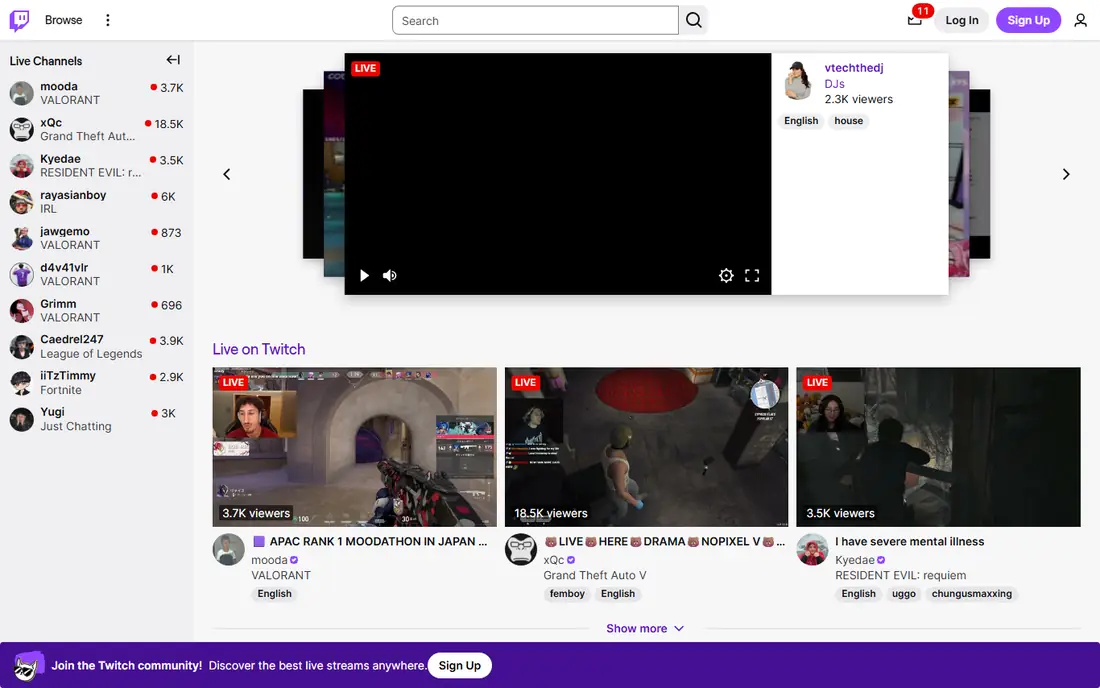
Twitch remains the largest live streaming platform for gaming, with creative, music, and talk streams growing alongside it. Streamers earn through subscriptions, bits, and ads, while viewers join a chat culture built around emotes and community inside jokes. Going live is free, with revenue coming from audience support and advertising.
Discoverability is hard for new streamers, since top channels dominate browse pages, and the standard revenue share favors Twitch. For a gaming streamer building a community, Twitch's audience size still makes it the first choice.
- Largest live streaming community
- Subscriptions, bits, and ads
- Strong discovery for gaming
- Revenue share favors Twitch on standard terms
- Discoverability is hard for new streamers
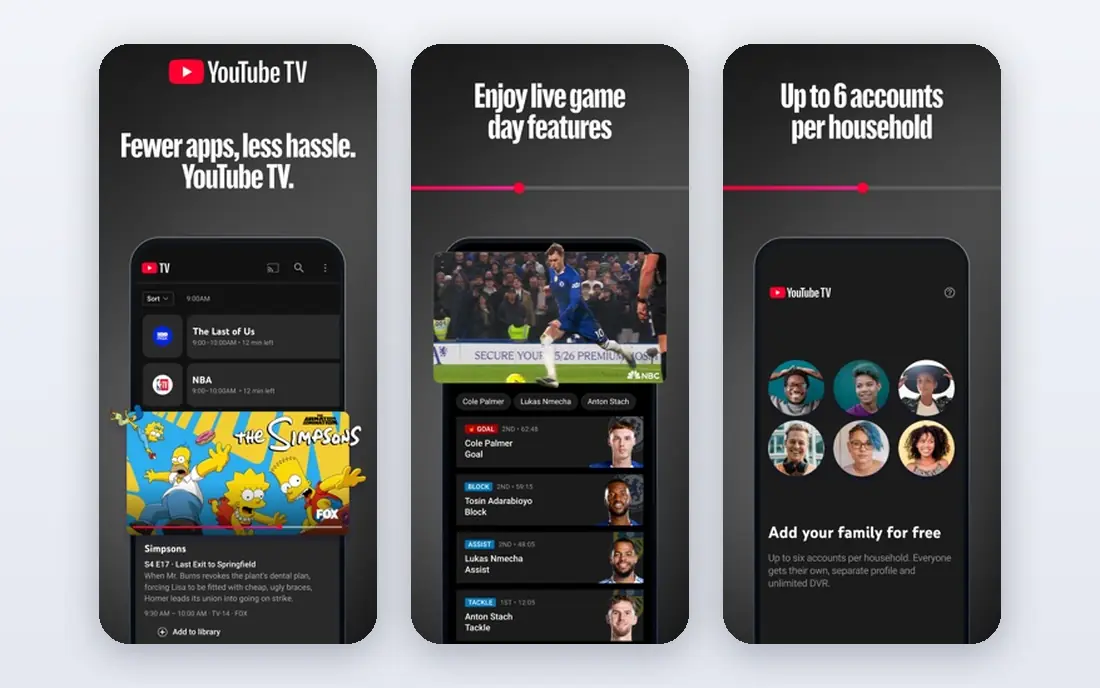
YouTube Live suits creators who want streams to keep working after they end. A finished stream becomes a searchable video, earning views for months, while Super Chat, memberships, and ads monetize the live moment. Going live is free for eligible channels, with a huge built-in audience across topics.
Live discovery lags Twitch for gaming, and monetization needs eligibility thresholds for subscribers and watch hours. For a creator who already makes YouTube videos, Live is the natural extension, turning one audience into two formats.
- Streams become searchable videos
- Super Chat and memberships
- Huge built-in audience
- Live discovery lags Twitch for gaming
- Monetization needs eligibility thresholds
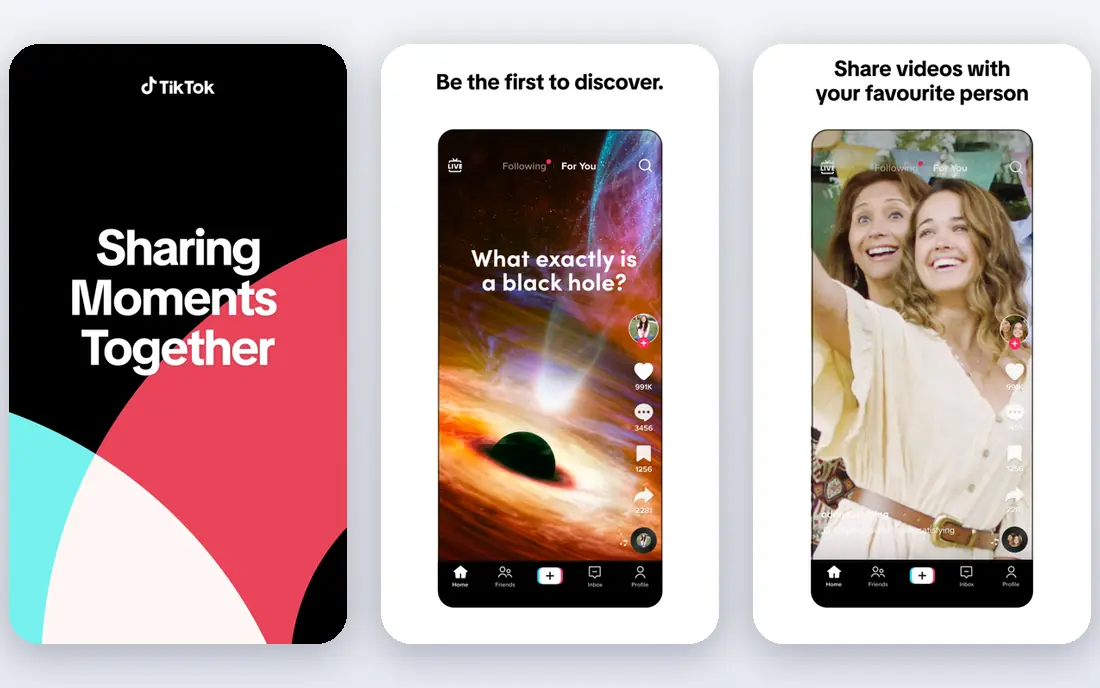
TikTok Live brings live streaming to a huge mobile audience, with phone-first streaming, effects, and gifts built in. It suits casual streams, Q and A sessions, shopping, and performances, reaching viewers through the For You feed rather than a browse directory. Going live is free for eligible accounts.
Live access needs follower and age thresholds, and streams vanish quickly from feeds once they end. For a creator with a TikTok following who wants casual, mobile-first streams, TikTok Live reaches an audience other platforms cannot.
- Huge mobile audience
- Easy phone streaming
- Gifts and effects built in
- Live needs eligibility thresholds
- Streams vanish quickly from feeds
Instagram Live streams straight to existing followers from the app, with guest features for joint streams and shopping features for product demos. It suits announcements, Q and A sessions, and behind-the-scenes content for an audience that already follows the account. Going live is free.
There is no built-in discovery for strangers, and streams are short-lived unless saved. For a brand or creator with an Instagram audience, Live is a simple way to talk to followers in real time without new software.
- Streams to existing followers
- Easy from the app
- Shopping and guest features
- No built-in discovery for strangers
- Streams are short-lived
Facebook Live streams to pages, groups, and events, making it strong for community announcements, church services, local events, and business launches. Event promotion ties streams into Facebook's event system, and going live is free. Its audience spans age groups beyond the gaming crowd.
Organic reach varies with Facebook's feed ranking, and gaming discovery lags Twitch. For a community, church, or local business streaming an event to people who already follow it, Facebook Live is the simplest option.
- Streams to pages, groups, and events
- Large audience
- Easy event promotion
- Organic reach varies
- Gaming discovery lags Twitch
Kick attracts streamers with a more generous revenue share than Twitch's standard terms, keeping more subscription income with creators. Its community is growing, with gaming and talk streams leading, and setup is simple for streamers moving from Twitch. Going live is free.
The audience is smaller than Twitch's, and its content moderation reputation divides opinion. For a streamer frustrated by Twitch's revenue share who can bring their own audience, Kick's terms are a real draw.
- More generous creator revenue share
- Growing community
- Simple streaming setup
- Smaller audience than Twitch
- Content moderation reputation divides opinion
StreamYard runs a live studio in the browser, with no install needed. Hosts invite guests by link, add branding, overlays, and comments on screen, and stream to YouTube, Facebook, LinkedIn, and other platforms. A free trial covers evaluation, with pricing listed on StreamYard's site.
Full features need paid plans, and browser-based production has limits versus desktop software like OBS. For a business, podcast, or church running interview-style streams without technical staff, StreamYard is the easiest professional option.
- Runs in the browser with no install
- Guest interviews and branding
- Multistreaming
- Paid plans needed for full features
- Browser limits versus desktop software
Restream sends one stream to many platforms at once, so a creator reaches Twitch, YouTube, Facebook, and LinkedIn viewers simultaneously. Chat aggregation pulls comments from every platform into one view, and analytics compare performance across them. A free tier covers basic multistreaming, with paid plans listed on Restream's site.
The free tier has limits, and production features like overlays are basic next to StreamYard or OBS. For a creator who wants maximum reach from a single stream, Restream's multistreaming is the most practical tool.
- Streams to many platforms at once
- Chat aggregation
- Analytics across platforms
- Free tier limits apply
- Production features are basic
OBS Studio is the free, open-source software behind many professional streams. It mixes scenes, sources, cameras, and overlays, supports plugins, and streams to any platform that accepts RTMP, including Twitch and YouTube. No subscription or account is needed.
The learning curve is real, and OBS provides no audience or hosting of its own. For a streamer who wants full production control without paying for software, OBS Studio is the industry standard, and it pairs well with Restream for reach.
- Free and open source
- Scenes, sources, and plugins
- Used by professionals
- Learning curve
- No built-in audience or hosting
How we picked these
We compared official feature pages, pricing pages, and documentation for live streaming apps that operate today. We favored platforms with real audiences and tools that streamers actually use, and we included audience platforms and production tools rather than only one style. Prices are the standard published rates from each vendor's own site, and where pricing varies by plan we say so rather than guessing.
What to check before you choose
Start with your audience. Gamers belong on Twitch, video creators on YouTube Live, mobile followers on TikTok or Instagram, and communities on Facebook Live. Audience location decides the platform faster than any feature list.
Check monetization eligibility
Subscriptions, gifts, and ads all need eligibility thresholds for followers, hours, or account standing. Check each platform's current requirements before planning income around streaming. A platform that fits your content but blocks your monetization is a poor choice.
Match production to your skills
Phone streaming suits TikTok and Instagram, browser studios suit StreamYard, and full control suits OBS. Pick the production level you can run reliably every stream, since a complex setup that fails live hurts more than a simple one that works.
Plan for discoverability
New streamers struggle for discovery on every platform. Bring an existing audience from social media, stream on a consistent schedule, and use clips and highlights to attract viewers between streams. No platform alone guarantees an audience.
Frequently asked questions
What is the best live streaming app?
Twitch is our pick for gaming and community streams, YouTube Live for searchable video streams, and TikTok Live for casual mobile streams. StreamYard suits business streams, while OBS Studio suits free professional production. The best app follows your audience and content.
What is the best app for live streaming games?
Twitch leads for game streaming, with the largest live gaming audience and community features. YouTube Live is the strongest alternative, especially for creators who also make videos. Kick suits streamers who prioritize revenue share and can bring their own audience.
Can I stream on multiple platforms at once?
Yes, Restream sends one stream to many platforms simultaneously, and StreamYard also multistreams on paid plans. OBS Studio can multistream with plugins or paired services. Check each platform's terms, since some partnership programs limit simultaneous streaming elsewhere.
Is OBS Studio free?
Yes, OBS Studio is free and open source, with no subscription or paid tier. It provides scenes, sources, overlays, and plugins for professional streams. It does not host streams itself, so you still need a platform like Twitch or YouTube to reach viewers.
How do streamers make money?
Streamers earn through subscriptions, donations, bits or gifts, ads, sponsorships, and merchandise. Each platform has its own mix and revenue share, and eligibility thresholds apply. Most streamers combine several income sources rather than relying on one.
What equipment do I need to start live streaming?
A phone streams well on TikTok, Instagram, and Facebook, while a computer with a webcam and microphone suits Twitch and YouTube. Good lighting and clear audio matter more than an expensive camera. Start simple, then add OBS, lighting, and better audio as your audience grows.
Sources we checked (9)

Online Jobs is an independent blog about careers, online work, learning new skills and the tools that help people earn. More about us.
Keep reading
All posts
Best Streaming Services for Classic Soap Operas
Find the best streaming services for classic soap operas, with where to watch Days, General Hospital, Young and Restless and older daytime dramas today.
Best Streaming Service
We compared the best streaming service options on price, catalogues, sports, 4K and free tiers, to help you pick one service or a smart bundle for your home.
Best Streaming Service for Sports
We compared the best streaming service for sports by league and price, checking live TV bundles and league apps, so you can watch the games you love today.