Best Group Chat App in 2026: 8 Apps Compared

How we put this together: we compare official feature and pricing pages, app store listings, privacy policies and public user reviews. Prices change, so check the provider's site before you pay.
Key takeaways
- WhatsApp is the simplest group chat for friends and family, because almost everyone already has it.
- Telegram suits large groups and broadcast communities, with channels, topics, and large file sharing.
- Signal is the strongest pick for private groups, with default end-to-end encryption and minimal data collection.
- Discord suits communities that need channels, roles, and always-on voice rooms.
- Slack, Microsoft Teams, and Google Chat suit work teams that need threads, files, and app integrations.
Quick comparison
| Name | Who it suits | Starting price | Free option | |
|---|---|---|---|---|
 WhatsApp | Friends and family groups | Free | Yes | Visit |
 Telegram | Large groups and broadcast channels | Free | Yes | Visit |
 Signal | Private personal groups | Free | Yes | Visit |
 Discord | Communities with channels and voice rooms | Free | Yes | Visit |
 Slack | Work teams with channels and threads | Free | Yes | Visit |
 Microsoft Teams | Teams already using Microsoft 365 | Free | Yes | Visit |
 Google Chat | Google Workspace teams | Free | Yes | Visit |
 Messenger | Groups of Facebook friends | Free | Yes | Visit |
The best group chat apps
The best group chat app depends on who is in the group. A family group needs simplicity, a community needs moderation and channels, a private group needs encryption, and a work team needs threads and integrations. The eight apps below cover those different groups, and all offer a free tier.
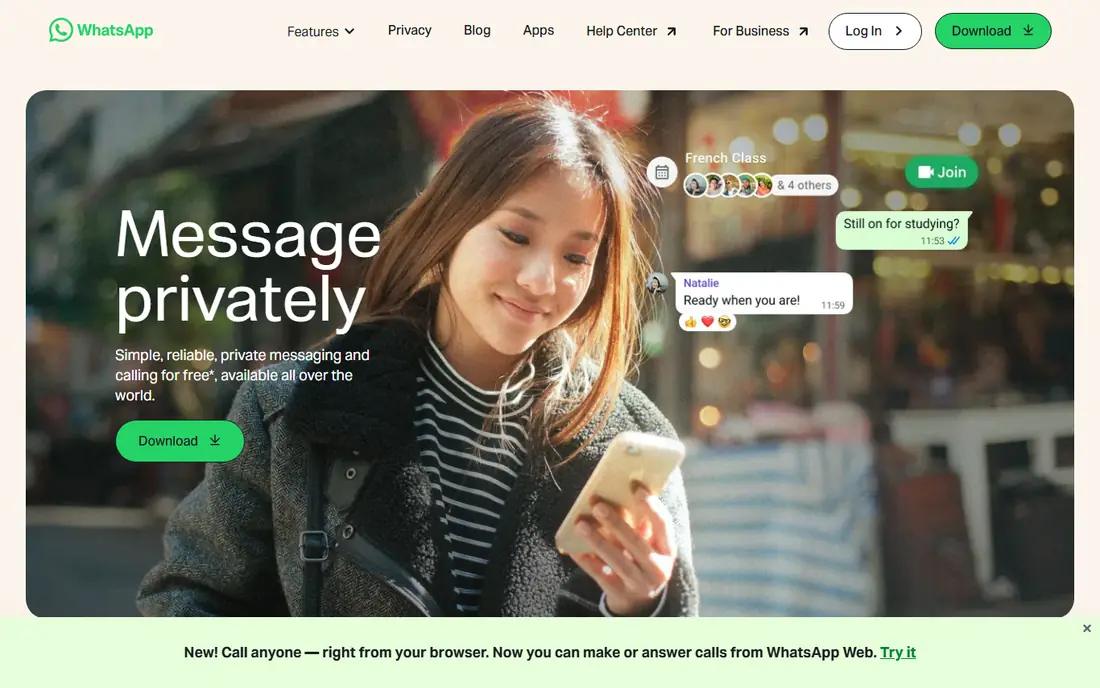
WhatsApp is the default group chat for many families and friend groups, simply because it is already on their phones. Creating a group takes seconds, adding members is easy, and messages, photos, voice notes, and calls all work in one place. That familiarity means fewer missed messages and fewer people asking how to join.
End-to-end encryption on personal chats is a real strength for private groups. You can also use polls, reactions, and community features to organize larger family or club groups without moving to a work tool.
The limits show up for large communities. Admin controls, channels, and roles are simpler than Discord or Telegram, and WhatsApp groups are tied to phone numbers. For friends and family, those limits rarely matter. For a public community, Telegram or Discord will fit better.
- Almost everyone already has it
- End-to-end encrypted personal chats
- Voice and video calls built in
- Group size and admin controls are limited compared with Discord
- Tied to a phone number
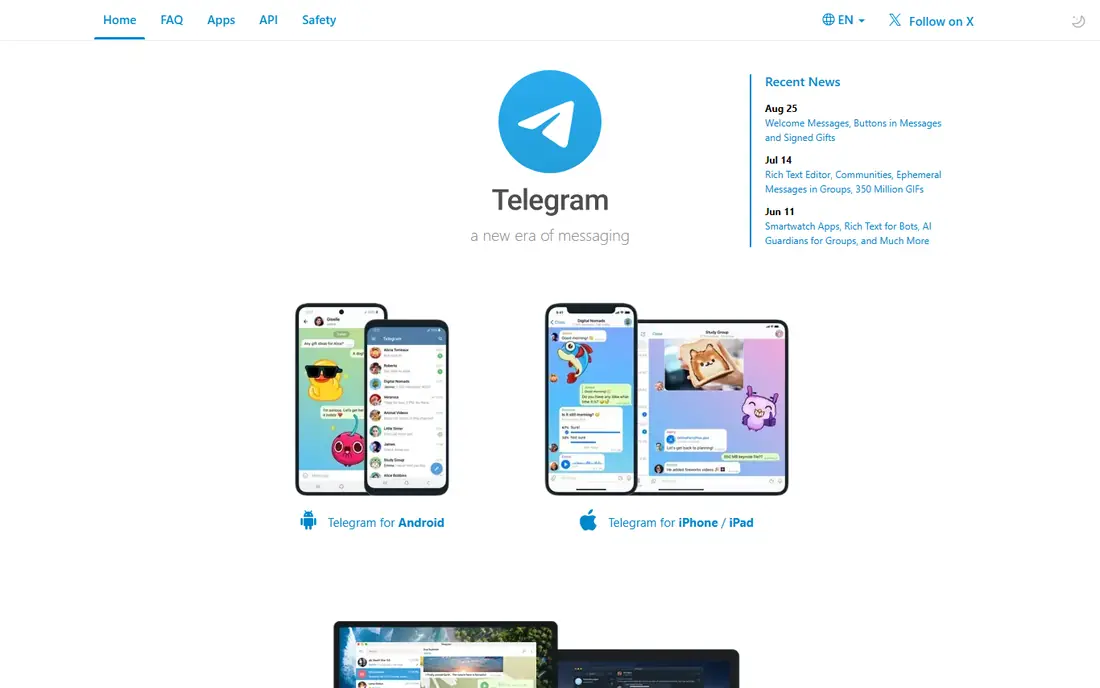
Telegram suits groups that outgrow WhatsApp. Groups can hold very large numbers of members, channels can broadcast to an audience, and topics help organize discussion inside a big group. Bots can welcome members, run polls, and automate routine tasks.
File sharing is another strength. Telegram handles large files well, and cloud sync means your chats follow you across phone, tablet, and desktop without a phone connection. That makes it popular with study groups, fan communities, and creator audiences.
Privacy needs a note. Default cloud chats use cloud encryption, not end-to-end encryption, while secret chats offer end-to-end encryption for one-to-one chats. If privacy is the top priority, Signal is a better pick for small private groups.
- Very large groups and channels
- Topics, bots, and large file sharing
- Fast cloud sync across devices
- Default cloud chats are not end-to-end encrypted
- Secret chats are needed for full encryption
- Moderation needs setup
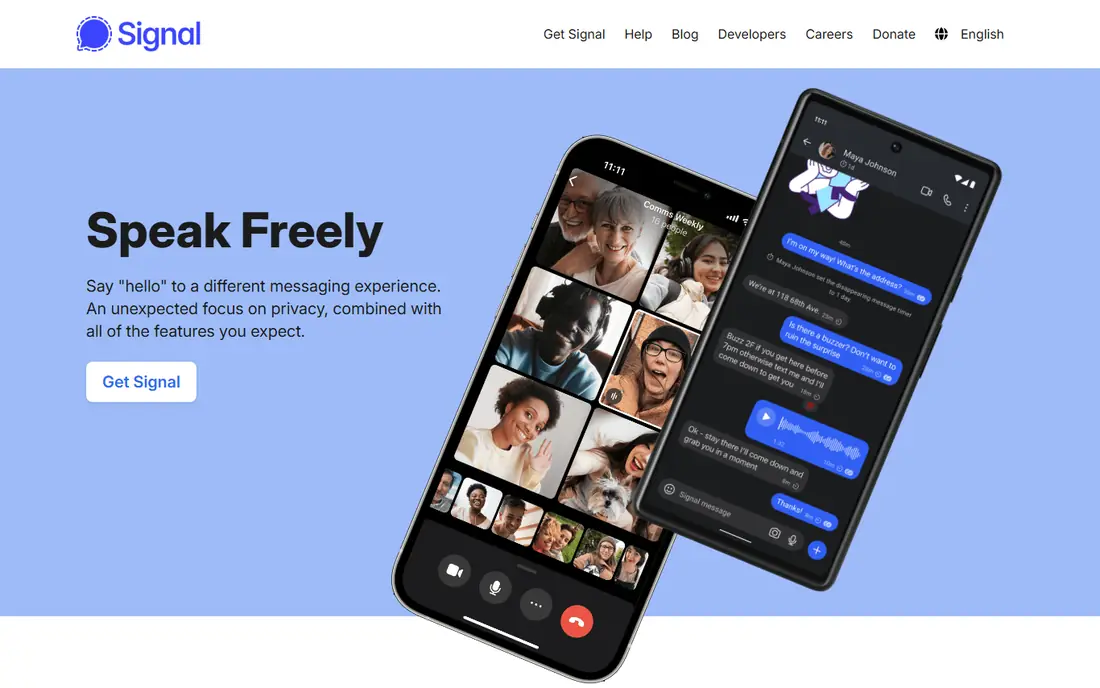
Signal is our pick when privacy matters most. Messages and calls are end-to-end encrypted by default, the app is run by a nonprofit, and it collects minimal metadata compared with ad-supported rivals. Disappearing messages, sealed sender options, and simple group controls help private groups stay private.
For families, close friends, and small teams handling sensitive topics, Signal is easy to use once everyone installs it. The interface is clean, calls are reliable, and there are no ads or tracking-driven features getting in the way.
The main drawback is reach. Fewer people already have Signal than WhatsApp, so you may need to ask members to install it. It also lacks the large community channels of Telegram and Discord. For a private group, that trade is worth it.
- Default end-to-end encryption for messages and calls
- Nonprofit with minimal data collection
- Disappearing messages
- Smaller user base than WhatsApp
- Fewer community and channel features
- Group size is smaller than Telegram
Discord is built for communities, not just chats. A server can hold many channels for different topics, roles for moderators and members, and voice rooms where people can drop in and talk. That structure suits gaming groups, study communities, fan clubs, and creator audiences.
Voice quality is a standout. Low-latency voice channels work well for gaming, study sessions, and live events, and screen sharing and streaming are built in. Bots can handle moderation, welcome messages, polls, and music, which helps larger servers stay organized.
Discord is less private by default than Signal, since messages are not end-to-end encrypted. The interface can also feel busy for a simple family group. For a community that needs structure and voice, Discord is the strongest free choice.
- Servers with channels, roles, and moderation tools
- Always-on voice channels
- Bots and integrations
- Not end-to-end encrypted by default
- Interface can overwhelm new users
- Best for communities, not simple family chats
Slack remains the standard for work chat organized by topic. Channels keep projects separate, threads keep replies tidy, and search makes it easy to find a decision from weeks ago. Integrations with Google Drive, project tools, and calendars turn chat into a work hub rather than just a message list.
Huddles offer quick voice chats without a full meeting link, which suits remote teams that need fast answers. Admin controls, guest access, and workflow automation help larger teams stay organized.
The free plan limits searchable history, which can frustrate teams that need long records. Paid plans cost per user, so larger teams should check pricing before committing. For friends and family, Slack is too structured. For work, it is still a top pick.
- Channels, threads, and searchable history
- Huge app and integration library
- Huddles for quick voice chats
- Free plan limits message history
- Costs rise per user for teams
- Overkill for a simple friend group
Microsoft Teams suits organizations that already pay for Microsoft 365. Chat, video meetings, file sharing, and Office documents live in one app, so a team can discuss a document, edit it, and meet about it without switching tools. That integration is the main reason to choose Teams over a standalone chat app.
Group chats, team channels, and threaded replies cover most work needs, and admin controls help IT teams manage access and compliance. For schools and companies on Microsoft plans, Teams is often already included, which makes the cost easy to justify.
Teams can feel heavy for a small group that only needs chat. If your team does not use Microsoft 365, Slack or Google Chat may feel lighter. If you do use Microsoft tools daily, Teams is the natural fit.
- Chat, meetings, and file collaboration in one place
- Deep Microsoft 365 and SharePoint integration
- Strong admin controls
- Interface can feel heavy
- Free plan is simpler than paid Microsoft 365 versions
- Best value comes with a Microsoft subscription
Google Chat suits teams that live in Gmail and Google Drive. Spaces organize group chats by project, with threads, shared files, and tasks in one view. Meet integration makes it easy to jump from chat to video, and Drive files open without leaving the conversation.
The interface is simpler than Slack or Teams, which helps small teams that want chat without a steep learning curve. For schools and businesses on Google Workspace, Chat is included, so there is no extra cost to start.
Third-party integrations are fewer than Slack, and Google Chat is not built for large public communities. For a Workspace team that needs reliable group chat with documents, it is a clean, practical choice.
- Spaces with threads and tasks
- Gmail, Drive, and Meet integration
- Simple and fast for Workspace users
- Fewer third-party integrations than Slack
- Best value comes with Google Workspace
- Community features are limited
Messenger is the easiest group chat when your group already connects on Facebook. You can start a group from friends, add members by name rather than phone number, and use reactions, polls, stickers, and video calls in the same thread. That low friction helps for event planning and casual groups.
Group video calls and shared media work well, and the app is available on phone and desktop. For people who do not want to share phone numbers, Messenger offers a useful alternative to WhatsApp.
Privacy is the main concern. Messenger is part of an ad-supported company, and its privacy record draws more criticism than Signal. Group admin tools are also simpler than Discord. For casual Facebook friend groups, it works well. For private or sensitive groups, Signal is safer.
- Most Facebook users already have it
- Group chats, calls, and reactions built in
- Easy to add friends without a phone number
- Privacy and ads draw criticism
- Group controls are simpler than Discord
- Tied to a Facebook account for many users
How we picked these
We compared official feature pages, app store listings, and public reviews for group chat apps still available in October 2026. We favored apps with a free tier, reliable group messaging, voice or video calls, and clear privacy or admin features. We left out apps that had shut down, apps with no official homepage, and apps that only offered one-to-one messaging with no group support.
What to look for before you choose
Start with who is already there. The best app is often the one your group will actually open, even if another app has better features on paper. A family group on WhatsApp will respond faster than the same group forced onto a new app.
Then check privacy and moderation. Private groups should favor default encryption, while public communities need moderation tools, roles, and spam controls. Work teams should check history limits, file sharing, and integrations with the tools they already use.
Finally, test group size and mobile use. Some apps cap groups at a few dozen members, while others handle thousands. Most members will reply on a phone, so a clean mobile layout matters more than desktop extras.
Frequently asked questions
What is the best group messaging app for friends?
WhatsApp is our pick for friends and family, because most people already have it and group setup is simple. Messenger is a good alternative when your group connects through Facebook rather than phone numbers.
What is the best free group texting app?
WhatsApp, Telegram, Signal, and Discord all offer free group messaging. WhatsApp suits small private groups, Telegram suits large groups, Signal suits privacy-focused groups, and Discord suits communities.
What is the best app for group chat with large groups?
Telegram suits very large groups and broadcast channels, with topics and bots to keep discussion organized. Discord suits large communities that need channels, roles, and voice rooms.
What is the best group chat app for work?
Slack suits teams that need channels, threads, and many integrations. Microsoft Teams suits Microsoft 365 organizations, and Google Chat suits Google Workspace teams.
Is Signal better than WhatsApp for group privacy?
Signal offers default end-to-end encryption with minimal data collection, which makes it stronger for private groups. WhatsApp also encrypts personal chats, but Signal collects less metadata and is run by a nonprofit.
What is the best app for group communication in a community?
Discord is the strongest pick for communities, with servers, channels, roles, moderation tools, and voice rooms. Telegram is a close second for large groups and broadcast channels.
Sources we checked (8)

Online Jobs is an independent blog about careers, online work, learning new skills and the tools that help people earn. More about us.
Keep reading
All posts
WatchCartoonOnline.io Alternatives
Compare legal WatchCartoonOnline.io alternatives for cartoons and anime, from free services to paid streaming, with honest catalog limits for every household.
Reddit Alternatives
We compared the best Reddit alternatives for 2026, from Lemmy and PieFed to Discuit, Tildes, MetaFilter, Hacker News and Discord, with community notes.
M4uFree Alternatives
Looking for m4ufree alternatives? We list legal streaming services with free and paid plans, plus the malware and legal risks of unlicensed sites today.