Best Free App for Instagram Analytics in 2026: 8 Apps Compared


Every Instagram creator, at no cost · Starting price: Free
How we put this together: we compare official feature and pricing pages, app store listings, privacy policies and public user reviews. Prices change, so check the provider's site before you pay.
Key takeaways
- Instagram Insights is free and built in, but it only covers accounts you own and keeps data for a limited window.
- Metricool and Buffer offer the most useful free plans for creators who want analytics beyond the Instagram app.
- Free plans usually limit profiles, history, or reports, so check those limits before you build a routine around a tool.
- Paid plans start low for solo creators, but you do not need to pay to learn which posts and formats perform best.
Quick comparison
| Name | Who it suits | Starting price | Free option | |
|---|---|---|---|---|
| Instagram Insights | Every Instagram creator, at no cost | Free | Yes | Visit |
 Metricool | Analytics plus scheduling on a free plan | Free | Yes | Visit |
 Buffer | Simple analytics with simple scheduling | Free | Yes | Visit |
 Later | Visual planning with analytics | $25 per month | Free trial | Visit |
 Pallyy | Small creator teams on a budget | $25 per month | Yes | Visit |
 Planoly | Visual-first creators | See website | Yes | Visit |
 Vista Social | Growing creators wanting reports | See website | Free trial | Visit |
 SocialPilot | Small agencies managing clients | See website | Free trial | Visit |
The best free app for Instagram analytics
Free Instagram analytics should answer three questions: which posts reached people, who is following you, and when your audience is active. The tools below do that at different depths. Some are free forever with limits, and some are free trials that lead to paid plans, so the free plan column tells you which is which.

Instagram Insights is the baseline every creator should check first, because it is free and needs no extra tool. It shows reach, follower growth, audience details, and performance by post, Reel, and Story for business and creator accounts. For a creator learning what works, that data is often enough.
The limits appear when you want more. Insights only covers accounts you control, history is limited, and exporting clean reports for a client or sponsor takes extra work. It also does not compare you with competitors in a useful way. Use Insights as your daily check, and add a third-party tool when you need longer history, reports, or competitor views.
- Built into Instagram
- No extra signup
- Reach, follower, and post data included
- Only covers your own accounts
- Limited history and export options
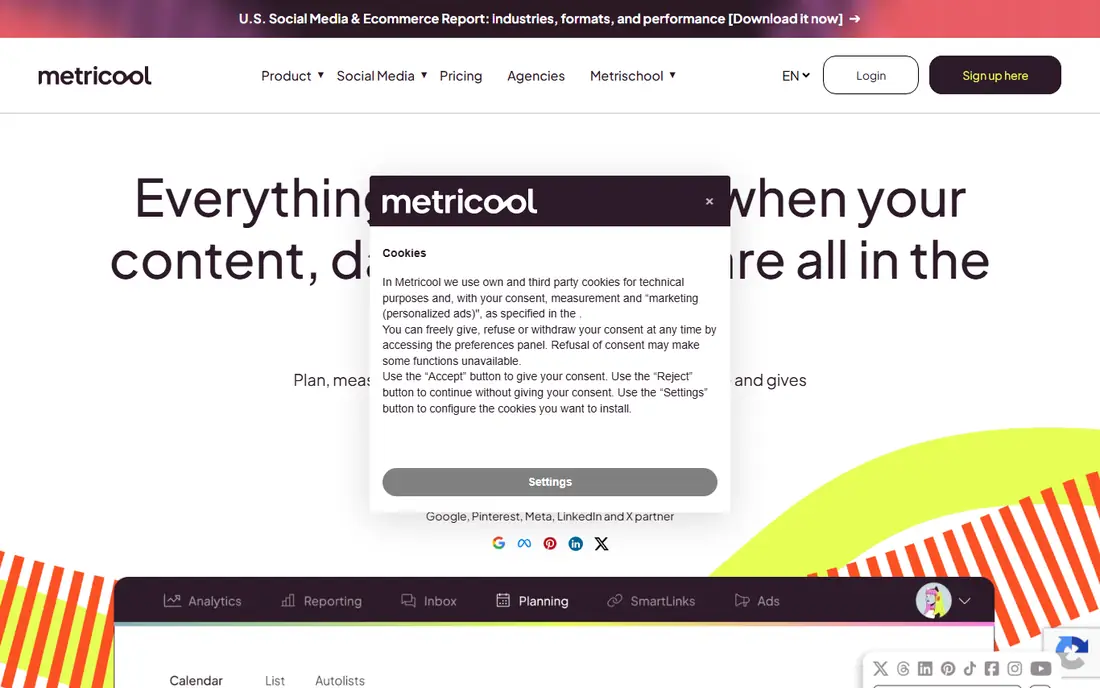
Metricool is the strongest free option for creators who want analytics and scheduling in one place. The free plan covers one brand and includes analytics, competitor tracking, and basic scheduling, which is more than many free plans offer. Paid plans start from $20 per month billed annually for more brands and features.
The catch is scaling. Each extra brand adds cost, and some networks require a paid tier, so a creator managing several clients will outgrow the free plan quickly. For a single creator or small brand, though, Metricool gives a clear dashboard without paying. Check your profile count first, because that decides whether free stays free for you.
- Free plan covers one brand
- Competitor tracking
- Clear analytics dashboards
- Paid plans rise with brand count
- Some networks need a paid tier
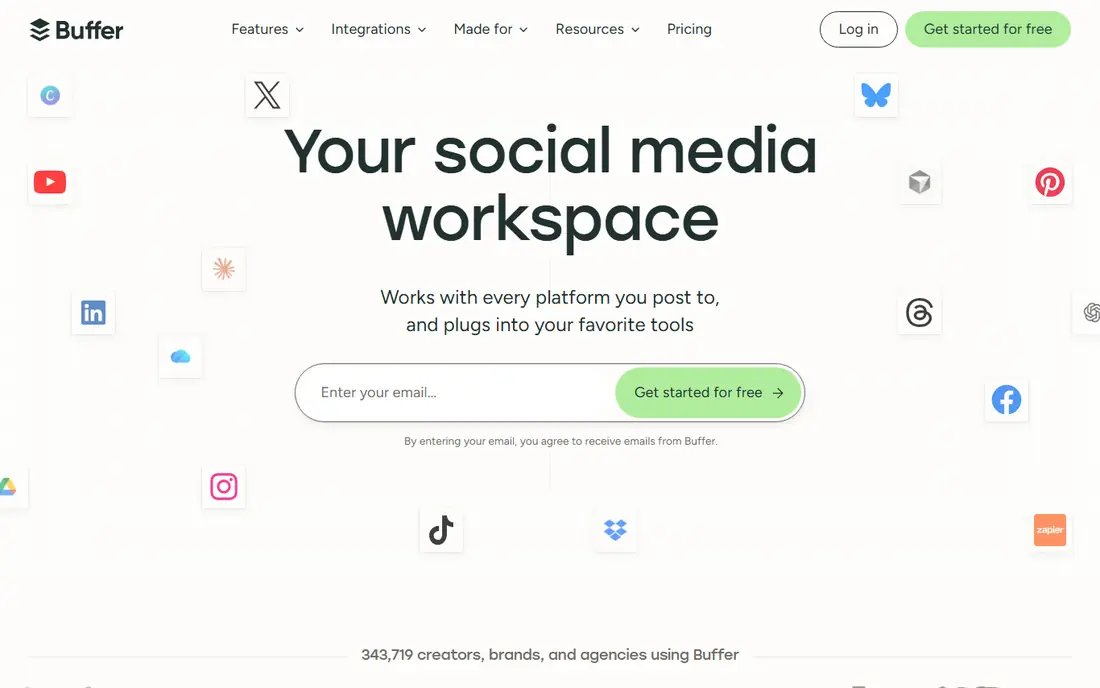
Buffer is best for creators who want a simple routine: schedule posts, then check what worked. The free plan covers light use across channels, and paid plans start at $5 per channel per month billed annually for deeper analytics and more capacity. The interface stays calm, which helps creators who do not want a dashboard full of charts.
Advanced analytics are the paid part, so free users get basics rather than deep reports. Per-channel pricing also means a creator on many networks pays more than the headline price suggests. If you post mainly on Instagram and want a low-effort tool, Buffer fits. If you need competitor data or long reports, Metricool may suit you better.
- Free plan for light use
- Easy interface
- Analytics beside scheduling
- Advanced analytics sit on paid plans
- Per-channel pricing adds up
Later is built around visual planning, so creators who care about how a grid looks will like its planner. Analytics cover post performance, follower growth, and best times to post, and a link in bio page helps turn profile visits into clicks. Starter costs $25 per month, or $18.75 per month billed annually.
Later does not offer the same permanent free plan as Metricool or Buffer, so treat it as a paid tool with a trial rather than a free app. That matters for this list, because the value here is planning plus analytics together, not free access alone. Creators who plan visually and post often may find the combined tool worth the fee.
- Visual planner for Instagram grids
- Best time to post guidance
- Link in bio tools
- No permanent free plan in this guide
- Analytics depth rises with plan
Pallyy is a smaller tool that keeps pricing simple. Its free plan covers one social set, and paid plans start around $25 per month for one set, with extra sets adding cost. Analytics are clear rather than deep, which suits creators who want answers without a long report.
The trade-off is breadth. Pallyy does not match Hootsuite or Sprout Social on integrations or enterprise reporting, and teams with complex approval flows may need more. For a solo creator or a small team that wants a free start and a modest paid step, Pallyy is easy to test and easy to leave if it does not fit.
- Free plan for one social set
- Clean analytics
- Affordable paid tier
- Smaller feature set than larger platforms
- Fewer integrations
Planoly started as a visual planner for Instagram, and that focus still shows. Creators can plan a grid, schedule posts, and check basic performance without leaving a visual view. A free plan exists for light use, with paid plans adding capacity and features.
Planoly is less useful as a multi-network analytics hub, because its strength is Instagram planning rather than cross-platform reporting. Creators who live on Instagram and care about grid appearance will get the most from it. Creators who need deep analytics across many networks should look at Metricool or Buffer instead.
- Visual grid planning
- Instagram-focused analytics
- Simple setup
- Pricing and limits vary by plan
- Broader network analytics are limited
Vista Social combines scheduling, analytics, and reporting in a layout that suits small teams and growing creators. Reports are clearer than a raw export from Instagram, and competitor insights help creators see what similar accounts post. That reporting strength is why it appears here despite being a trial-first tool.
The limit is cost clarity. Vista Social does not sit in the free-forever group, so creators should check current pricing and trial terms before building a workflow around it. If you need client-ready reports and you are ready to pay a modest fee, Vista Social is worth a trial. If you need free forever, start with Insights, Metricool, or Buffer.
- Reports and scheduling together
- Competitor insights
- Team-friendly layout
- No permanent free plan
- Pricing needs checking before committing
How we picked these
We compared official feature pages, pricing pages, and app store listings for tools that report Instagram performance in 2026. We favored tools with a genuine free plan or a clear free trial, Instagram-specific metrics such as reach, follower growth, and post performance, and a way to schedule or export results. We excluded tools that rely on automation that breaks Instagram rules, and we marked trial-only tools as trials rather than free plans. Prices shown are vendor-published where available, and we wrote See website where pricing varies or was not confirmed on the vendor page.
How to read free Instagram analytics without getting misled
Start with reach and saves, not follower count alone. Follower count grows slowly and can hide whether a post actually reached people. Reach shows how many accounts saw a post, saves show whether people wanted it again, and shares show whether they passed it on. Together, those three numbers tell you more than likes, which are easy to get and hard to interpret.
Compare like with like
Compare Reels with Reels, carousels with carousels, and Stories with Stories, because each format has different reach patterns. A Reel that reaches fewer people than a carousel is not necessarily weaker, since the formats serve different goals. Track performance over four weeks rather than judging a single post, and note what changed: topic, format, posting time, or caption style. One variable at a time makes the lesson clear.
Use free plans for learning, then pay for reporting
Free plans are best for learning your own patterns. Once you know which formats work, paid features such as longer history, competitor tracking, and client reports become easier to judge. Do not pay for a dashboard before you know which numbers you will check each week. If a tool shows a metric you never act on, that metric is decoration, not insight.
Watch for fake growth tools
Avoid apps that promise followers, likes, or views for a fee, because they can harm an account and break platform rules. Legitimate analytics tools read data through official connections and do not ask for your password outside a normal login. If an app promises fast growth, check whether it explains how, and walk away if it cannot. Real growth comes from posts people save and share, not from bought numbers.
Frequently asked questions
What is the best free Instagram analytics app?
Instagram Insights is the best free starting point, because it is built in and free. Metricool is the best free third-party option in this guide, with a free plan for one brand plus competitor tracking. Buffer is also strong for creators who want simple analytics beside scheduling.
What is the best Instagram analytics app free for creators?
For creators, Metricool and Buffer offer the most useful free plans, while Instagram Insights covers the basics at no cost. Pallyy and Planoly also offer free access for light use. Choose by profile count and whether you need competitor data, reports, or just post performance.
Is there a free Instagram analytics tool with competitor tracking?
Yes, Metricool includes competitor tracking on its free plan for one brand, within its stated limits. Other tools in this guide offer competitor insights on paid plans or trials. Check the current free plan limits, because competitor features are often the first to move to paid tiers.
Can a free Instagram analytics tool show follower growth?
Yes, Instagram Insights shows follower growth for your own account, and Metricool, Buffer, and others show it for connected profiles. Free plans may limit how far back history goes, so export or note key numbers each month if you want a long trend line.
Do free Instagram analytics apps need my password?
Legitimate tools connect through an official login and do not ask you to hand over your password in a message or form. Use the official connection flow, enable two-factor authentication on Instagram, and remove access for any tool you stop using. Avoid tools that ask for login details outside that flow.
Should I pay for Instagram analytics?
Pay when a free plan blocks a task you do often, such as client reports, longer history, or multiple brands. Do not pay just for more charts. Start free, note which numbers you check weekly, then choose the cheapest paid plan that covers those numbers without adding tools you will not use.
Sources we checked (8)

Online Jobs is an independent blog about careers, online work, learning new skills and the tools that help people earn. More about us.
Keep reading
All posts
WatchCartoonOnline.io Alternatives
Compare legal WatchCartoonOnline.io alternatives for cartoons and anime, from free services to paid streaming, with honest catalog limits for every household.
Reddit Alternatives
We compared the best Reddit alternatives for 2026, from Lemmy and PieFed to Discuit, Tildes, MetaFilter, Hacker News and Discord, with community notes.
M4uFree Alternatives
Looking for m4ufree alternatives? We list legal streaming services with free and paid plans, plus the malware and legal risks of unlicensed sites today.
SocialPilot
Who it suits: Small agencies managing clients
SocialPilot is aimed at small agencies and managers handling several clients, with scheduling and analytics reports in one place. That multi-client view is useful when you need separate reports for separate brands, and bulk scheduling saves time for teams posting often.
For a solo creator, SocialPilot may feel busy and oversized, and its free access is a trial rather than a permanent plan. Agencies that need client reports and are willing to pay will get more from it than a solo creator would. Check current pricing on the vendor site, because agency plans change with seat and account counts.