Best Entertainment Apps in 2026: 8 Apps Compared

How we put this together: we compare official feature and pricing pages, app store listings, privacy policies and public user reviews. Prices change, so check the provider's site before you pay.
Key takeaways
- Netflix remains the broadest video library for most households, though its ad-free tiers are now among the most expensive on this list.
- Spotify and YouTube Premium cover music and video in different ways, with Spotify leading for music discovery and YouTube Premium adding ad-free video and music together.
- Disney+ and Hulu work well as a pair for families and TV fans, especially in bundles, while Apple TV offers a smaller but high-quality originals catalog.
- Peacock and Paramount+ suit sports, news, and broadcast TV fans at lower starting prices, though their catalogs are narrower than Netflix.
- Subscription costs add up fast, so rotate services, use bundles only if you watch both parts, and cancel a service when you stop opening it.
Quick comparison
| Name | Who it suits | Starting price | Free option | |
|---|---|---|---|---|
 Netflix | Broad video library | $8.99 per month | No | Visit |
 Spotify | Music streaming | Free | Yes | Visit |
 Disney+ | Family viewing | $12.49 per month | No | Visit |
 Hulu | TV shows and next-day episodes | $12.49 per month | No | Visit |
 YouTube Premium | Ad-free YouTube and music | $15.99 per month | Free trial | Visit |
 Apple TV | Quality originals | $14.99 per month | Free trial | Visit |
 Peacock | Sports and NBC shows | $8.99 per month | No | Visit |
 Paramount+ | CBS shows and sports | $8.99 per month | No | Visit |
The best entertainment apps
Entertainment apps now compete on catalog, price, ads, and bundles, not just on one hit show. These eight apps cover video, music, family viewing, and live-adjacent content, so you can build a setup that fits how you actually watch and listen.
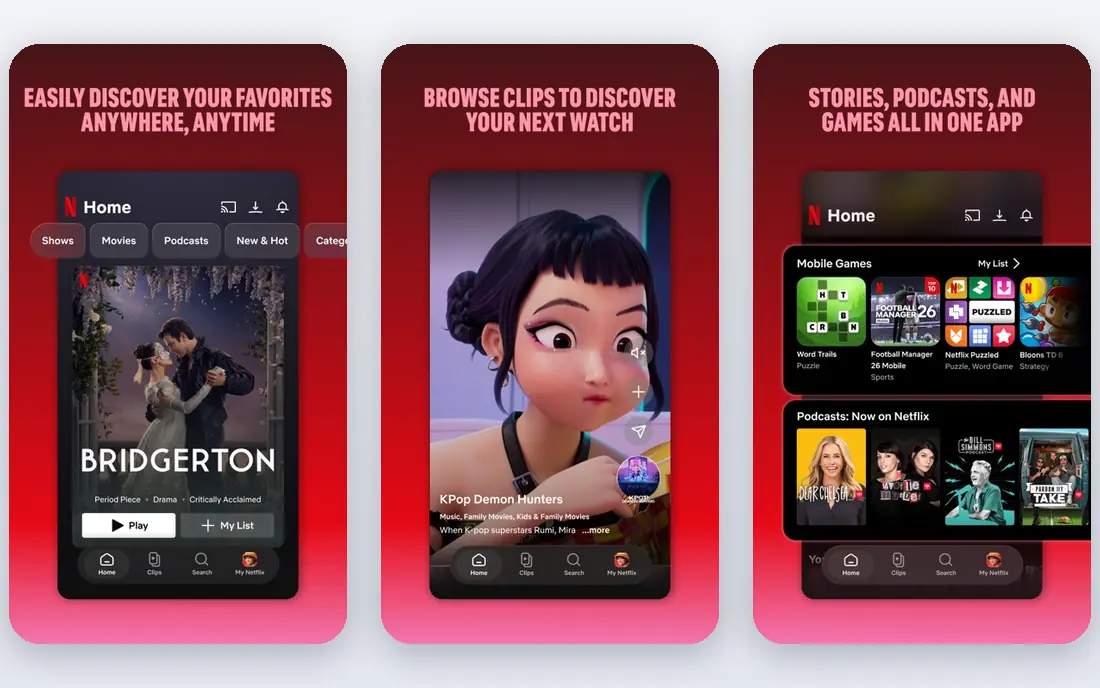
Netflix still offers the widest general video library for most households, with a mix of original series, films, documentaries, and licensed shows. Its recommendation system does a good job of surfacing something watchable quickly, and the app works reliably on phones, TVs, tablets, and game consoles. For a household that wants one service everyone can open, Netflix remains the default choice, even as prices have risen.
The cost is the main drawback. The ad-supported tier starts at $8.99 per month in the figures we found, while standard and premium ad-free tiers cost considerably more. Titles also leave the service as licenses expire, so a favorite film may disappear without warning. Household sharing rules have also tightened, which matters for families spread across addresses. Netflix is worth it if you watch it weekly. If you only open it for one show, subscribe for that show and cancel after.
- Large catalog of films, series, and originals
- Strong recommendation system
- Works on almost every device
- Ad-free tiers are expensive
- Catalog rotates, so titles leave
- Password sharing rules limit household sharing
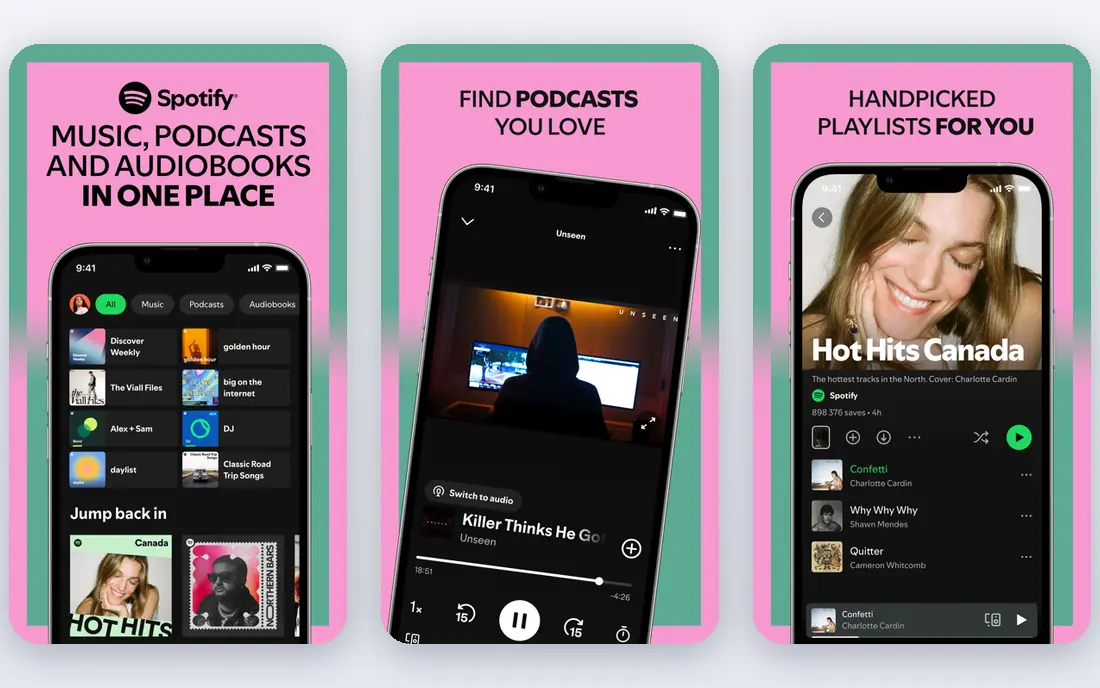
Spotify is the music app most readers already know, and its strength is discovery. Personalized playlists, daily mixes, and podcast integration make it easy to find new music without building playlists from scratch. The free tier lets casual listeners try the service without paying, and the premium tier removes ads, allows offline listening, and gives full on-demand control on mobile. For daily music and podcast listening, Spotify is hard to beat.
The free tier has real limits, including ads and shuffle-only playback on mobile for many playlists, which frustrates listeners who want a specific album in order. The premium individual price we found is $12.99 per month, with family and duo plans costing more, so a household should compare family pricing with Apple Music and YouTube Music. Spotify also does not include video, so it pairs best with a video service rather than replacing one. For music-first users, it remains our top pick.
- Large music and podcast catalog
- Strong playlists and discovery
- Free tier for casual listening
- Free tier includes ads and shuffle limits on mobile
- Premium price has risen
- Audio quality tiers vary by plan
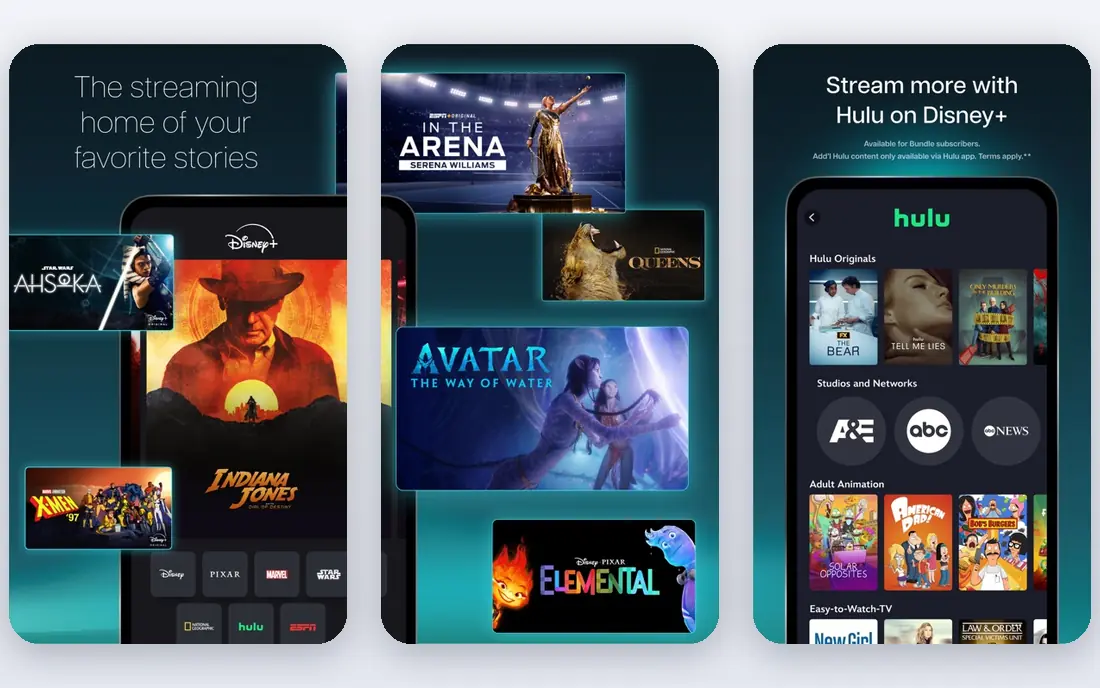
Disney+ is the family service on this list, with Disney, Pixar, Marvel, Star Wars, and National Geographic content in one place. Parental controls and kids profiles make it easy to manage what younger viewers see, and the interface is simple enough for children to navigate with help. For households with kids, or adults who follow Marvel and Star Wars closely, Disney+ offers a catalog that no other service matches in those areas.
The starting price we found, $12.49 per month, is for the ad-supported tier, while the ad-free premium tier costs more. That means the cheapest Disney+ experience still includes ads, which can interrupt family movie nights. The catalog is also narrower for adult drama and independent film than Netflix or Hulu. Disney+ works best as a family staple, often bundled with Hulu, rather than as a single service for every taste in a household.
- Strong family, Marvel, Star Wars, and Pixar catalogs
- Good parental controls
- Bundle options with Hulu
- Ad-supported tier includes ads
- Premium tier is pricey
- Catalog is narrower than Netflix for adult drama
Hulu fills a gap Netflix does not: current-season TV. Many broadcast and cable shows appear on Hulu the day after they air, which suits viewers who want to keep up with a series without live TV. The library also includes a solid back catalog of sitcoms, dramas, and Hulu originals. For a household that mainly watches TV rather than films, Hulu can be the most-used service in the home.
The ad-supported tier, starting at $12.49 per month in the figures we found, still shows ads, and the ad-free tier costs considerably more. Live TV is a separate, much more expensive add-on, so Hulu alone does not replace cable for live sports and news. Hulu works best paired with Disney+ in a bundle, or as a rotating service you subscribe to while a favorite show is airing. If you mainly watch films, Netflix or Apple TV may suit you better.
- Next-day episodes for many broadcast shows
- Strong TV library
- Bundle options with Disney+ and ESPN+
- Ad-supported tier includes ads
- Ad-free tier costs more
- Film catalog is smaller than Netflix
YouTube Premium makes sense if YouTube is already your main video app. It removes ads from videos, adds background play on mobile, allows offline downloads, and includes YouTube Music Premium, which covers music streaming as well. For viewers who watch creators, tutorials, and music videos daily, the ad-free experience changes how the app feels, and the bundled music service can replace a separate Spotify or Apple Music subscription.
The individual price we found, $15.99 per month, is high if you only watch YouTube occasionally. The value depends entirely on your viewing habits, and a household that rarely opens YouTube will not get its money back. A cheaper Lite tier exists in some markets with fewer benefits, so check what it covers before you choose. If YouTube is your daily habit, Premium is worth it. If you mainly watch Netflix and Disney+, skip it and keep YouTube free.
- Removes ads across YouTube
- Includes YouTube Music
- Offline downloads and background play
- Individual price is high for a single benefit
- Value depends on how much YouTube you watch
- Family plan costs more
Apple TV, formerly Apple TV+, focuses on originals rather than a huge licensed library. Its series and films tend to be polished and well-reviewed, and the service has built a reputation for a smaller number of strong titles rather than endless scrolling. The app works smoothly on Apple devices and on most smart TVs and streaming boxes, and there is no ad-supported tier to complicate the choice. For viewers who prefer a curated catalog, that focus is a strength.
The catalog size is also the weakness. If you want a deep back catalog of older films and shows, Netflix, Hulu, and Paramount+ offer more choice. The monthly price we found, $14.99, is much higher than the launch price, so the value depends on how many Apple originals you actually watch. Apple TV works best as a second service alongside a broad library, or as a rotating subscription you join when a new season of a favorite Apple show arrives.
- High-quality original series and films
- No ad tier to confuse pricing
- Integrates well with Apple devices
- Catalog is smaller than Netflix
- Fewer licensed back-catalog titles
- Price has risen sharply from launch
Peacock suits viewers who want NBC shows, sports, and news without paying for a full live TV service. Its starting price, $8.99 per month for the Select tier in the figures we found, is among the lowest on this list, and higher tiers add more sports and an ad-free experience. For fans of specific NBC series, Premier League coverage where available, or live events, Peacock offers a focused catalog at a fair price.
The catalog is narrower than Netflix or Hulu, and the lower tiers include ads, which can interrupt sports and films. Peacock is best as a targeted add-on rather than a sole service, unless your viewing centers on its sports and NBC content. Check which sports and live events are included in your tier, since coverage varies by plan and season. For budget-conscious viewers who want one extra service, Peacock is a sensible pick.
- Lower starting price
- NBC shows, sports, and news content
- Live events on higher tiers
- Ad-supported tiers include ads
- Catalog is narrower than Netflix
- Premium ad-free tier costs more
Paramount+ covers CBS programming, Star Trek, and a range of sports, including NFL games where available, plus films from the Paramount library. The Essential tier starts at $8.99 per month in the figures we found, with a premium tier adding ad-free viewing and live local CBS in many areas. For Star Trek fans, CBS viewers, and sports fans who want a lower-cost option, Paramount+ delivers a clear niche that broader services do not match.
The Essential tier includes ads, and the catalog outside CBS and Paramount titles is thinner than Netflix. The app experience also varies by device, with some smart TV apps feeling slower than rivals. Paramount+ works best as a focused service for its franchises and sports, or as part of a bundle with other services. If you do not follow its shows or sports, a broader service will give you more viewing per dollar.
- CBS shows, Star Trek, and sports content
- Lower starting price
- Live local CBS in premium tier in many areas
- Essential tier includes ads
- Catalog is narrower than Netflix
- App experience varies by device
How we picked these
We compared official pricing pages and public streaming price guides checked in October 2026, and we weighed catalog breadth, family features, music options, and sports coverage. We favored apps that are actively maintained in the United States, that work on phones and TVs, and that cover different needs rather than eight versions of the same video service. We excluded niche apps with very small catalogs and live TV services that cost far more than the apps here, because this guide covers mainstream entertainment apps.
We did not test every title in each catalog, since catalogs rotate monthly. Instead, we compared published catalog strengths, pricing tiers, ad policies, and bundle options. Prices change often, and the starting prices above reflect figures found during research in October 2026. Always confirm the current tier, ad policy, and bundle price on the vendor site before you subscribe, and check whether a show you want is still available.
How to build a setup without overspending
Start with how you actually spend evenings, not with a list of hit shows. Count how many hours you watch video, listen to music, and follow sports each week, and which services you opened in the last month. Most households use two or three services heavily and ignore the rest, yet pay for all of them. Canceling an unused service for a few months is not a loss, since you can resubscribe when a new season arrives.
Next, compare bundles honestly. A Disney+ and Hulu bundle saves money only if you watch both services regularly. A YouTube Premium subscription saves money only if it replaces a separate music service you would otherwise pay for. Add up the monthly total for your full setup, including family plans, and set a budget that feels comfortable. Rotating services, one at a time for a favorite show, is often the cheapest way to watch everything you want over a year.
Finally, watch for ads and tiers. An ad-supported tier can be a good deal for casual viewing, but ads during a film or a live game bother some viewers more than others. Try the cheapest tier first, and upgrade only if ads or missing features actually reduce your enjoyment. Keep a simple list of renewal dates, and review subscriptions every three months. That habit alone can save more than any single discount.
Frequently asked questions
What are the best entertainment apps right now?
Netflix leads for broad video, Spotify leads for music, and Disney+ leads for family viewing. YouTube Premium is best if YouTube is your main video app, while Peacock and Paramount+ suit sports and broadcast fans. The best setup for you depends on whether you prioritize films, TV, music, family content, or sports.
What is the best entertainment app for families?
Disney+ is the strongest family app, with kids profiles, parental controls, and Disney, Pixar, Marvel, and Star Wars content. Hulu adds current TV for older viewers, and Netflix offers a broad catalog for mixed-age households. Use profiles and parental controls on each service, and check age ratings before letting children browse freely.
Is YouTube Premium worth it?
YouTube Premium is worth it if you watch YouTube daily, want ad-free videos, background play, and offline downloads, and will use the included YouTube Music service. It is less valuable if you rarely open YouTube or already pay for another music service. Try the free trial and track how often you use it before committing.
What is the best app for entertainment without ads?
Apple TV has no ad tier, while Netflix, Disney+, Hulu, Peacock, and Paramount+ all offer ad-free tiers at higher prices. Spotify Premium and YouTube Premium remove ads from music and YouTube respectively. Compare the ad-free price for each service, since the cheapest tier on most video apps still includes ads.
How can I save money on entertainment apps?
Rotate services instead of paying for all of them at once, use bundles only when you watch both parts, and cancel services you have not opened in a month. Try ad-supported tiers for casual viewing, and review subscriptions every three months. A simple spreadsheet of monthly costs helps you see the total before it grows unnoticed.
Sources we checked (8)

Online Jobs is an independent blog about careers, online work, learning new skills and the tools that help people earn. More about us.
Keep reading
All posts
Steamunlocked Alternatives
Legal alternatives to Steamunlocked for PC games, compared on price, libraries, and value, with only licensed stores and subscriptions listed in this guide.

Soap 2 Day Alternatives
Looking for soap 2 day alternatives in 2026? We compare 9 legal streaming services, free and paid, so you can watch safely without pirate sites. (2026 guide)

Hurawatch Alternatives
Legal alternatives to Hurawatch for movies and TV, compared on price, libraries, ads, and free options, with only licensed services listed in this guide.