Best Coloring Apps in 2026: 9 Apps Compared

How we put this together: we compare official feature and pricing pages, app store listings, privacy policies and public user reviews. Prices change, so check the provider's site before you pay.
Key takeaways
- Pigment suits adults who want realistic brushes and a large library, while Happy Color suits fans of simple color by number pages.
- Recolor suits adults who like a community and daily free pages, with a paid plan for the full library.
- Tayasui Color suits kids and adults who want freeform watercolor painting rather than tap-to-fill pages.
- Most coloring apps are free to download with paid plans, so test the free pages before subscribing.
- Age notes matter: check content, ads, and purchase locks before handing a coloring app to a child.
Quick comparison
| Name | Who it suits | Starting price | Free option | |
|---|---|---|---|---|
 Pigment | Adults, realistic brushes | Free | Yes | Visit |
 Happy Color | Color by number fans | Free | Yes | Visit |
 Recolor | Adults, community and daily pages | Free | Yes | Visit |
 Tayasui Color | Freeform watercolor painting | See website | Yes | Visit |
 Pixel Art Color by Number | Pixel art fans, all ages | Free | Yes | Visit |
 ibis Paint | Older kids and adults, detailed art | Free | Yes | Visit |
 MediBang Paint | Older kids and adults, comics and art | Free | Yes | Visit |
 Procreate | Adults, full drawing and coloring | See website | No | Visit |
 Colorfy | Adults, relaxing color by number | Free | Yes | Visit |
The best coloring apps
Coloring apps cover two very different activities: tap-to-fill color by number pages, and freeform painting with brushes. Adults often want detailed pages and realistic tools for calm creative time, while kids often want simple pages, bright colours, and no tricky menus. The apps below cover both styles, with age notes where they matter.
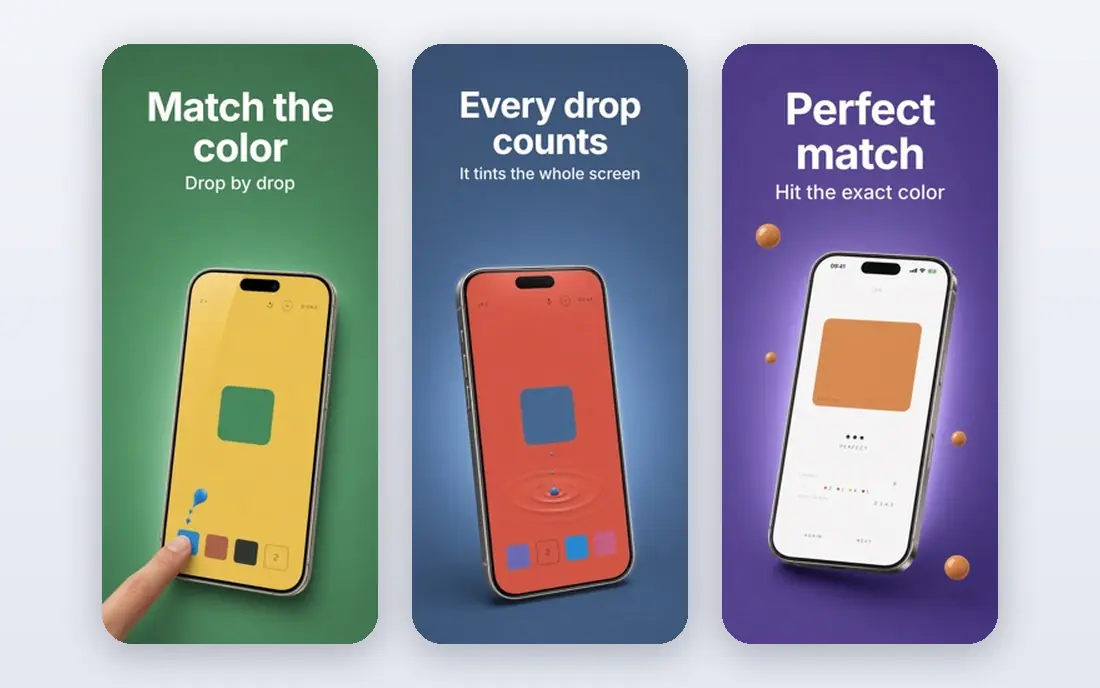
Pigment is our pick for adults who want digital coloring to feel close to paper. It offers pencils, markers, and brushes with realistic textures, plus a large library of mandalas, animals, portraits, and other adult pages. A tap-to-fill mode helps on days when freeform shading feels like too much work, while freeform tools suit longer, calmer sessions.
Pigment is mainly an adult app, and its detailed pages can frustrate younger children who want simple shapes. The free starter content is useful, but the full library needs a paid plan, so adults should test free pages first. For adult coloring with realistic tools, Pigment sets the standard here.
- Realistic pencils, markers, and brushes
- Large library of adult pages
- Tap-to-fill mode beside freeform coloring
- Full library needs a paid plan
- Some pages are detailed, which suits adults more than young kids
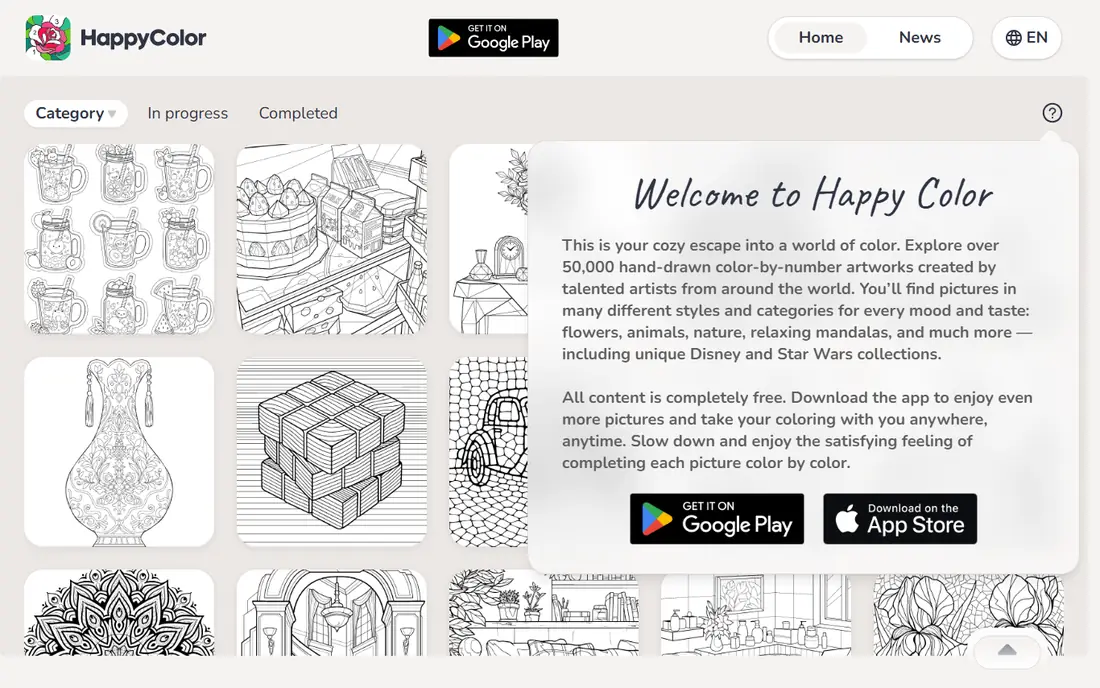
Happy Color suits anyone who wants relaxing, low-effort coloring. Pages are numbered, colours are matched by number, and tapping fills each section, so there is no worry about staying inside lines or choosing a palette. Categories cover animals, flowers, art, and many other themes, with daily pictures for regular players.
The free version includes ads, which can interrupt a session, and some pictures need a purchase. Happy Color works for adults and older kids, but parents should check ad and purchase settings before giving it to a younger child. For pure color by number fun, Happy Color is one of the easiest apps to pick up.
- Huge color by number library in many categories
- Simple tap-to-fill play
- Daily pictures to keep the habit going
- Ads appear in the free version
- Some licensed pictures sit behind purchases
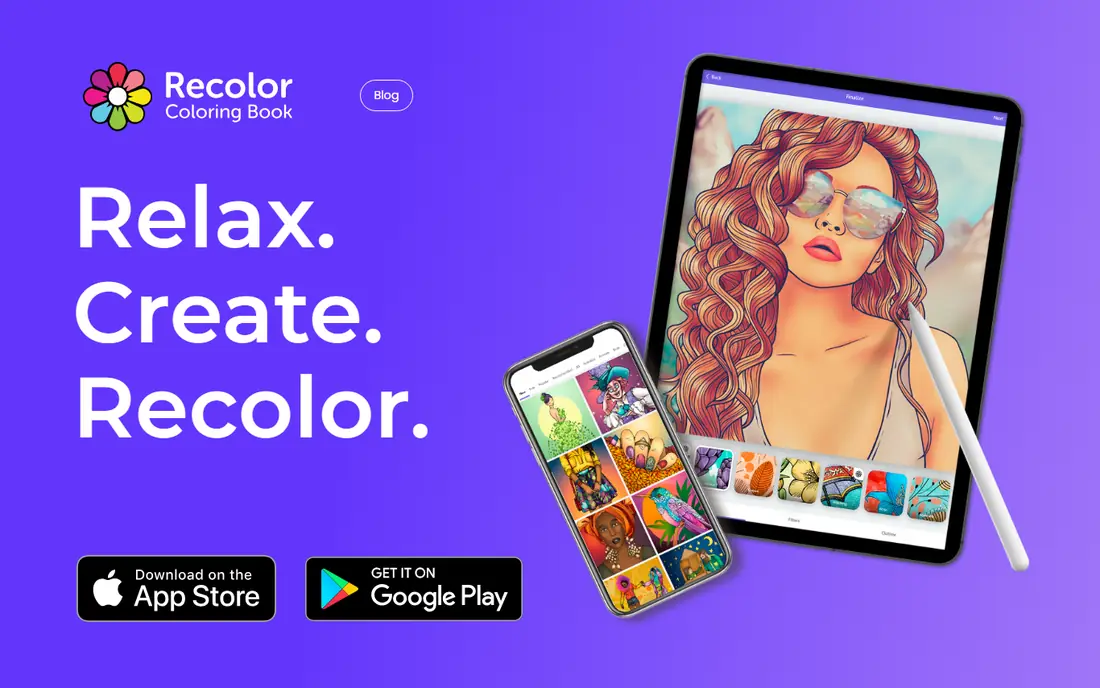
Recolor is built for adults who like detailed pages and a community around coloring. It offers free daily pictures, a large library of animals, flowers, mandalas, and other themes, plus palettes, gradients, and effects for finishing a page. Sharing work and joining events adds a social side that many adult colorists enjoy.
Recolor is best for adults and older teens, since community sharing and purchases need more care with younger users. The free daily pictures are generous, but the full library needs a subscription. For adults who color daily and like sharing results, Recolor is a strong choice.
- Daily free pictures
- Large library of detailed pages
- Community sharing and events
- Full library needs a paid plan
- Community features suit adults and teens more than young kids
Tayasui Color suits kids and adults who have outgrown tap-to-fill and want to paint freely. Its watercolor brushes bleed and blend in a way that feels close to real paint, with pencil, pastel, marker, and acrylic tools beside them. Layers let older kids and adults build up a picture step by step, and Apple Pencil support helps on iPads.
Tayasui Color is mainly for iOS, so Android households should look elsewhere. It also offers fewer ready-made tap-to-fill pages than Happy Color or Recolor, since painting is the point. For freeform coloring and learning brush control, Tayasui Color is a lovely next step after simple color by number apps.
- Realistic watercolor, acrylic, and pencil brushes
- Layered painting
- Apple Pencil support on supported devices
- Mainly an iOS app
- Fewer tap-to-fill pages than color by number apps
Pixel Art Color by Number, from Easybrain, turns coloring into pixel art. Players tap numbered cells to fill a picture cell by cell, watching an image appear as they work. The style is simple, bright, and satisfying, and the picture range covers animals, food, scenery, and seasonal themes.
This app suits kids and adults who like a quick, low-pressure session, though parents should check ads and purchase settings for younger children. Pixel art will not satisfy adults who want detailed mandalas or realistic shading. For cheerful, simple coloring that anyone can pick up, Pixel Art Color by Number is a good family pick.
- Simple pixel color by number play
- Huge range of pictures
- Easy for kids and adults alike
- Ads in the free version
- Pixel style will not suit fans of detailed realistic pages
ibis Paint is a full drawing app that works well for coloring detailed line art and comics. It offers many brushes, layers, and tools that let older kids and adults shade, blend, and add effects far beyond tap-to-fill. Users can import line art to color, or draw their own pages from scratch.
ibis Paint is not a first app for young children, since the interface has many tools and the community features suit older users. Ads appear in the free version, with a paid option to remove them. For older kids, teens, and adults who want to color with real art tools, ibis Paint gives a lot of power for free.
- Thousands of brushes and layers
- Coloring and drawing in one app
- Active community for older users
- Interface is complex for young kids
- Ads in the free version unless paid
MediBang Paint suits older kids and adults who want to color comics, illustrations, and detailed art. It offers brushes, layers, comic panels, and tones, with cloud saving so work can move between phone, tablet, and computer. That cross-device workflow helps teens and adults who color on more than one device.
Beginners and young kids may find the toolset complex at first, and sharing features are better suited to older users. MediBang Paint is free to start, which makes it easy to test before committing time to learning it. For comic-style coloring with serious tools, MediBang Paint is a strong free option.
- Free drawing and coloring tools
- Comic panels and tones
- Cloud saving across devices
- Learning curve for beginners
- Community and sharing features suit older users
Procreate is not a tap-to-fill app, but it is one of the best tools for adults who want to color illustrations seriously on iPad. It offers a huge brush library, layers, and blending tools, with a one-time purchase instead of a subscription. Adults can import line art, color with realistic brushes, and export finished work at high quality.
Procreate is iPad only, and its price is higher than free coloring apps, so it suits adults who already color or draw regularly. Young kids will find it complex, and fans of simple color by number pages should pick Happy Color or Recolor instead. For adult coloring as a creative hobby, Procreate is the most capable app here.
- Full professional brush and layer tools
- One-time purchase, no subscription
- Excellent Apple Pencil support
- IPad only
- Price is higher than free coloring apps
- No tap-to-fill color by number library
Colorfy suits adults who want a calm color by number app without a complex toolset. Pages cover mandalas, animals, flowers, and other relaxing themes, with tap-to-fill play that needs no art skill. The pace is gentle, which makes Colorfy a good wind-down app in the evening.
The full library needs a paid plan, and ads can appear in the free version, so adults should test free pages first. Colorfy is mainly an adult app, though older kids may enjoy simpler pages with a parent checking settings. For relaxing adult coloring by number, Colorfy is a steady, simple pick.
- Calm color by number pages for adults
- Mandalas, animals, and floral themes
- Simple tap-to-fill play
- Paid features for the full library
- Ads can appear in the free version
How we picked these
We compared official app pages and app-store listings for coloring apps with current iOS or Android versions, checking tap-to-fill versus freeform tools, page range, free versus paid access, and age suitability. We kept apps that focus on coloring or that are widely used for coloring illustrations, and we favoured apps with a free tier where possible. Where pricing sits in an app-store listing, we advise checking current terms before purchase.
How to choose a coloring app
Start with style, then age, then price. Tap-to-fill apps suit relaxing sessions and younger users, while freeform apps suit older kids and adults who want brush control. A detailed adult mandala app will frustrate a young child, and a simple pixel app will bore an adult who wants realistic shading.
Check age, ads, and purchases for kids
For kids, pick apps with simple pages, clear menus, and purchase locks turned on in device settings. Check whether ads appear, whether chat or sharing is included, and whether community features can be turned off. Tayasui Color and Pixel Art Color by Number are good family starting points, with a parent reviewing settings first.
Test free pages before subscribing
Most coloring apps are free to download, but full libraries sit behind subscriptions. Use free pages for a week, note how often ads appear, and check whether the pages you like most are free or paid. A subscription is only worth it if you color often and the paid pages match your taste.
Match the device to the app
Some apps work best with a stylus or on a tablet, especially Tayasui Color and Procreate on iPad. Phone coloring works well for tap-to-fill apps such as Happy Color and Colorfy, since tapping needs no precision. If coloring is a shared family activity, a tablet gives everyone a larger canvas to enjoy.
Frequently asked questions
What is the best coloring app?
For adults who want realistic tools, Pigment is our top pick, while Happy Color suits simple color by number play. Tayasui Color suits freeform painting, and Recolor suits adults who like daily pages and community sharing. Pick by style first, then test free pages.
What is the best color by number app?
Happy Color and Colorfy are strong color by number picks, with Happy Color offering the widest range and Colorfy offering calmer adult themes. Pixel Art Color by Number suits fans of pixel style. All three are free to start, with paid options for fuller libraries.
What are the best free coloring apps?
Pigment, Happy Color, Recolor, Tayasui Color, Pixel Art Color by Number, ibis Paint, MediBang Paint, and Colorfy all offer free tiers or free starts. Free pages vary, so test each app for a few days before paying for a subscription.
What are the best coloring apps free for kids?
For kids, Pixel Art Color by Number and Tayasui Color are good starting points, with simple play and freeform painting respectively. Parents should turn on purchase locks, check ads, and review sharing settings before a child uses any coloring app alone.
What is the best free coloring app for adults?
Pigment offers the best free starting experience for adults who want realistic brushes, while Recolor offers generous daily free pages. Happy Color and Colorfy also work well for adults who prefer simple tap-to-fill pages. Test free content first, since paid libraries differ.
Sources we checked (9)

Online Jobs is an independent blog about careers, online work, learning new skills and the tools that help people earn. More about us.
Keep reading
All posts
Best Ticket App
Compare the best ticket apps for sports, concerts and theatre, with notes on fees, seat maps, guarantees and last-minute deals to help you buy safely.

Best Streaming Services for Classic Soap Operas
Find the best streaming services for classic soap operas, with where to watch Days, General Hospital, Young and Restless and older daytime dramas today.

Best Streaming Service
We compared the best streaming service options on price, catalogues, sports, 4K and free tiers, to help you pick one service or a smart bundle for your home.