Best Apps for Texting Conversations in 2026: 9 Apps Compared

How we put this together: we compare official feature and pricing pages, app store listings, privacy policies and public user reviews. Prices change, so check the provider's site before you pay.
Key takeaways
- The best app for texting conversations is the one your friends and family actually open every day, because a great app with no contacts is useless.
- WhatsApp is the best everyday choice for most people, with groups, voice notes, and calls that suit family chats and friend groups alike.
- Signal is best for private conversations, while Messenger and Apple Messages suit US and iPhone-only circles respectively.
- Group features matter more than stickers for everyday use: look for easy group creation, replies, reactions, and search for old messages.
- All nine apps here are free for core messaging, so choose by reach and conversation style, not by price.
Quick comparison
| Name | Who it suits | Starting price | Free option | |
|---|---|---|---|---|
 WhatsApp | Everyday family and friend chats | Free | Yes | Visit |
 Signal | Private everyday conversations | Free | Yes | Visit |
 Telegram | Big friend and interest groups | Free | Yes | Visit |
 Facebook Messenger | US friends and family | Free | Yes | Visit |
 Apple Messages | iPhone family chats | Free | Yes | Visit |
 Google Messages | Android everyday texting | Free | Yes | Visit |
 Viber | International family chats | Free | Yes | Visit |
 LINE | Stickers and close friend groups | Free | Yes | Visit |
 Snapchat | Casual daily check-ins | Free | Yes | Visit |
The best apps for texting conversations
Everyday texting is not about features on a list. It is about the group chat that plans dinner, the family thread that shares photos, the friend who sends voice notes on a walk, and the quick check-in that keeps a long-distance friendship alive. The apps below all handle that well, but they differ in who uses them, how private they are, and how good their groups feel day to day.
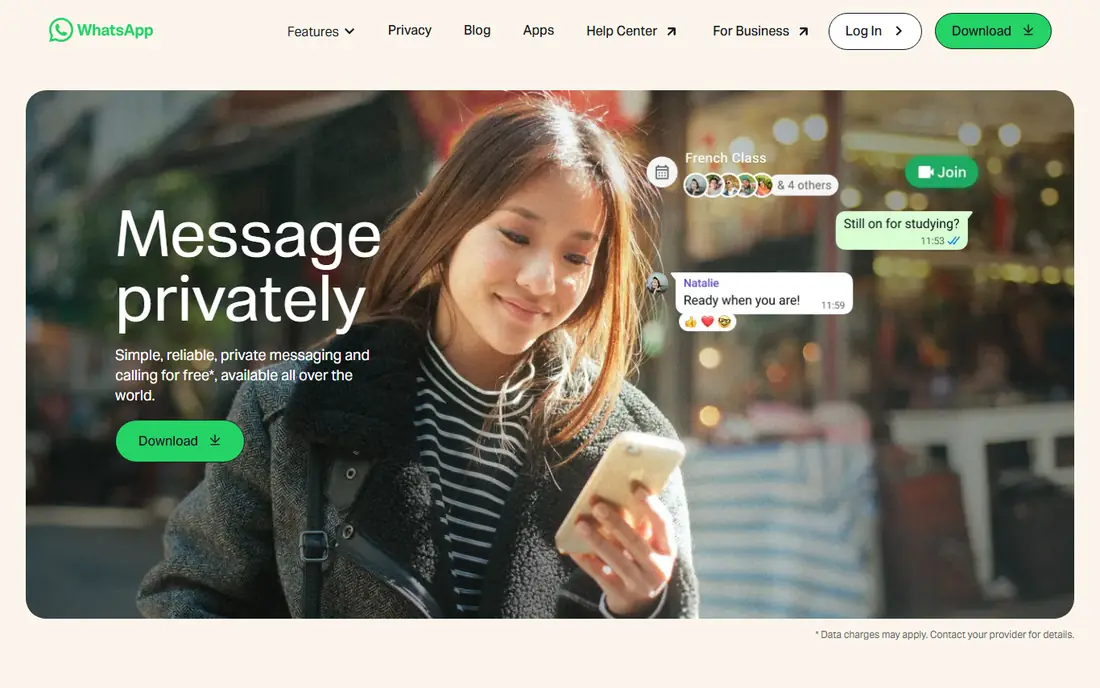
WhatsApp is our pick for everyday texting conversations, because it fits the widest range of chats. A family group, a friend group, a work thread, and a one-to-one conversation can all live in the same app, with voice notes for hands-free replies, photos that arrive in full quality, and voice and video calls when typing is not enough. Replies, reactions, and pinned messages keep busy groups readable.
The main downsides are familiar. WhatsApp needs a phone number, and Meta collects metadata even though message contents are encrypted. Very large groups can also become noisy, though admins can limit who posts and mute notifications help. For the daily mix of family, friends, and planning, WhatsApp remains the simplest choice that works for almost everyone you know.
- End-to-end encryption by default
- Groups, voice notes, and calls in one place
- Almost everyone already has it
- Needs a phone number
- Meta metadata collection remains a concern
- Large groups can become noisy without admin controls
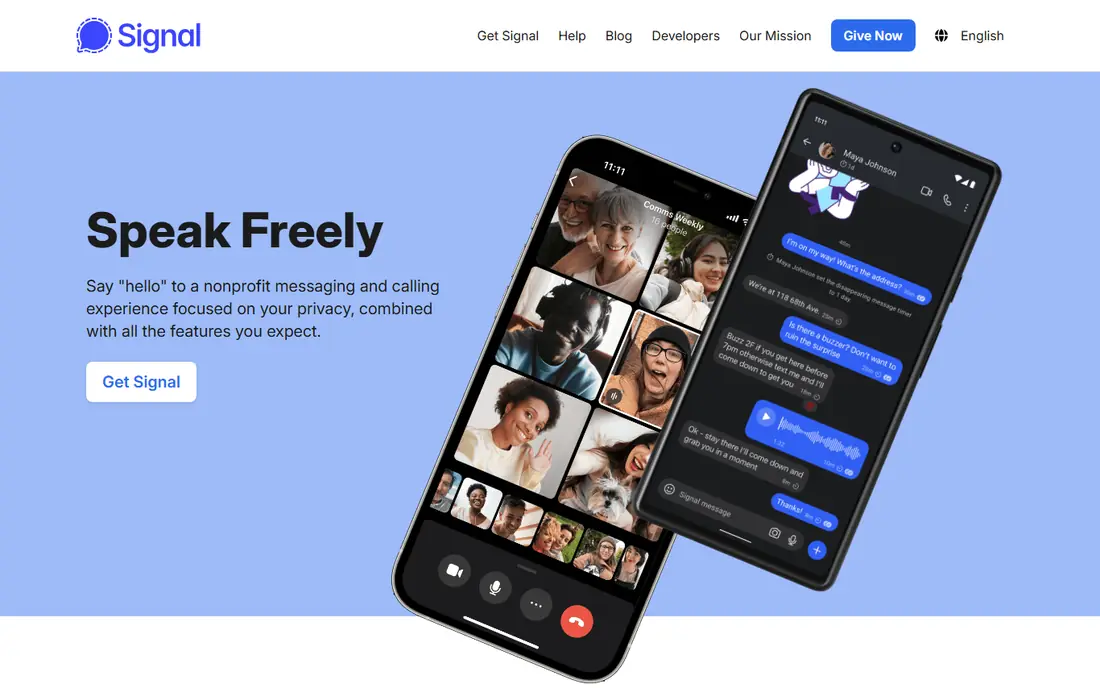
Signal is the best app for everyday conversations you want to keep private. Chats with a partner, a close friend group, or a family thread are end-to-end encrypted by default, with no ads and minimal metadata collection, and the non-profit, open-source model makes those claims easier to trust than a commercial rival's. Voice notes, photos, calls, and group chats all work smoothly for daily use.
Reach is the limit. Many everyday contacts will not have Signal yet, so it works best as the app for your closest circle, with WhatsApp or Messenger covering everyone else. It still needs a phone number to register, though usernames let you hide that number from new contacts. For private daily conversations, Signal is the app we trust most.
- End-to-end encryption by default
- Non-profit and open source
- No ads, with minimal metadata collection
- Fewer contacts use it than WhatsApp
- Needs a phone number to register
- Group features are simpler than Telegram
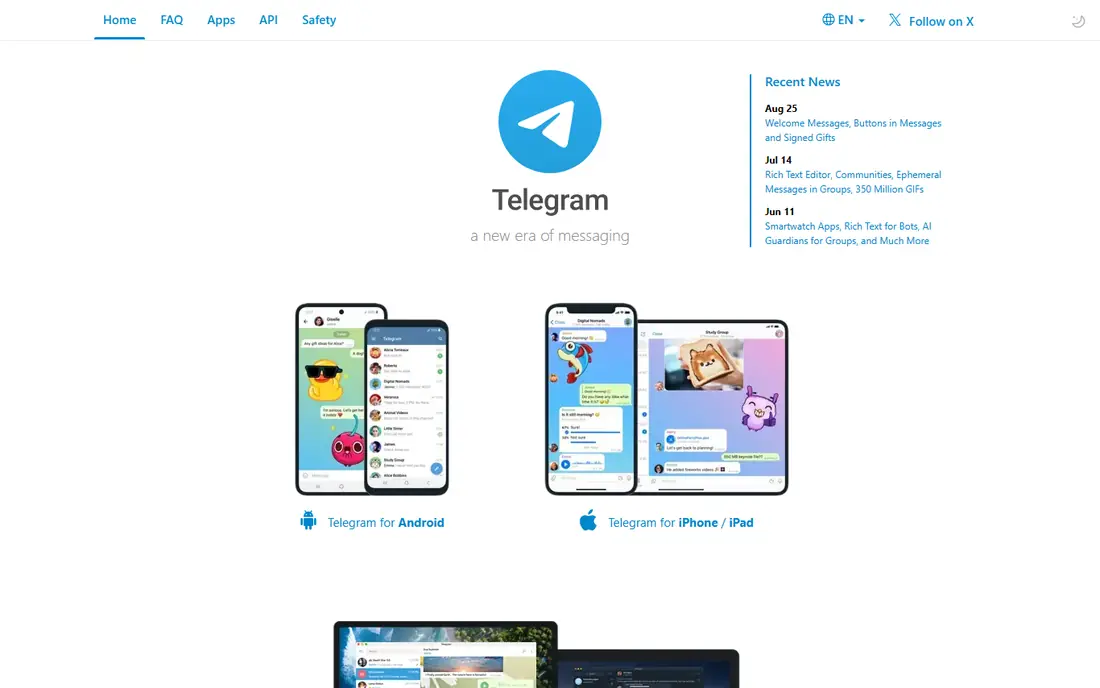
Telegram shines for everyday conversations in larger groups. Interest groups, hobby clubs, and big friend circles benefit from topics, polls, reactions, and bots that keep a busy chat organised, and cloud sync means a conversation started on your phone is waiting on your desktop when you sit down. File sharing is generous, which helps groups that share photos, documents, and videos daily.
Privacy needs a note. Regular Telegram chats are not end-to-end encrypted by default, so for a sensitive one-to-one conversation, use a Secret Chat or switch to Signal or WhatsApp. Telegram Premium, at around $4.99 per month, adds larger uploads and faster downloads, but the free tier covers everyday group conversation well. For big, lively groups, Telegram is hard to beat.
- Huge groups, channels, and topics
- Fast sync across phone, tablet, and desktop
- Polls, reactions, and bots for groups
- Regular chats are not end-to-end encrypted by default
- Only Secret Chats offer that
- Large groups need active moderation
Facebook Messenger is the most practical everyday app for US friends and family who already use Facebook. You can start a conversation without exchanging phone numbers, group chats and calls work well, and personal chats have used end-to-end encryption by default since 2023. For relatives who are on Facebook daily but would not install a new app, Messenger meets them where they already are.
The inbox can feel cluttered, with business messages and extra features crowding personal chats, and Meta's data collection is a real trade-off for privacy-minded users. If your family already lives on Facebook, those costs may be worth the convenience. If not, WhatsApp gives you similar reach with a cleaner, phone-based setup.
- Huge US reach
- No phone number needed with a Facebook account
- Personal chats are end-to-end encrypted by default in recent versions
- Meta data collection is extensive
- Inbox mixes personal chats with business and AI features
- Some features vary by account
Apple Messages is the effortless everyday app for an iPhone-only family or friend group. iMessage chats are end-to-end encrypted, support reactions, photos, voice notes, and group chats, and sync across iPhone, iPad, and Mac, so a conversation started on your phone is easy to continue on a laptop. There is no account to create and no app to install, which is why many families use it without thinking about it.
Mixed-device groups are the weakness. Conversations with Android users fall back to SMS or RCS with fewer features, and there is no Apple Messages app for Android. If your everyday circle is all Apple, stay here. If it mixes iPhone and Android, WhatsApp or Signal will give everyone the same experience.
- Built into every iPhone, iPad, and Mac
- IMessage chats are end-to-end encrypted
- Reactions, photos, and group chats sync across devices
- Full features only between Apple devices
- Chats with Android users fall back with fewer features
- No Android app
Google Messages is the everyday texting app most Android users already have, and RCS upgrades make it far better than plain SMS when both sides support it. Reactions, read receipts, typing indicators, and high-quality photos bring Android texting closer to WhatsApp, while SMS fallback means you can still reach anyone with a phone number, even if they use no messaging app at all.
The experience depends on the other end. RCS benefits vary by phone, app, and carrier, and chats with iPhones still have fewer features than iPhone-to-iPhone iMessage chats. Google Messages is free, with SMS fallback using your carrier plan where it applies. For Android users whose contacts are a mix of app users and SMS-only contacts, it is the most practical daily app.
- Default on most Android phones
- RCS adds reactions, read receipts, and better photos
- Falls back to SMS when needed
- RCS features depend on the other person's phone and carrier
- Group experience varies
- IPhone chats have fewer features
Viber is a warm choice for everyday conversations with family abroad. Chats and calls between Viber users are free and end-to-end encrypted by default, and Viber Out lets you call a relative's landline or mobile at low rates when they do not use the app. Stickers, group chats, and voice notes suit the daily rhythm of a family spread across countries and time zones.
In the US, fewer friends will already use Viber, so it works best as a dedicated family app rather than a general replacement for WhatsApp. The app contains ads, and Viber Out minutes are paid, though chats themselves are free. If your most important daily conversations are international, Viber's calling and encryption combination is a strong fit.
- End-to-end encryption by default
- Free chats and calls between Viber users
- Viber Out for calls to non-Viber numbers
- Smaller US user base
- Contains ads
- Community features are less rich than Telegram
LINE is the best everyday app for expressive, sticker-led conversations, especially with friends in Japan, Taiwan, Thailand, and other markets where it is dominant. Stickers, emojis, and reactions make a short check-in feel warm, and group chats, voice and video calls, and a timeline for sharing moments suit close friend groups. The free core covers daily chatting well.
In the US, LINE's user base is smaller, so it suits specific friendships rather than a whole contact list, and the app's many extra features, from shopping to news, can feel cluttered. Take a few minutes to review privacy settings on first setup. For a close group that loves stickers and daily check-ins, LINE's expressive style is a delight that plainer apps do not match.
- Huge sticker and emoji culture for expressive chats
- Group chats, calls, and timeline features
- Popular in Japan, Taiwan, and Thailand
- Smaller US user base
- Many extra features can clutter the app
- Privacy settings need a careful first setup
Snapchat suits casual, daily conversations that are more about presence than planning. A quick photo, a short video, or a snap back and forth keeps a friendship ticking over without the pressure of a long message, and streaks and stories give friends a light reason to check in every day. Group chats, calls, and a free core make it easy to keep in touch with younger friends in particular.
It is not the app for important plans or sensitive talk. Disappearing messages mean an address, a time, or a plan can vanish before you refer back to it, and text chats do not carry the same encryption as Signal or WhatsApp. Snapchat Plus, at around $3.99 per month, adds early features but does not change that core. Use Snapchat for light daily check-ins, and move plans and private talk to WhatsApp or Signal.
- Fast photo and video messages for daily check-ins
- Disappearing messages suit light chat
- Stories and streaks encourage daily contact
- Text chats are not end-to-end encrypted like Signal
- Disappearing messages make it hard to find old plans
- Contains ads
How we picked these
We compared official feature pages, privacy policies, and app store listings, favouring apps that are free for core messaging, actively maintained, and genuinely used for everyday conversations in 2026. We checked encryption by default, group features, and whether the app works across iPhone and Android, because those details decide whether a conversation feels easy day after day. We did not claim hands-on testing, and we noted optional paid tiers only where they affect everyday use.
Making everyday texting work better
The best everyday setup is usually two apps, not one: a main app for most contacts, and a private app for your closest circle. That split avoids forcing everyone onto a single service, and it keeps sensitive conversations in the most private place. Agree on one group app for a family or friend group, rather than splitting the same group across three apps, because a group that lives in two places slowly dies in both.
Groups, search, and notification habits
Check group features before you commit a group to an app. Replies, reactions, pinned messages, and search for old messages matter far more for daily use than stickers, because they let you find a plan, an address, or a photo from last month without scrolling for an hour. Set notification habits early too: mute a noisy group instead of leaving it, and use mentions for anything urgent, so the group stays a pleasure rather than a chore. A well-run group chat feels effortless, and that effort comes from small habits, not from a perfect app.
Frequently asked questions
What is the best app for texting conversations?
WhatsApp is the best general choice for everyday texting conversations, because of its reach, groups, voice notes, and default encryption. Signal is best for private conversations, Messenger is best for US Facebook users, and Apple Messages is best for iPhone-only families. Pick the app your contacts already open daily.
What is the best app for group texting?
WhatsApp and Telegram are the strongest group apps in this list. WhatsApp suits family and friend groups with its simple groups and default encryption, while Telegram suits larger interest groups with topics, polls, and bots. For a very large group, Telegram's organisation tools help, while for a family group, WhatsApp's simplicity wins.
Can I text for free with these apps?
Yes, core messaging is free on all nine apps here, over Wi-Fi or mobile data. Optional paid tiers exist, such as Telegram Premium and Snapchat Plus, and calls to non-app numbers through Viber Out are paid, but everyday chats, groups, voice notes, and calls between app users are free.
Which messaging app is most private for everyday chats?
Signal is the most private everyday option here, with end-to-end encryption by default, open-source code, and minimal metadata collection. WhatsApp, Apple Messages between Apple devices, and Viber also offer end-to-end encryption by default for chats. Telegram needs Secret Chats for the same protection, and Snapchat text chats do not offer it.
Do these apps work on both iPhone and Android?
WhatsApp, Signal, Telegram, Messenger, Viber, LINE, and Snapchat all work on both platforms. Apple Messages works fully only between Apple devices, and Google Messages is primarily an Android app, though its messages can reach iPhones with varying features. For a mixed-device group, choose a cross-platform app.
How do I move a group chat to a new app?
Create the new group first, invite members with a clear message about why you are moving, and keep the old group open for a week or two so stragglers find the new one. Pin key information, such as regular meeting times or shared documents, in the new group on day one, so the move feels like an upgrade rather than a disruption.
Sources we checked (9)

Online Jobs is an independent blog about careers, online work, learning new skills and the tools that help people earn. More about us.
Keep reading
All posts
WatchCartoonOnline.io Alternatives
Compare legal WatchCartoonOnline.io alternatives for cartoons and anime, from free services to paid streaming, with honest catalog limits for every household.

Reddit Alternatives
We compared the best Reddit alternatives for 2026, from Lemmy and PieFed to Discuit, Tildes, MetaFilter, Hacker News and Discord, with community notes.

M4uFree Alternatives
Looking for m4ufree alternatives? We list legal streaming services with free and paid plans, plus the malware and legal risks of unlicensed sites today.