Best Apps for Creating Animation Memes in 2026: 9 Apps Compared

How we put this together: we compare official feature and pricing pages, app store listings, privacy policies and public user reviews. Prices change, so check the provider's site before you pay.
Key takeaways
- The best app for creating animation memes depends on whether you want a quick captioned GIF, a short animated video, or a polished motion-graphic meme.
- CapCut and Alight Motion are the strongest choices for animated video memes, while Canva and Adobe Express suit animated text and social graphics.
- Imgflip is best for fast, classic meme formats and animated GIFs, with no editing skills needed.
- Free plans cover most meme making, but watermarks, export quality, and premium templates are the usual reasons to upgrade.
- Keep memes short, readable, and original where possible, and check the rights for any clip, song, or image you reuse before you post it.
Quick comparison
| Name | Who it suits | Starting price | Free option | |
|---|---|---|---|---|
 CapCut | Animated video memes | See website | Yes | Visit |
 Canva | Animated text and graphics | See website | Yes | Visit |
 Alight Motion | Keyframe animation memes | $4.99 per month | Yes | Visit |
 PicsArt | Photo and animation edits | See website | Yes | Visit |
 Kapwing | Browser-based meme videos | See website | Yes | Visit |
 Adobe Express | Quick animated social posts | Free | Yes | Visit |
 Funimate | Trendy short video memes | See website | Yes | Visit |
 Imgflip | Classic meme templates | Free | Yes | Visit |
 InShot | Phone video memes | Free | Yes | Visit |
The best apps for creating animation memes
An animation meme is a meme that moves: text that pops in, a face that reacts, a clip that loops, or a GIF that says more than a still image could. The apps below cover that range, from one-tap GIF makers to keyframe animation tools that let you control every movement. Start with how much time you want to spend, because a tool that takes an hour to learn will not help you catch a trend that lasts a day.
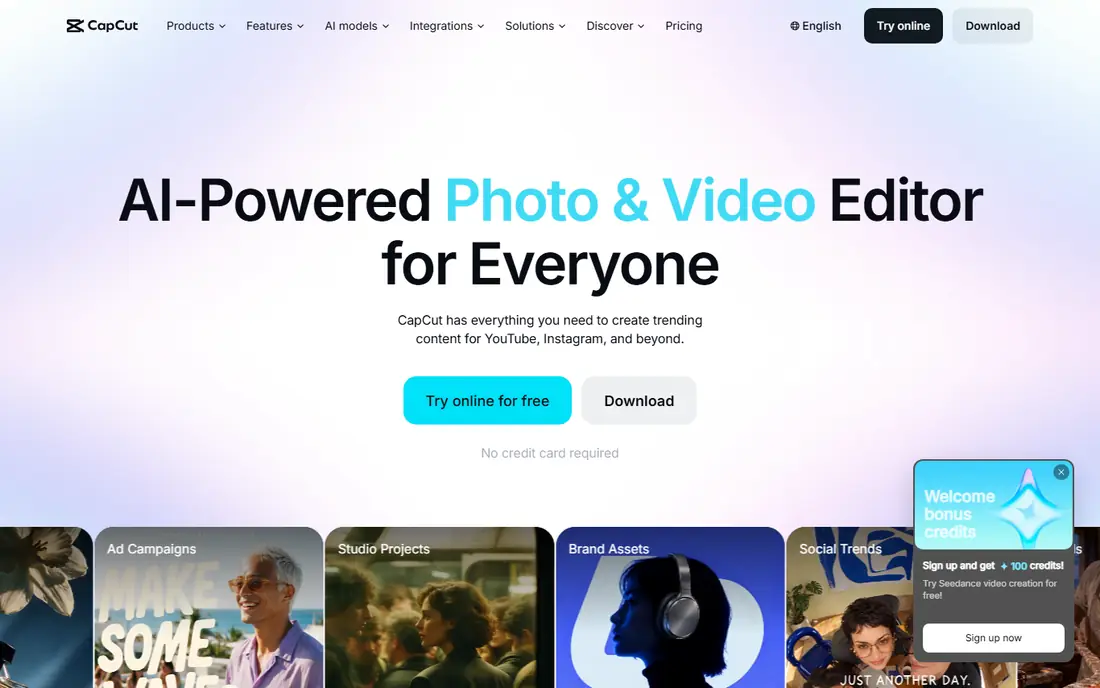
CapCut is our pick for most people making animated video memes. Templates let you drop in a clip, add animated text, captions, and effects, and export a short video sized for TikTok, Reels, or Shorts in minutes. The free version covers a surprising amount, including templates, effects, and basic exports, which is why it appears in so many creators workflows.
The pricing needs care, because CapCut offers several tiers and regional prices differ, so we list it as See website rather than a single figure that would mislead. Some premium templates and AI features sit behind paid plans, and a few free templates carry branding. For a fast, trend-ready animated meme, though, CapCut speed and template library are hard to beat.
- Huge template and effect library
- Easy text animation and captions
- Exports for TikTok, Reels, and Shorts
- Pricing varies by plan and region, with higher tiers for advanced AI features
- Some templates carry branding on free exports
- Can feel busy for simple memes
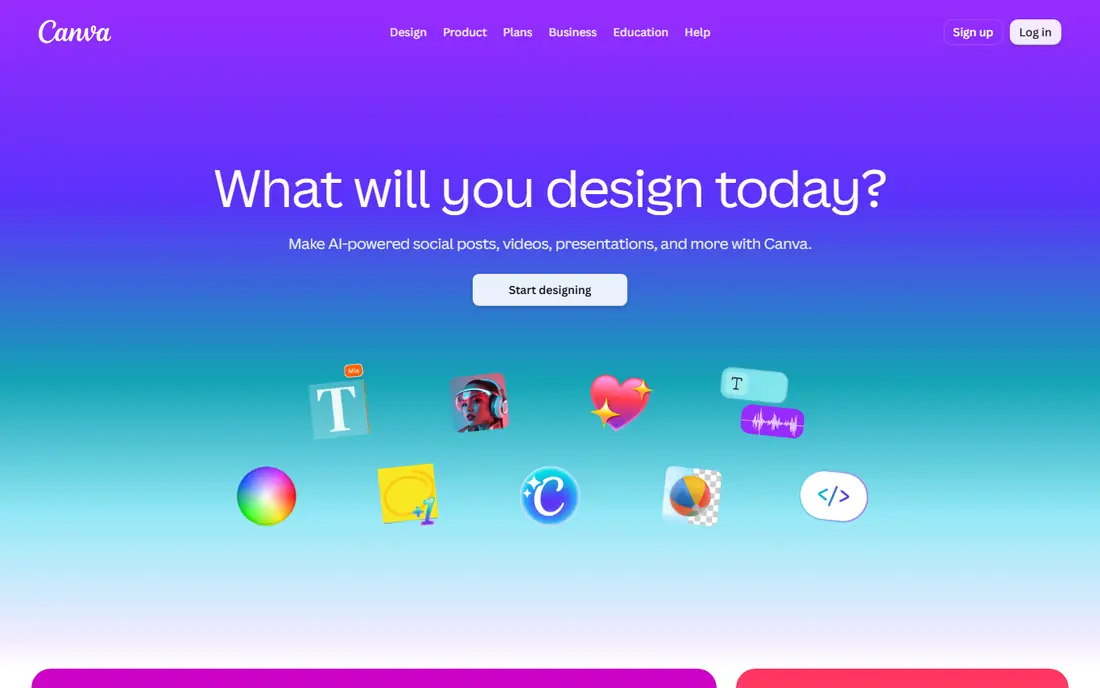
Canva is the best choice for animated memes that start as a graphic rather than a video clip. You can build a meme image, animate the text and elements with one-click effects, and export it as a short video or GIF sized for any platform. The free plan includes many templates and animations, and the drag-and-drop editor means a beginner can make a clean, readable meme in minutes.
Canva is not a full video editor, so complex clip editing, keyframes, and multi-layer motion work are better done in CapCut or Alight Motion. Premium templates, stock elements, and brand tools need a Pro plan, whose price varies by billing choice, so check the current pricing page. For text-led animated memes and social graphics, Canva is the fastest route from idea to post.
- Drag-and-drop design with animation options
- Huge template library
- Easy resizing for every social platform
- Video editing is simpler than CapCut
- Premium templates and elements need a Pro plan
- Animation controls are less detailed than Alight Motion
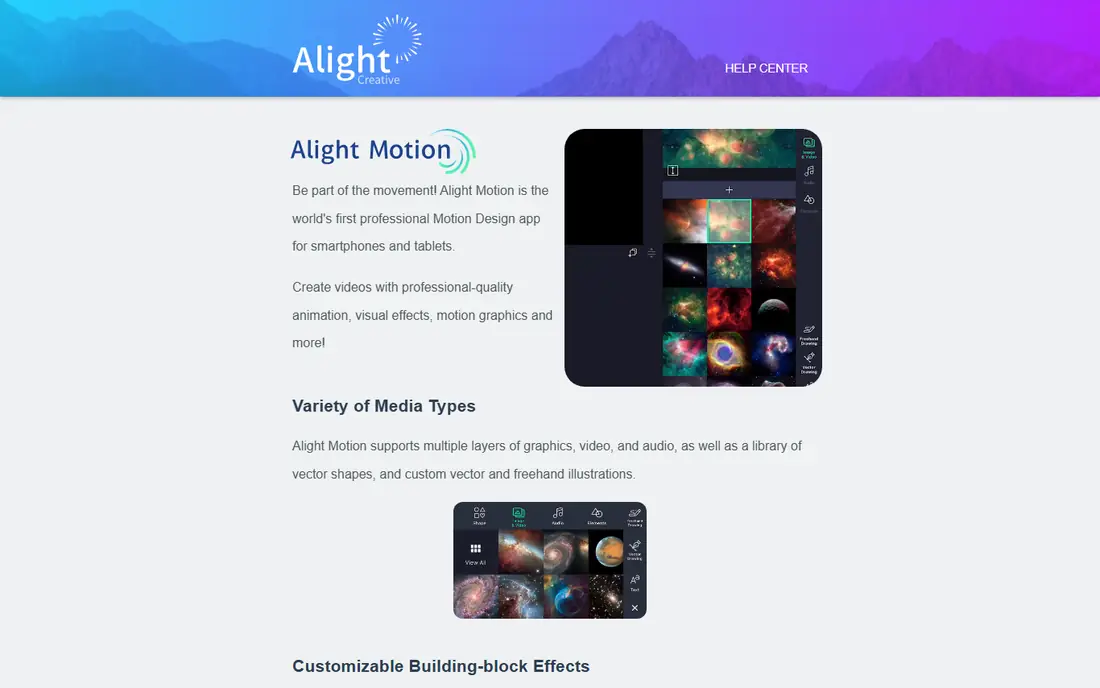
Alight Motion is the best app for creators who want real control over animation in a meme. Keyframes let you move, scale, rotate, and fade each element over time, which makes it possible to build custom transitions, bouncing text, and layered effects that template apps cannot match. Multi-layer editing across graphics, video, and audio gives you room to build a meme that feels designed rather than templated.
That control comes with a learning curve. Alight Motion takes longer to learn than CapCut, and long or layered projects can slow down older phones. The subscription is typically around $4.99 per month, and free exports carry a watermark in many cases, so serious creators will usually pay. If you want your animated memes to look distinct rather than templated, Alight Motion is worth the effort.
- True keyframe animation on mobile
- Multi-layer graphics, video, and audio
- Presets shared by the community
- Steeper learning curve than CapCut
- Free exports carry a watermark in many cases
- Needs a capable phone for smooth rendering
PicsArt suits meme makers who start from a photo. You can edit the image, add stickers and animated text, apply effects, and export an animated version for social feeds, all without leaving the app. Its sticker and text library is large, which helps when a meme needs a reaction face, a caption style, or a quick visual joke on top of a photo.
Many of the best tools sit behind the Gold plan, and pricing varies, so we list it as See website. The interface can also feel crowded, with many features competing for attention. For a photo-first animated meme, though, PicsArt combination of editing and animation in one place saves the step of moving between two apps.
- Photo editing plus animation tools in one app
- Stickers, text, and effects library
- Easy sharing to social apps
- Many features need a Gold plan
- Interface can feel crowded
- Pricing varies by plan and region
Kapwing is the best choice if you make memes on a computer and do not want to install an app. The browser-based editor includes a meme generator for classic captioned images, plus video editing, captioning, and resizing tools for animated memes. That makes it useful for a creator who finds a clip on a laptop and wants to turn it into a shareable meme without moving files to a phone.
The free plan is useful for testing, but exports often carry a watermark, and paid plans remove it and add higher-quality exports. A stable internet connection is essential, since all editing happens online. For desktop meme makers and small teams, Kapwing browser workflow is a genuine advantage over phone-only apps.
- Works in a browser with no app install
- Meme generator plus video editor
- Easy captions, subtitles, and resizing
- Free exports carry a watermark in many cases
- Needs a stable internet connection
- Advanced features need a paid plan
Adobe Express is a strong free option for animated social memes that need to look clean. Templates, animation effects, and Adobe fonts help a beginner produce a polished post quickly, and the free plan covers a useful range of templates and exports. It works on web and mobile, so you can start a meme on a computer and finish it on a phone.
Video depth is the limit. Adobe Express handles short animated posts well, but it does not match CapCut for clip editing or Alight Motion for keyframe control. Premium features, including more templates and stock assets, need a paid plan. For a quick, professional-looking animated meme, especially for a brand or small business account, Adobe Express is a reliable free starting point.
- Free plan with animation and templates
- Adobe stock and fonts
- Clean, professional-looking output
- Less video depth than CapCut
- Some premium features need a paid plan
- Animation options are simpler than Alight Motion
Funimate is built for the short, trendy video memes that dominate TikTok and Reels. Effects, transitions, and text animations are designed to be applied quickly, and the app style matches the fast, music-led edits that perform well on those platforms. For a creator who wants a meme to look current without learning a full editor, Funimate preset-driven workflow is appealing.
Many of the most eye-catching effects sit behind a Pro plan, and free exports may carry branding, so check the current pricing inside the app before you rely on it for regular posting. Funimate is less suited to longer or more complex animation projects, where CapCut or Alight Motion will serve you better. For quick trend memes, it is a fun and fast choice.
- Trendy effects and transitions for short video
- Easy text animation
- Popular with TikTok and Reels creators
- Many effects need a Pro plan
- Free exports may carry branding
- Less suited to long or complex projects
Imgflip is the fastest route to a classic meme, including animated GIF versions of well-known formats. Choose a template, add top and bottom text, adjust timing or captions for a GIF, and share it, all in a couple of minutes. That speed matters for memes tied to a news moment or a trending joke, where an hour of editing would miss the moment entirely.
Imgflip is web-first, so its mobile experience is simpler than a dedicated app, and removing watermarks on some exports needs the Pro plan. It also offers less video editing than CapCut or Kapwing. For a classic, recognisable meme format, especially an animated GIF, Imgflip remains the simplest tool in this list, and its free tier covers most casual use.
- Huge library of classic meme templates
- Very fast to use
- Animated GIF templates included
- Web-first, so mobile editing is simpler than app rivals
- Pro plan needed to remove watermarks on some exports
- Less video editing depth
InShot is a straightforward phone editor for video memes that need text, stickers, music, and simple motion without a steep learning curve. Trim a clip, add animated captions, adjust speed for comic effect, and export a short video for TikTok, Reels, or Shorts. That simplicity makes it a good everyday tool for creators who make memes on their phone every day.
The trade-off is control. InShot does not match Alight Motion for keyframe animation, and some filters and effects sit behind a Pro plan, with free exports sometimes carrying branding. For a quick phone meme, though, its speed and familiarity are strengths. Use InShot for daily video memes, and Alight Motion when a meme needs custom, detailed animation.
- Easy phone video editing with text and stickers
- Music, transitions, and speed controls
- Exports sized for social feeds
- Many filters and effects need a Pro plan
- Free exports may carry branding
- Less keyframe control than Alight Motion
How we picked these
We compared official feature pages, pricing pages, and app store listings, favouring apps that are actively maintained and genuinely used for animated memes in 2026. We included GIF makers, graphic animators, and video editors, because animation memes span all three, and we checked free plans, watermarks, and export options, since those decide whether a free meme looks finished. We did not claim hands-on testing, and we used See website where pricing varied by plan or region.
Making an animated meme that lands
Keep it short and readable. A meme that needs more than a few seconds to understand will lose viewers before the punchline, so put the key text on screen early, use large readable fonts, and test the meme on a phone at normal viewing size. Loop matters for GIFs: a clean loop feels satisfying and gets replayed, while a jerky cut feels unfinished. Check the rights for clips, songs, and images you reuse, and prefer your own footage, licensed stock, or clearly permitted material when you post publicly.
Text, timing, and format
Animated text should support the joke, not distract from it. One or two movements per meme usually beat five competing effects, and timing the text to appear with a beat, a reaction, or a cut makes the joke land harder. Export in the right format for the platform: a GIF for chats and comments, a short vertical video for TikTok and Reels, and a square or wide version where a feed demands it. Most apps here resize automatically, but checking the export before you post saves a blurry or cropped meme.
Frequently asked questions
What is the best app for creating animation memes?
CapCut is the best all-round choice for animated video memes, Alight Motion is best for custom keyframe animation, and Canva is best for animated text graphics. Imgflip is best for fast GIF memes. Choose by format first: video, graphic, or GIF, then pick the app that fits that format.
Can I make animated memes for free?
Yes. CapCut, Canva, Adobe Express, Imgflip, and InShot all offer free plans that cover basic animated memes. Free exports may carry a watermark or branding on some apps, and premium templates often need a paid plan, but a casual creator can make good memes without paying.
What app do creators use for animated text memes?
Canva and Adobe Express are popular for animated text on graphics, while CapCut and Funimate handle animated text on video clips. Alight Motion gives the most control over how text moves, scales, and fades, for creators who want a custom look rather than a preset.
How do I turn a video into an animated meme?
Import the clip into CapCut, Kapwing, or Funimate, trim it to the funniest few seconds, add animated captions or text, and export it as a short video or GIF. Keep the clip short, make the text readable on a phone, and check the export for cropping before you post it.
Are animated memes better as GIFs or videos?
GIFs work best for chats, comments, and quick reactions, because they loop automatically and need no sound. Videos work better for TikTok, Reels, and Shorts, where sound, captions, and longer edits perform well. Many creators make both: a video for social feeds, and a GIF cut from it for messaging.
Do I need permission to use a clip in a meme?
It depends on the clip, the platform, and how you use it. Your own footage and licensed stock are safest, while clips from films, shows, and other creators may be protected. Short, transformative use is sometimes permitted, but it is not guaranteed, so check the platform rules and avoid using a clip in a way that harms the original creator market.
Sources we checked (9)

Online Jobs is an independent blog about careers, online work, learning new skills and the tools that help people earn. More about us.
Keep reading
All posts
Steamunlocked Alternatives
Legal alternatives to Steamunlocked for PC games, compared on price, libraries, and value, with only licensed stores and subscriptions listed in this guide.
Hurawatch Alternatives
Legal alternatives to Hurawatch for movies and TV, compared on price, libraries, ads, and free options, with only licensed services listed in this guide.

Best Ticket App
Compare the best ticket apps for sports, concerts and theatre, with notes on fees, seat maps, guarantees and last-minute deals to help you buy safely.