Best App for Movies in 2026: 8 Apps Compared

How we put this together: we compare official feature and pricing pages, app store listings, privacy policies and public user reviews. Prices change, so check the provider's site before you pay.
Key takeaways
- Netflix has the broadest mix of originals and licensed films, but its top 4K plan is now one of the priciest in this list.
- Disney+ and Hulu suit families and TV fans, and bundles can cut the cost if you watch both services often.
- HBO Max is the pick for prestige series and major films, while Paramount+ and Peacock suit sports and broadcast fans.
- Apple TV has a smaller catalogue but strong picture quality and originals, and Prime Video is best value if you already pay for Prime.
- We only list legal streaming apps here, since unlicensed apps can expose you to malware, poor quality, and legal risk.
Quick comparison
| Name | Who it suits | Starting price | Free option | |
|---|---|---|---|---|
 Netflix | Broadest film and series mix | $8.99 per month | No | Visit |
 Disney+ | Families, Marvel, Star Wars, Pixar | $12.49 per month | No | Visit |
 Hulu | Next-day TV and originals | $12.49 per month | No | Visit |
 HBO Max | Prestige series and films | $10.99 per month | No | Visit |
 Prime Video | Prime members and film rentals | $8.99 per month | No | Visit |
 Peacock | NBC, sports, and rotating films | $8.99 per month | No | Visit |
 Paramount+ | CBS, sports, and Paramount films | $8.99 per month | No | Visit |
 Apple TV | High-quality originals | $14.99 per month | No | Visit |
The best app for movies
The best movie app depends on what you watch, how many people share the account, and if ads bother you. All eight apps below are legal US streaming services with their own apps for phones, tablets, TVs, and browsers. We compared official pricing information and published plan summaries, and we focused on film choice, picture quality, downloads, and family controls rather than on hype around any single title.
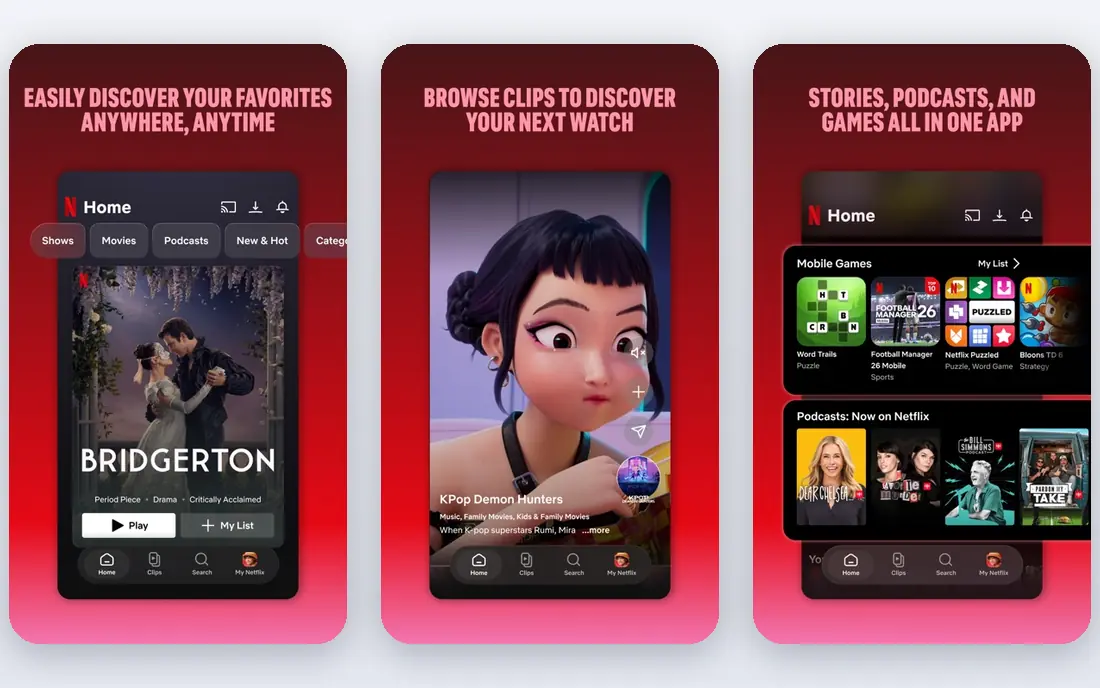
Netflix is still the default movie app for most households. Its catalogue mixes big original films, licensed studio films, documentaries, and series, so a household with different tastes can usually find something without switching apps. The app is easy to use on almost any device, profiles keep viewing separate, and downloads help on flights and trips. For a single subscription that covers the most ground, Netflix is hard to beat.
The price is the catch. The entry plan includes ads, and the ad-free and 4K plans cost much more, so a household that wants 4K on several screens pays a premium. Films also leave the service when licences end, so a title you plan to watch may not be there next month. If breadth matters most and you can live with ads or a mid-tier plan, Netflix is a strong pick.
- Large mix of originals and licensed films
- Strong recommendation system
- Downloads for offline viewing
- Top 4K plan is costly
- Films rotate in and out of the catalogue
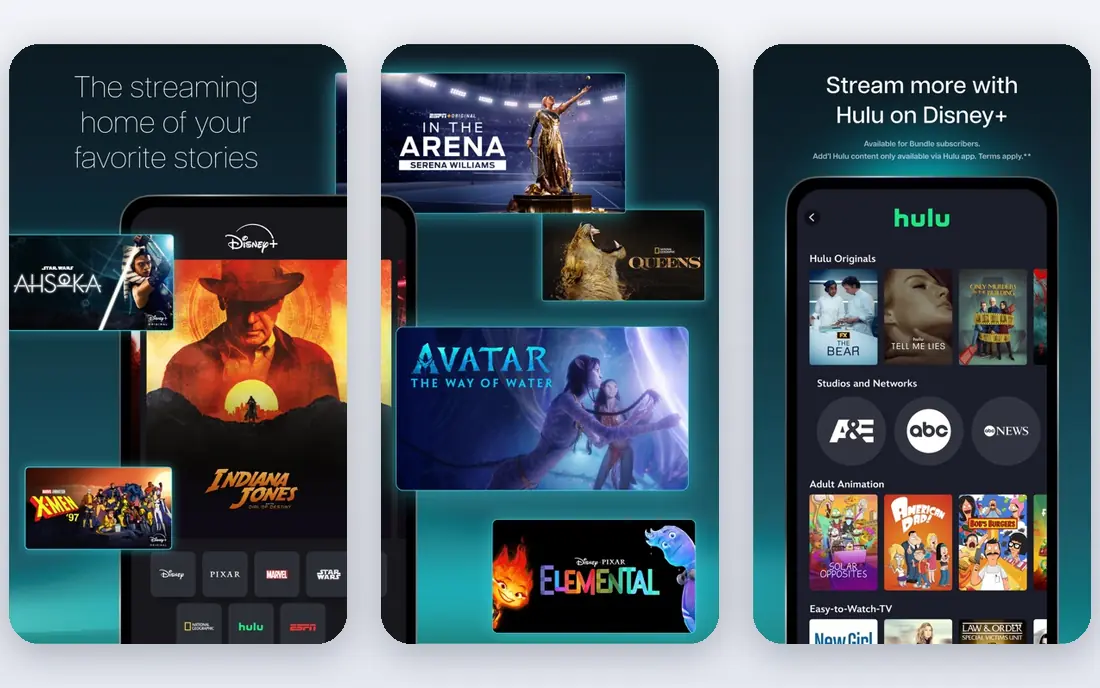
Disney+ is the family pick. It holds Disney, Pixar, Marvel, Star Wars, and National Geographic films in one app, with 4K and good profiles for kids and adults. Parents can set age controls and keep kids profiles separate, which makes it easier to hand a tablet to a child without worry. For households with kids, or adults who love franchise films, Disney+ covers a lot of viewing in one place.
The limit is range. If your taste runs to indie films, foreign films, or adult drama, Disney+ alone will feel narrow, and you will likely need a second service. Bundles with Hulu can fill that gap at a lower combined cost than separate plans. If family viewing is the priority, Disney+ is still one of the best movie apps available.
- Strong family catalogue
- 4K included on plans
- Good parental controls and profiles
- Less depth for adult drama and indie films
- Prices have risen
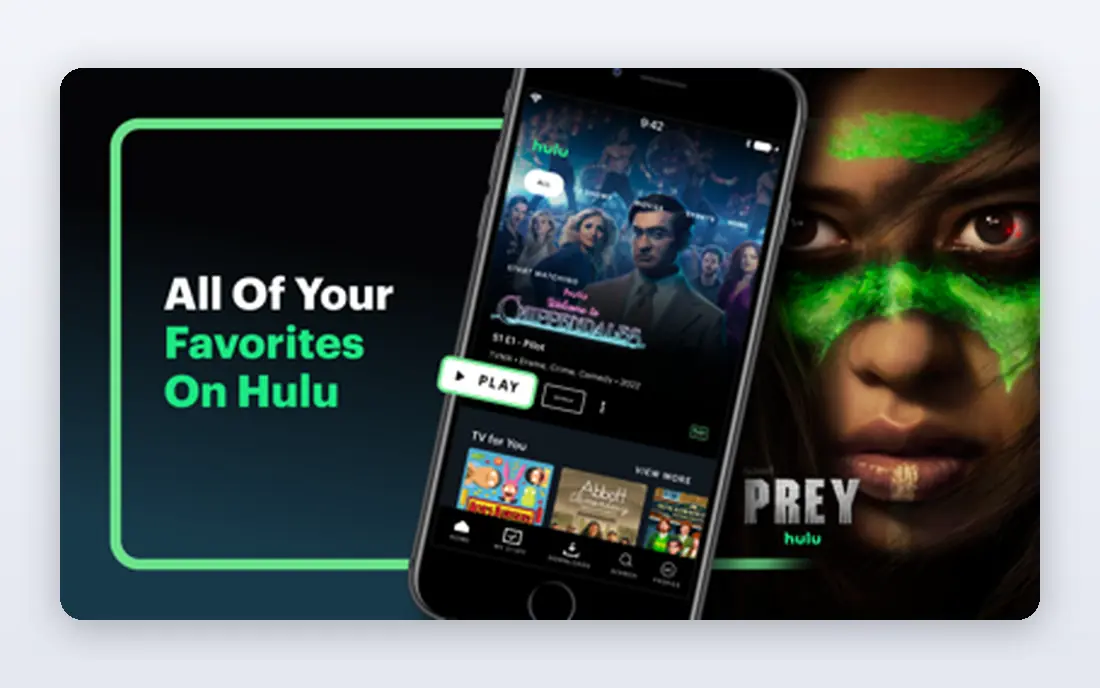
Hulu suits people who watch TV as much as films. Many broadcast shows appear the next day, and its originals cover drama, comedy, and documentaries alongside a rotating film library. The app is simple to browse, profiles work well, and downloads are available on higher plans. For a household that wants one app for both nightly TV and weekend films, Hulu is a practical choice.
Film fans should note the catalogue is not as deep as Netflix for movies alone, and the entry plan includes ads. The ad-free plan raises the monthly cost, though bundles with Disney+ can soften that. If TV matters as much as films in your home, Hulu earns its place, and if films are the whole point, pair it with a film-heavy service.
- Strong TV library plus films
- Good originals
- Bundles well with Disney+
- Film catalogue is smaller than Netflix
- Ad-free plan costs more
HBO Max is the quality-over-quantity pick. HBO series, major studio films, and curated collections give it a strong film shelf, and the app presents films in a way that makes browsing feel less random than on larger services. For viewers who care about acclaimed dramas, documentaries, and big-screen films, HBO Max often has the title everyone is talking about.
The entry plan includes ads, and 4K sits on the top plan, so the best picture costs more. The catalogue also changes over time, so not every film stays forever. If you watch fewer titles but want them to be strong, HBO Max is a good single-service choice, and it pairs well with a broader service such as Netflix.
- Strong HBO series and major films
- Good film curation
- 4K on top plan
- Entry plan includes ads
- Catalogue changes as licences shift
Prime Video is best value if you already pay for Amazon Prime, since the streaming service comes with the membership. The subscription catalogue includes originals and licensed films, and the rental store adds new releases that are not on any subscription yet. That mix is useful for a household that watches a mix of included films and occasional new rentals.
The app can feel cluttered, since included titles, rentals, and add-on channels sit side by side, and you need to check if a title is included or paid. The base plan also includes ads, with an extra charge to remove them. If you already have Prime, Prime Video is a clear win. If you do not, compare its standalone price with Netflix and Peacock before you subscribe.
- Included with Prime membership
- Large rental and purchase store
- Downloads and profiles
- Catalogue can feel cluttered
- Ad-free viewing costs extra
Peacock suits viewers who like NBC shows, sports, and a rotating set of films at a low entry price. Live sports and events give it a reason to keep the app beyond films alone, and the film library includes Universal titles and rotating studio films. For a second service to sit alongside Netflix or Disney+, Peacock is affordable and easy to justify.
The film catalogue is not as steady as Netflix, since titles rotate, and the ad-free plan costs more than the entry plan. Picture quality and downloads also vary by plan, so check the current plan details. If sports and broadcast TV matter to you, Peacock is a good value pick. If films alone matter, it works best as a companion service.
- Low entry price
- Sports and live events
- Rotating film library
- Film depth varies month to month
- Ad-free plan costs more
Paramount+ is a solid low-cost option for Paramount films, CBS shows, and sports. The entry plan is among the cheapest here, and the premium plan adds Showtime content and removes ads on most content. For households that follow CBS dramas, reality shows, or sports, Paramount+ covers a lot for a modest monthly cost.
The original film slate is smaller than Netflix or HBO Max, so film-only viewers may run out of fresh titles faster. The app is functional rather than polished, though it works well on most TVs and phones. If you want a cheap service with a clear focus on Paramount and CBS content, Paramount+ is a sensible pick.
- Low entry price
- Paramount films and CBS shows
- Sports coverage
- Smaller original film slate than rivals
- Interface can feel basic
Apple TV is the quality pick for viewers who prefer originals over a huge back catalogue. Its films and series are made to a high standard, picture quality is strong with 4K included, and there is no ad-supported tier to work around. The app is clean, downloads work well, and family sharing is simple for households with Apple devices.
The catalogue is smaller than Netflix or Prime Video, and licensed older films are fewer, so you may need a second service for back-catalogue viewing. The price is also higher than entry plans elsewhere, though it includes 4K without a top-tier upgrade. If you value picture quality and strong originals over sheer volume, Apple TV is worth it.
- Excellent picture and sound quality
- Strong original films and series
- No ad tier to manage
- Smaller catalogue than Netflix
- Fewer licensed back-catalogue films
How we picked these
We compared official pricing information and published plan summaries for legal US streaming services with dedicated movie apps, and we favoured services that are widely available on phones, tablets, and TVs. We looked at film range, originals, picture quality, downloads, profiles, and price, and we left out unlicensed apps, since they carry malware, quality, and legal risks and cannot be recommended in good faith. We did not claim hands-on testing, and prices change often, so check the signup page before you pay.
How to choose a movie app without overspending
Start with a viewing diary for two weeks. Note what you actually watch: family films, new releases, older classics, sports, or TV. That list tells you more than any catalogue claim, since most households use only one or two services heavily and keep the rest out of habit. Cancel a service you have not opened in a month, and rotate services by season instead of paying for all of them all year.
Next, check the plan details that affect daily use. Ads, 4K, number of screens, downloads, and profiles can matter more than the headline price, especially for a family. A cheap plan with ads and one screen may frustrate a household of four, while a mid-tier plan with downloads and profiles may be the better value. Also check if a bundle saves money if you already use two services from the same company.
Finally, use free trials and monthly billing wisely. Monthly plans let you test a service for a real month of viewing, and you can cancel before the next bill if the catalogue does not fit. Keep a simple list of services, renewal dates, and monthly totals, and review it every few months. Streaming costs creep up quietly, and a short review keeps the total under control.
Frequently asked questions
What is the best app for movies right now?
Netflix is the best all-round pick for breadth, while HBO Max suits viewers who prefer acclaimed films and series. Disney+ is best for families, and Apple TV is best for picture quality and originals, so the right pick depends on your household.
What is the best streaming app for movies without ads?
Apple TV has no ad tier, while Netflix, HBO Max, Hulu, Peacock, and Paramount+ offer ad-free plans at higher prices. Check the current ad-free price for each service, since it is often much higher than the entry plan.
What is the best free app for movies?
None of the eight main services here has a permanent free plan, though some offer free trials or are included with another membership such as Prime. Free, legal options include library apps and ad-supported services, but their film catalogues are smaller and change often.
Can I download movies to watch offline?
Yes, most of these apps offer downloads on phones and tablets, though the feature may need a higher plan on some services. Check download limits and expiry rules in the app, since downloaded titles can expire after a set period.
Why do some people search for illegal streaming apps?
Some searches mention illegal apps because they promise free access to new films, but those apps often carry malware, poor quality, and legal risk, and they do not pay creators. Legal services, library apps, and rotating subscriptions are safer ways to watch films at low cost.
Sources we checked (8)

Online Jobs is an independent blog about careers, online work, learning new skills and the tools that help people earn. More about us.
Keep reading
All posts
Steamunlocked Alternatives
Legal alternatives to Steamunlocked for PC games, compared on price, libraries, and value, with only licensed stores and subscriptions listed in this guide.
Soap 2 Day Alternatives
Looking for soap 2 day alternatives in 2026? We compare 9 legal streaming services, free and paid, so you can watch safely without pirate sites. (2026 guide)

Hurawatch Alternatives
Legal alternatives to Hurawatch for movies and TV, compared on price, libraries, ads, and free options, with only licensed services listed in this guide.