Best AI Avatar App in 2026: 9 Tools Compared

How we put this together: we compare official feature and pricing pages, app store listings, privacy policies and public user reviews. Prices change, so check the provider's site before you pay.
Key takeaways
- Lensa is the best-known pick for stylized photo avatars, but avatar packs cost extra on top of the subscription.
- Fotor and PhotoDirector suit users who want avatars plus a full photo editor in one app.
- Synthesia and D-ID are the right picks for video avatars and presenters, not for social profile pictures.
- Free tiers usually limit styles, resolution, or the number of avatars, so check export quality before paying.
- AI avatars can look unlike you, and results vary by photo quality, so use clear, well-lit selfies for the best outcome.
Quick comparison
| Name | Who it suits | Starting price | Free option | |
|---|---|---|---|---|
 Lensa | Stylized photo avatars | See website | Yes | Visit |
 Remini | Photo enhancement and avatars | See website | Yes | Visit |
 Fotor | Avatars plus photo editing | Free | Yes | Visit |
 PhotoDirector | Avatars and mobile editing | Free | Yes | Visit |
 Reface | Face swaps and fun avatars | Free | Yes | Visit |
 Dawn AI | Quick artistic avatars | Free | Yes | Visit |
 Facetune | Retouched avatar-style portraits | See website | Yes | Visit |
 Synthesia | Video presenters | See website | No | Visit |
 D-ID | Talking avatars for video | See website | Yes | Visit |
The best ai avatar apps
We compared official pricing pages, app store listings, and feature descriptions, and we focused on tools that actually generate avatars today, not just apply a filter. The list below mixes photo avatar apps with video avatar platforms, since the phrase "AI avatar" covers both. Check the free tier first, since avatar quality and export limits vary a lot.
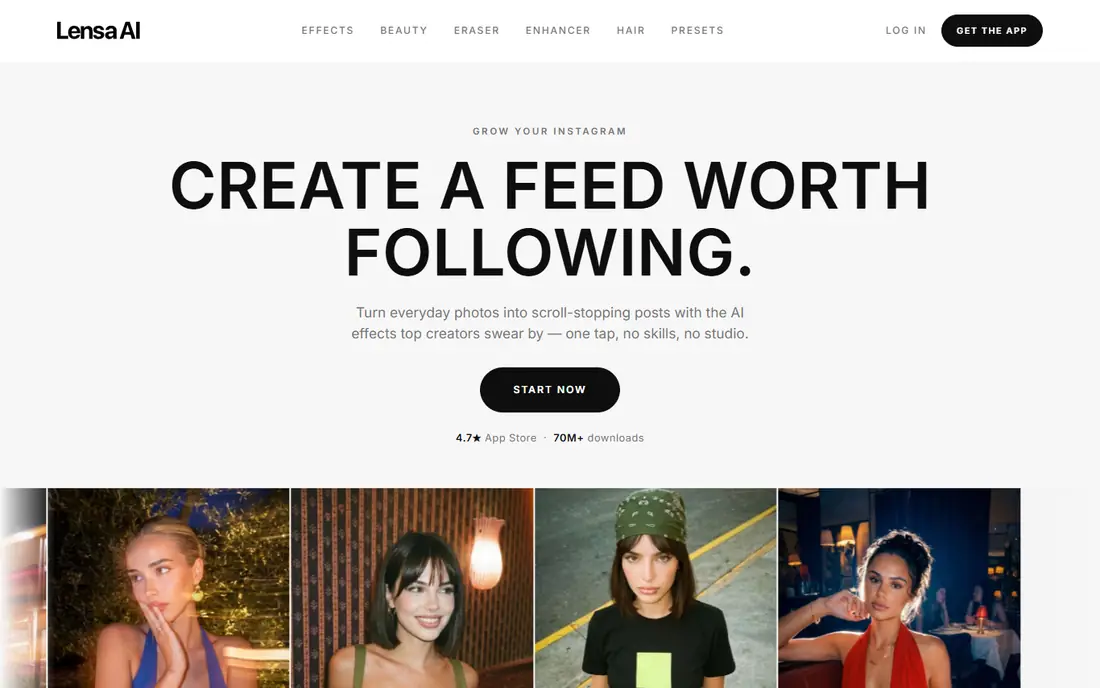
Lensa is the app most people picture when they think of AI avatars. You upload selfies, pick a style, and receive a pack of illustrated portraits in looks from fantasy to painted portraits. The app also includes retouching, background removal, and filters, so it works as a general photo editor between avatar batches.
The pricing catches many users out, since the subscription covers editing tools while avatar packs are a separate purchase. Check the current pack prices on the vendor site before buying, and use varied, well-lit selfies for better likeness. If you want a batch of fun profile pictures, Lensa remains the most popular starting point.
- Wide range of avatar styles
- Popular Magic Avatars packs
- Strong retouching tools in the same app
- Avatar packs cost extra beyond the subscription
- Results vary and some faces look less like you
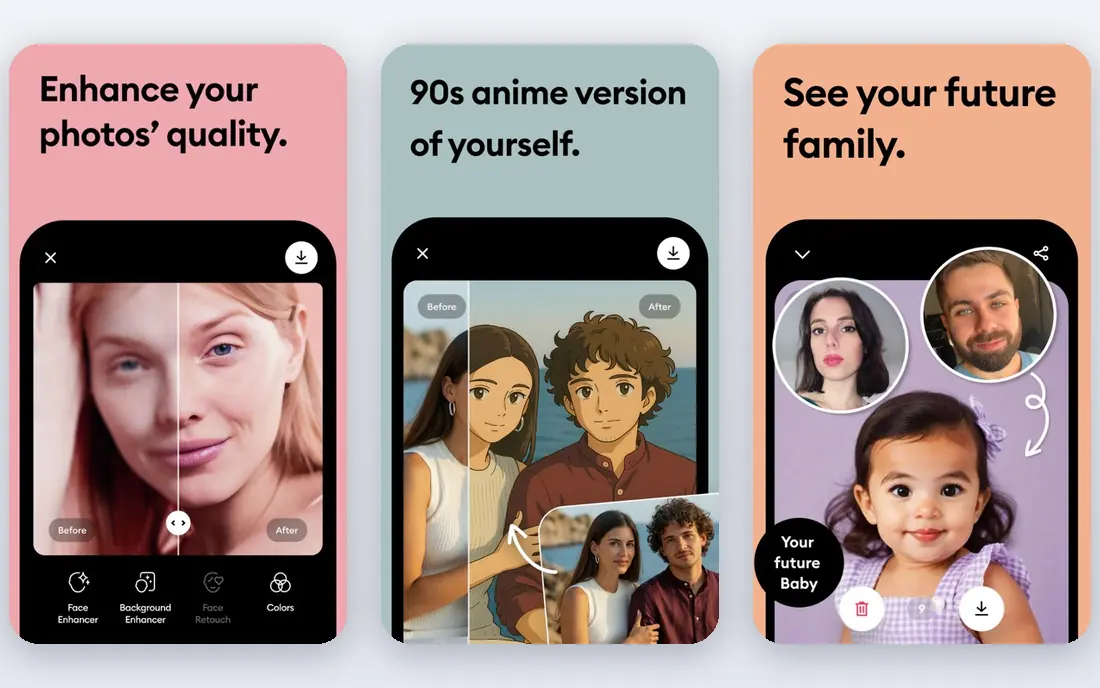
Remini is best known for restoring old, blurry, or low-resolution photos, and its AI portrait tools build on that strength. If your starting photos are poor quality, Remini can clean them up before you generate an avatar-style portrait, which helps the result look closer to you. The workflow is simple, with a few taps from upload to result.
The catch is that enhancement is not a perfect copy. It can smooth skin, alter details, and make a face look slightly different from the original, so check results closely before using them as a profile picture. Also read the billing terms carefully, since some plans bill weekly, which adds up faster than a monthly price suggests.
- Strong enhancement for old or blurry photos
- AI portrait features
- Simple workflow
- Weekly billing options can confuse new users
- Enhancement can change facial details
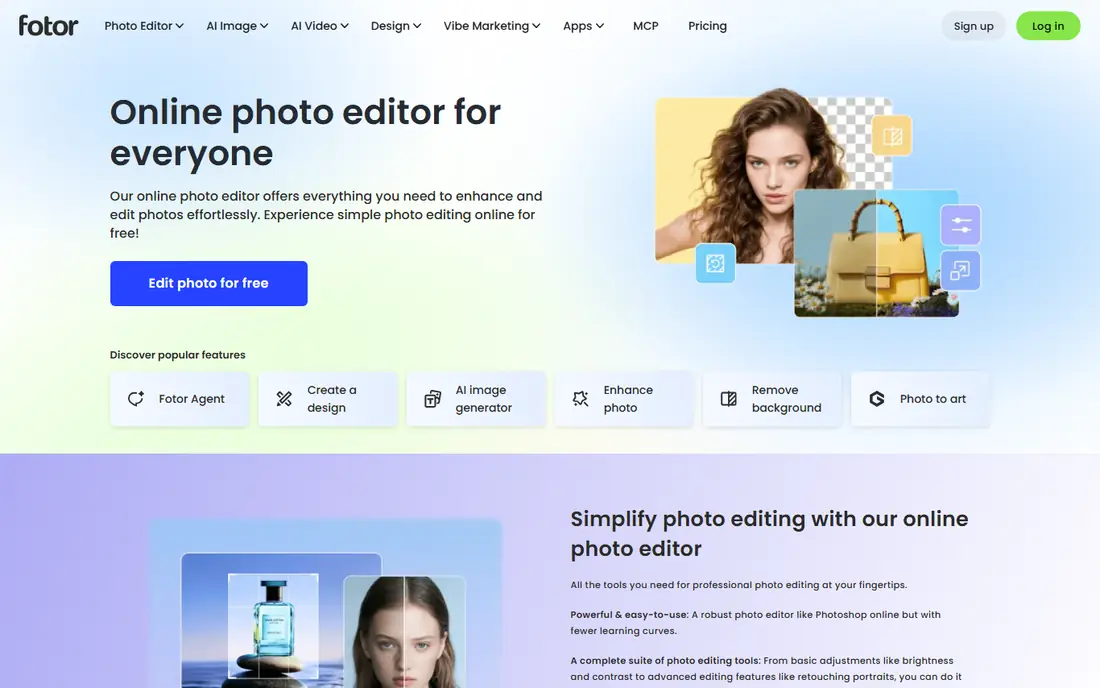
Fotor suits users who want avatars without installing a single-purpose app. The web and mobile editor includes an AI avatar generator alongside cropping, background removal, collage tools, and templates. That breadth helps if you also design social posts, since you can generate an avatar and build graphics around it in one place.
AI credits are the limit to watch. Free and Pro plans include a set number of credits per month, and heavy generation can use them quickly. Free exports may also be lower quality than paid exports. For occasional avatars plus regular editing, Fotor is a practical and low-cost pick.
- Free tier for basic use
- AI avatar generator plus full editor
- Works on web and mobile
- AI credits limit heavy use
- Free exports may carry limits on quality
PhotoDirector, from CyberLink, pairs AI avatar generation with a serious photo editor. You can generate stylized portraits, then refine them with retouching, sky replacement, and object removal, or use them in a larger edit. That makes it a good pick for creators who want more control after generation.
The free tier covers basic use, but the widest avatar styles and highest-quality exports sit on paid plans. The interface is also fuller than a simple avatar app, so beginners may need a short learning period. If you already edit photos on your phone, PhotoDirector adds avatars without adding another app.
- AI avatar styles plus deep editing tools
- Good for social content
- Available on mobile and desktop
- Some avatar styles sit behind a paid plan
- Interface has many features to learn
Reface is the fun pick on this list. It swaps your face into videos, GIFs, and images, and it can produce avatar-style results that are made for sharing rather than for a work profile. The app is quick, and a single selfie can generate many playful clips in minutes.
Do not choose Reface for a professional headshot. The results are stylized and sometimes cartoon-like, and free exports may carry limits. For birthdays, social posts, and lighthearted profile pictures, though, Reface is fast and easy to enjoy, provided you only use photos of yourself or people who have agreed to be included.
- Fast face swaps for video and images
- Fun and shareable results
- Simple app flow
- Results are playful rather than professional
- Free tier limits output and adds watermarks on some exports
Dawn AI focuses on speed and style. Upload a set of selfies, pick a style, and receive a batch of artistic portraits, from painted looks to fantasy characters. The flow is simpler than a full editor, which suits users who want avatars and nothing else.
The free tier limits how many avatars you can generate, and likeness varies. Styles that change facial structure a lot will look less like you, while more realistic styles stay closer. Use clear front-facing selfies with varied expressions for the best chance of a good batch, and expect to discard some results.
- Fast avatar generation from selfies
- Many artistic styles
- Simple upload flow
- Free tier is limited
- Likeness varies with photo quality and style choice
Facetune suits users who want a polished portrait rather than a fantasy avatar. Its retouching tools smooth skin, adjust lighting, and refine details, and its AI tools can produce headshot-style portraits from your photos. That makes it useful for a LinkedIn picture or a clean social profile image.
The risk is over-editing. Heavy smoothing and reshaping can make a portrait look unlike you, which defeats the purpose for professional use. Use light edits, keep the result recognizable, and check the subscription price on the vendor site before committing. For a refined, realistic portrait, Facetune is a strong pick.
- Fine retouching control
- AI headshot and portrait tools
- Strong for social profile pictures
- Retouching can look overdone if pushed too far
- Full features need a subscription
Synthesia is a different kind of avatar tool. Instead of a still portrait, you get a video presenter who speaks your script in many languages, which suits training videos, product explainers, and internal updates. You pick an avatar, type a script, and generate a video without a camera, studio, or actor.
That business focus shows in pricing, which is quote-based or plan-based on the vendor site and higher than a photo app. It also does not produce the stylized profile pictures that Lensa or Dawn AI make. If your goal is video content at scale, Synthesia is the most capable pick here.
- Realistic AI presenters for training and explainers
- Many languages
- No camera or studio needed
- Priced for business use
- Not a photo avatar app for social profiles
D-ID turns a still image and a script into a talking avatar video, which suits customer-facing explainers, virtual agents, and short training clips. The free tier lets you test the concept, and paid plans add minutes, voices, and higher quality. Developers can also use the API to build avatars into their own products.
Free minutes run out quickly, so a serious project will need a paid plan. Talking avatars also vary in realism, and some viewers find them slightly unnatural, so test with your audience before using them for a main brand video. For quick talking-avatar experiments, D-ID is easy to start with.
- Turns a photo and script into a talking video
- Good for agents and explainers
- API for developers
- Free tier is limited
- Talking avatars can fall into the uncanny range for some viewers
How we picked these
We checked each vendor's own pricing and feature pages and app store listings, and we used "See website" where pricing was plan-based or not clearly published. We favored tools that generate avatars today, that cover both photo and video use, and that offer a free tier or trial where possible. We did not claim hands-on testing; our comparison rests on official pages, listings, and public documentation.
How to get avatars that actually look like you
Start with photos, since avatar quality depends on them more than on any setting. Use clear, front-facing selfies in good light, with varied expressions and angles, and avoid sunglasses, heavy filters, and group photos. Most apps ask for 10 to 20 photos, and a varied set gives the model more to work with.
Next, pick a style that matches your goal. Realistic or lightly stylized looks stay closer to you and suit work profiles, while fantasy and painted styles are better for social fun. Generate a small batch first, check likeness, and only then buy a larger pack. Finally, think about use. Do not present an AI avatar as a real photograph where identity matters, and only use photos of other people with their clear agreement.
Frequently asked questions
What is the best AI avatar app right now?
Lensa is the best-known pick for stylized photo avatars, while Fotor is a good free-first alternative that also edits photos. For video avatars, Synthesia leads for business presenters and D-ID leads for quick talking avatars. The best pick depends on whether you want a still portrait or a video presenter.
What is the best AI avatar software for professional headshots?
Facetune and Fotor are useful for polished, realistic portraits, and Remini can clean up a poor starting photo first. Keep edits light so the result still looks like you, and avoid heavy fantasy styles for work profiles. For a formal corporate headshot, a real photo session still beats an AI portrait in most cases.
Are AI avatar apps free?
Most apps offer a free tier, but it usually limits styles, resolution, or the number of avatars, and some apps charge extra for avatar packs beyond a subscription. Lensa, for example, sells avatar packs separately from its editing subscription. Check the free tier and the pack price on the vendor site before you start.
How many selfies do I need for an AI avatar?
Most photo avatar apps ask for 10 to 20 selfies, with clear front-facing shots in good light and varied expressions. Avoid sunglasses, hats that hide your face, and heavily filtered photos, since those reduce likeness. If the app rejects your set, replace the weakest photos and try again rather than uploading the same set.
Can AI avatars be used for work?
Yes, for profile pictures, training videos, and explainers, provided the result is clearly suitable and you have rights to the photos used. Video avatars from Synthesia and D-ID are widely used for training and customer content. Do not use an AI portrait as a government ID photo or as proof of identity, and disclose AI use where your workplace requires it.
Why do my AI avatars look nothing like me?
Likeness varies by photo quality, style choice, and the model itself, and fantasy styles change facial structure on purpose. Use better selfies, pick a more realistic style, and generate a second batch if the first is poor. If several batches still miss, try a different app, since models differ in how they handle faces.
Sources we checked (9)

Online Jobs is an independent blog about careers, online work, learning new skills and the tools that help people earn. More about us.
Keep reading
All posts
WatchCartoonOnline.io Alternatives
Compare legal WatchCartoonOnline.io alternatives for cartoons and anime, from free services to paid streaming, with honest catalog limits for every household.
Reddit Alternatives
We compared the best Reddit alternatives for 2026, from Lemmy and PieFed to Discuit, Tildes, MetaFilter, Hacker News and Discord, with community notes.
M4uFree Alternatives
Looking for m4ufree alternatives? We list legal streaming services with free and paid plans, plus the malware and legal risks of unlicensed sites today.